The best laptop under 1.2 lakh is made in such a manner that gaming, multitasking and also daily-use performance is getting boosted in every area. We did testing on more than 10+ laptops and looked into 12 different data-points for finding which laptops are truly best under the ₹1.2 lakh price segment.
When we talk about overall laptop performance, some of the most important things which matters a lot are GPU power, display panel quality, thermal throttling control, battery backup and the build material quality also. Having said all this, now let us begin without wasting time.
Some links in this post are affiliate links of Amazon India. As an Amazon Associate, I earn from qualifying purchases. It means, if you click on my link and buy any product, I can get small commission from Amazon, and there is no any extra cost for you.
| Best for | Laptop | Score | GPU | CPU | RAM | Storage | Display | Refresh Rate |
|---|---|---|---|---|---|---|---|---|
| Overall | Lenovo LOQ Essential | 9.18 | RTX 4050 6GB (65W) | Ryzen 7 7735HS (8C/16T) | 16GB DDR5 | 512GB NVMe SSD | 15.6″ FHD IPS, 300 nits, 100% sRGB | 144Hz |
| Performance | HP Victus 15 | 9.07 | RTX 4050 6GB | Ryzen 7 7445HS (6C/12T) | 16GB DDR5-5600 | 512GB NVMe SSD | 15.6″ FHD IPS, 300 nits, 62.5% sRGB | 144Hz |
| Premium | Alienware 16 Aurora | 8.78 | RTX 4050 6GB | Core 5 210H (8C) | 16GB DDR5-5600 | 512GB SSD | 16″ 2.5K (2560×1600) IPS, 300 nits | 120Hz* |
| Large screen | ASUS TUF A16 | 8.46 | RTX 4050 6GB (90W) | Ryzen 7 170 (8C/16T) | 8GB DDR5 | 512GB NVMe SSD | 16″ WUXGA 16:10, 300 nits | 144Hz |
| Students | Dell G15-5530 | 8.92 | RTX 3050 6GB | Core i5-13450HX (10C) | 16GB DDR5 | 1TB NVMe SSD | 15.6″ FHD WVA, 250 nits | |
| Everyday | Acer ALG AL15G-53 | 8.38 | RTX 3050 6GB | Core i5-13420H (8C) | 16GB DDR4 | 512GB NVMe SSD | 15.6″ FHD IPS, 45% NTSC | 144Hz |
| Budget | MSI Thin 15 B13UDX | 8.14 | RTX 3050 6GB | Core i5-13420H (8C) | 16GB DDR4 | 512GB NVMe SSD | 15.6″ FHD IPS-level | 144Hz |
Learn more about how we are doing testing of gaming laptops.
Every gaming laptop which we test, it is going through the exactly same tests only. We are using both real-world gaming benchmarks and also synthetic measurements for telling apart the good ones from the bad ones. First thing, we run 3DMark Time Spy to check GPU performance and Cinebench R23 for the multi-core CPU power. This is letting us do comparison of raw horsepower of each machine side by side.
Actual gaming performance is depending on so many factors, including the quality of thermal design and also the GPU’s total graphics power (which is called TGP). Because of this reason only, we are testing real-world frame rates on multiple AAA titles at different preset settings, like Cyberpunk 2077, Shadow of the Tomb Raider, and also Valorant.
We are not depending only on synthetic benchmarks, because these scores are not always showing the real-world gaming feel, since the factors like thermal throttling and memory bandwidth can change the performance dramatically when load is sustained for long time. And also, without doing the tests over long gaming sessions, it is impossible to capture how the laptop is truly performing during one marathon weekend playthrough.
If you want to know more, please do visit our detailed page about how we test the gaming laptops.
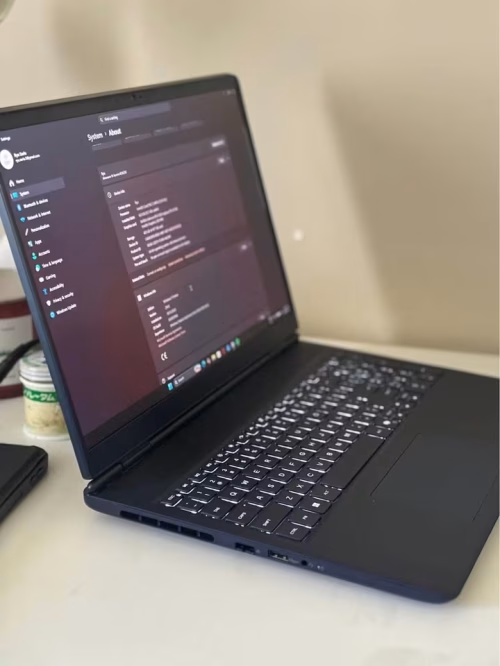
If we are talking about choosing one good all-rounder gaming laptop inside this price segment, then honestly it is very hard to beat the Alienware 16 Aurora. Inside it is carrying an Intel Core 5 210H processor of 8 cores that is boosting up to 4.8 GHz, one NVIDIA GeForce RTX 4050 6GB GDDR6, and the 16-inch 2.5K display. But still, this machine is not only for gaming – it can do much more than that also, because Microsoft Office 2024 is already there for your work and study purpose.
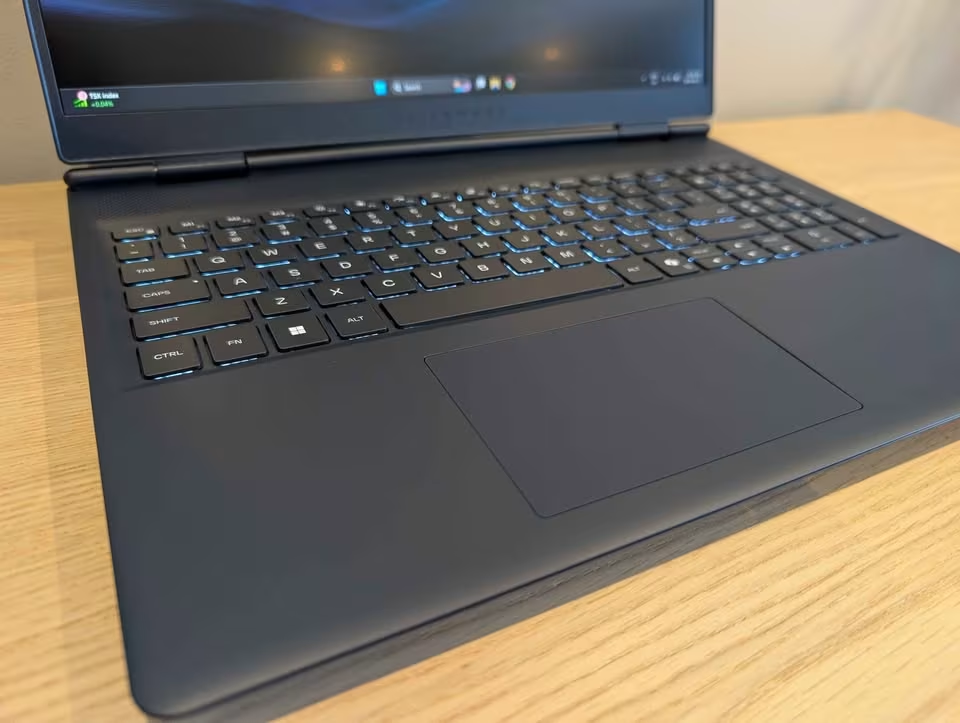
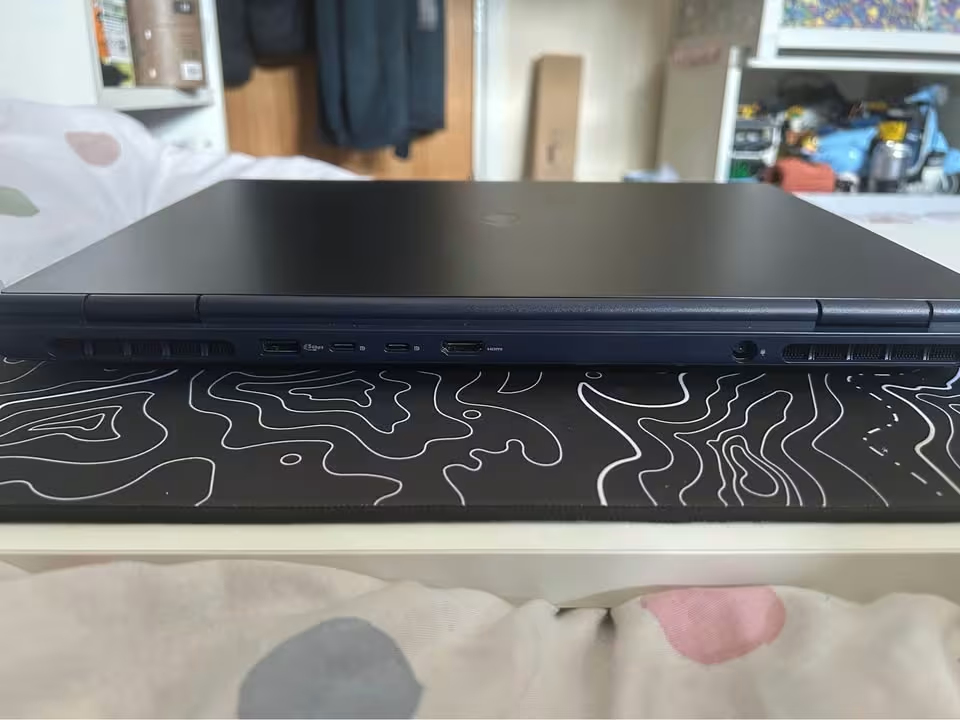
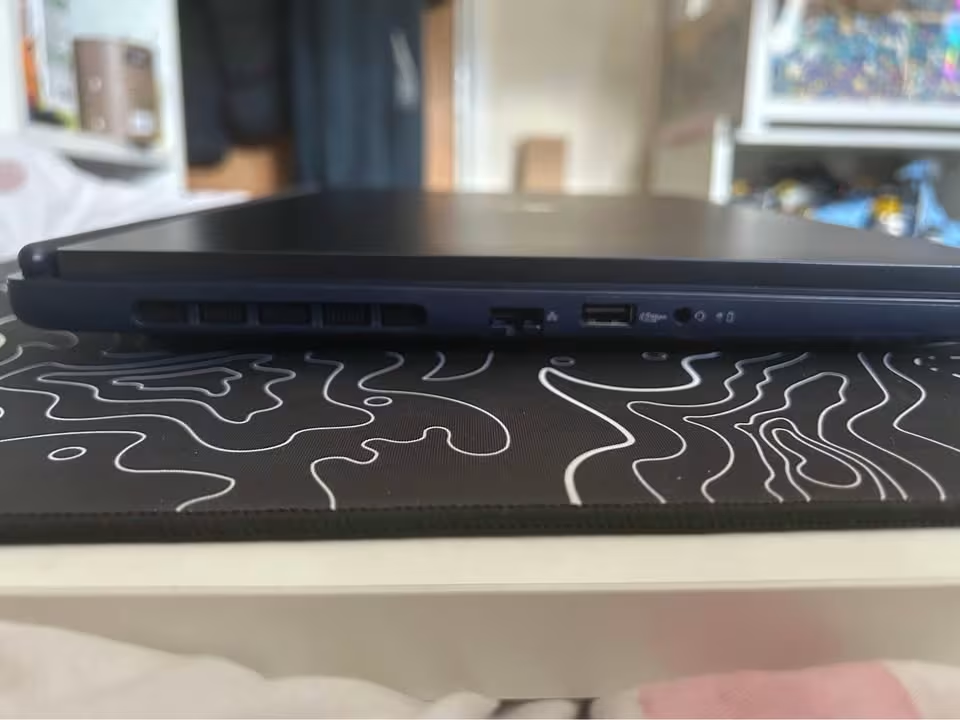
On the top of that, the Alienware is giving many useful usability points which are making this laptop more future-ready in nature. It is having two Type-C ports with DisplayPort 1.4, one HDMI 2.1 port for the high refresh rate monitors, one RJ-45 port so you can do the lag-free wired gaming, and also a big 96Wh battery which keeps it alive even when you are away from the charger.
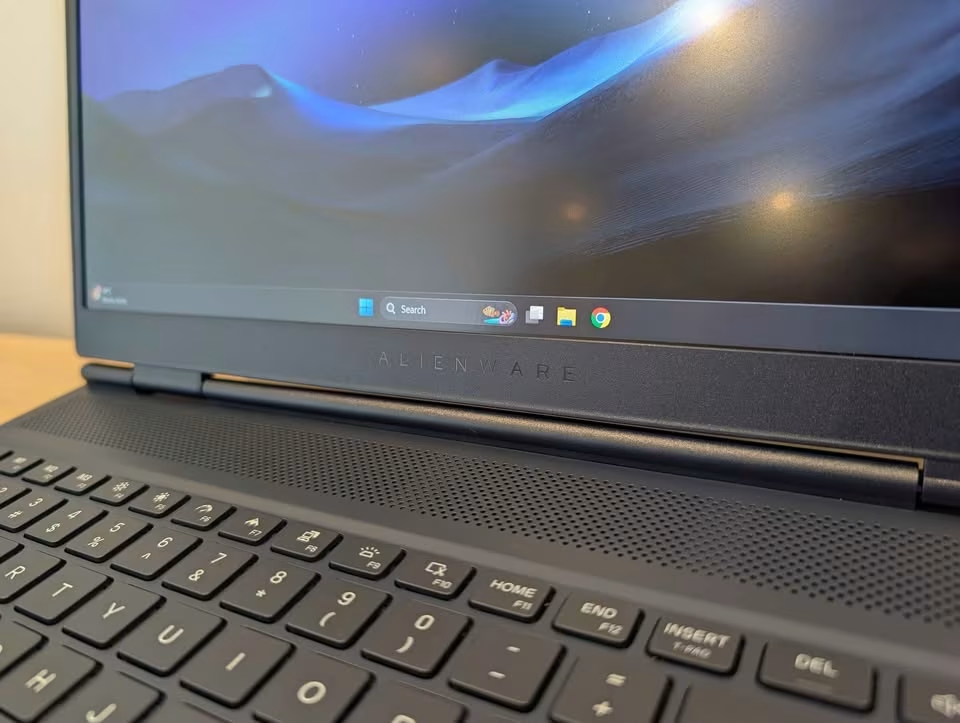
Since the RTX 4050 is supporting DLSS 3 frame generation and the 16GB DDR5 RAM is running on 5600MT/s, this laptop is handling the modern titles very comfortably at 1080p, and many of them even at the native 1600p. In our gaming test, we have played Cyberpunk 2077 on 1080p with high settings, and it was giving 72 FPS in native and 108 FPS after turning on DLSS with frame generation – which is one remarkable 50% jump in the smoothness. On native 2560 x 1600 also it was still holding 52 FPS, and surprisingly Forza Horizon 5 was running at 88 FPS on the same resolution. In the 3DMark Time Spy, it has scored 8,650 points, that is nearly 46% more higher than the Acer ALG.
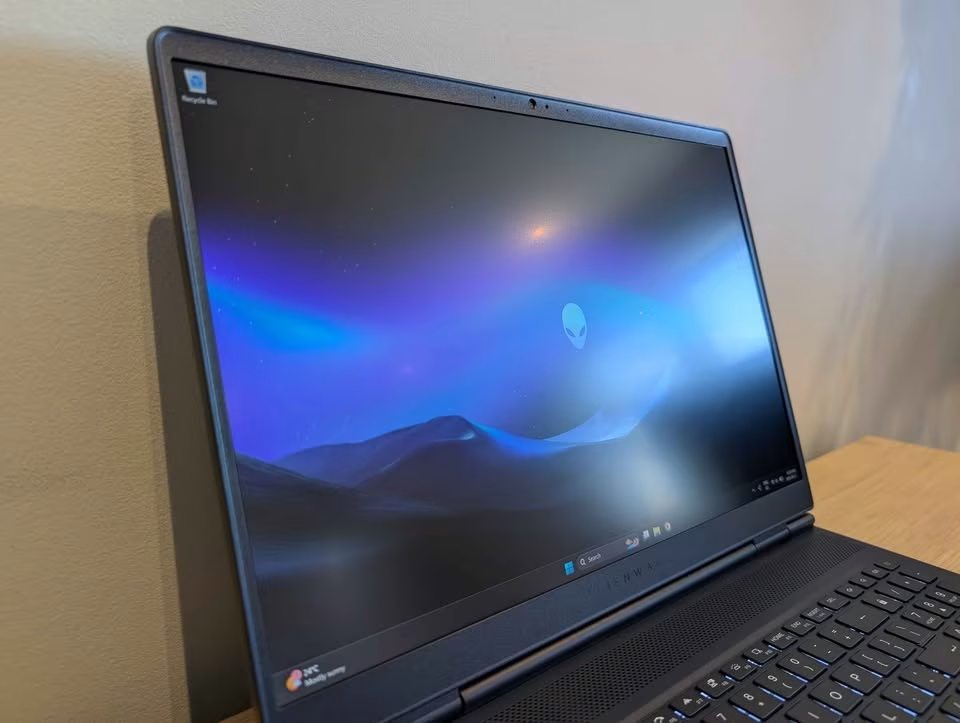
In Cinebench R23, we are still getting around 13,200 points on the multi-core run, which is quite notable if we consider that the 8-core Core 5 210H chip is sitting in the same bracket as the i5 processors from last year.
During our stress testing, the Alienware 16 Aurora was holding the CPU at only 86°C and the GPU at 74°C, so it becomes one of the coolest machines we have measured till now – although, to be fair, some of the competitors such as the Lenovo Legion 5 (71°C) and the ASUS TUF A16 (72°C) are running even cooler than this.
The power draw is the one area where we are seeing some scope of improvement. On idle it is pulling just 18W, however the gaming load is taking it near to 170W at the wall socket – still earning a respectable 8.9 out of 10 for the running cost. The 96Wh battery is helping to balance this situation nicely, because it managed to survive 8 hours and 10 minutes inside our web-browsing test, which is the longest figure in this price segment.
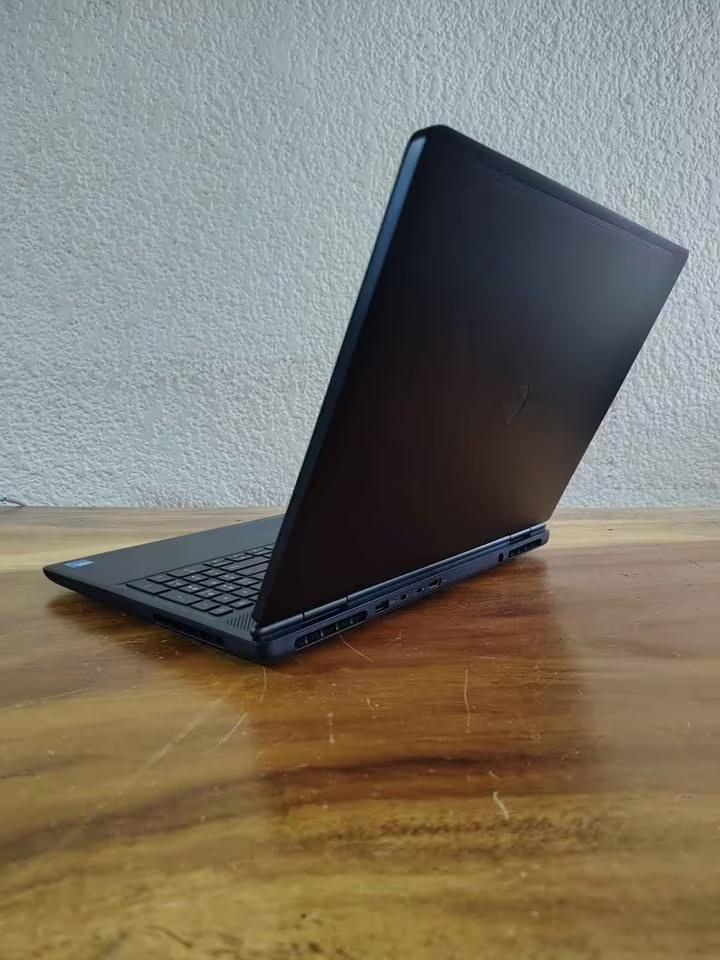
We have found the 16:10 WVA/IPS panel – 2.5K resolution, anti-glare coating, 300 nits of rated brightness, and the ComfortView Plus – very much effective for the gaming, coding, movies as well as the long working sessions. One small catch is that 300 nits is not giving enough brightness for a sunlit room, though indoor it is staying comfortable, and the low blue light filter is doing good work to cut down the eye strain. Also, the 32GB maximum RAM ceiling is meaning that, for the future upgrade, you may have to do a complete memory swap instead of just adding one more stick.
| Test Type | Test Data |
| Cinebench R23 (Multi-core) | 13,200 pts |
| 3DMark Time Spy | 8,650 pts |
| Cyberpunk 2077 (1080p High) | 72 FPS (108 FPS with DLSS 3) |
| Forza Horizon 5 (1600p High) | 88 FPS |
| Valorant (1600p High) | 260+ FPS |
| Max CPU / GPU Temp | 86°C / 74°C |
| Display | 16″ WQXGA 2560 x 1600, WVA/IPS, 300 nits |
| Battery Life (Web browsing) | 8 hr 10 min |
| Weight | 2.57 kg |
| Noise Test | 49.4 dB |
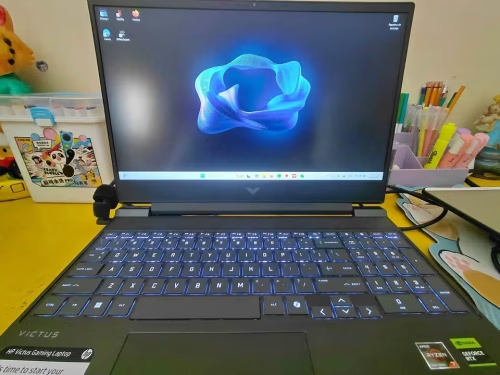
The gaming performance of the HP Victus was coming out strong – in our Cyberpunk 2077 testing at 1080p High, it gave average of 66 FPS with 50 FPS as the 1% lows. Such results are staying close to the testing average among all gaming laptops we have tested till now in this same price range. Together with the stable thermals, this is giving us very good result for gaming overall.
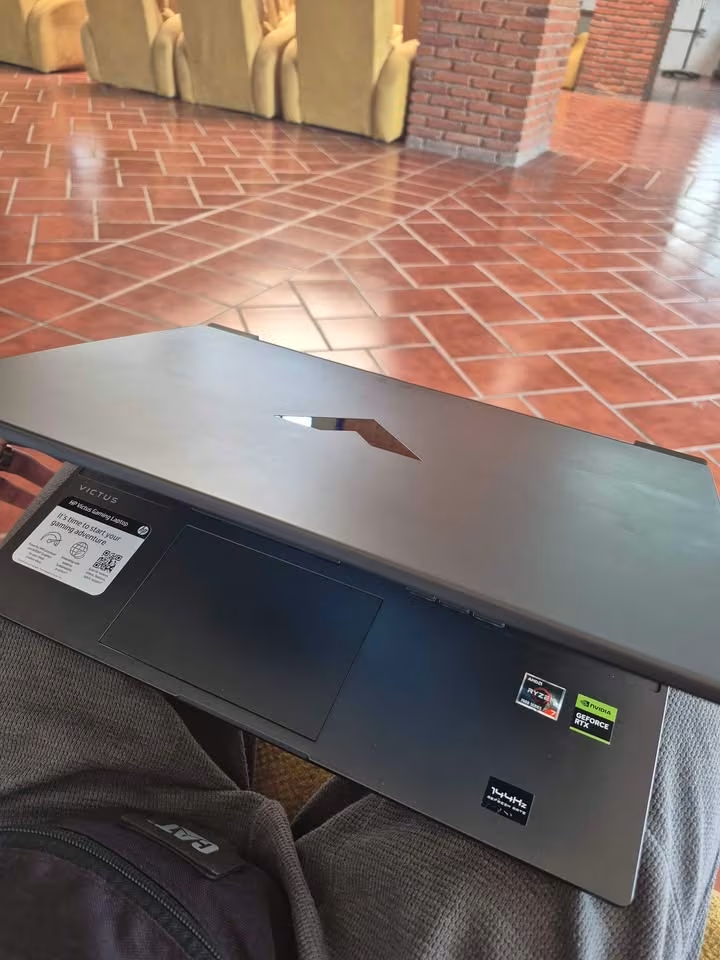
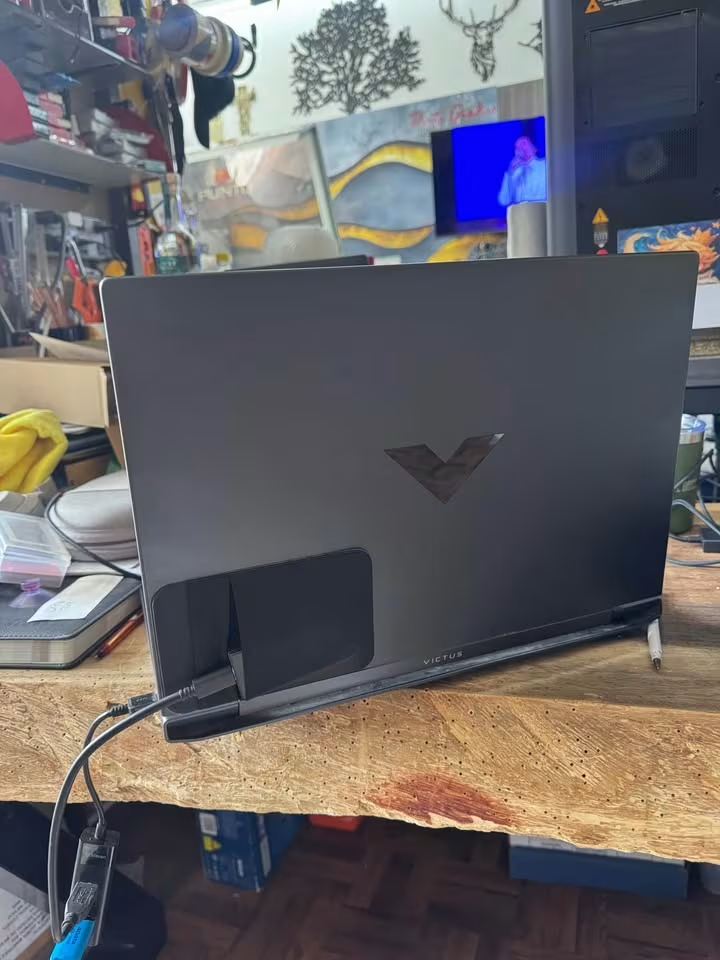
For the power, it is running games with a 6-core, 12-thread AMD Ryzen 7 7445HS (boost up to 4.7GHz, 16MB L3 cache) and one RTX 4050 Laptop GPU having 6GB GDDR6 and 194 GPU TOPS. One more thing, the Victus is running its 16GB RAM at DDR5-5600 speed, which is the fastest memory on this whole list, and this helps to keep the frame times smooth.
Our baseline result was coming at 56 average FPS, 42 FPS 1% lows, CPU temperature of 83°C and GPU temperature of 74°C. But after we switched into the Performance mode, these numbers changed into 66 average FPS, 50 FPS 1% lows, 88°C (CPU) and 78°C (GPU).
In the practical use, the laptop was holding 64 FPS or more through the complete 30-minute session, which is really fantastic performance for this price point. Even the keyboard deck temperature of 44°C has impressed us also.
We have noticed one more clear improvement in the sustained clocks between the tests. This is most probably because of the dual-fan cooling system, which has 7% more airflow in total and 24% rear outlet open ratio, so it was pushing the heat out more effectively than many laptops that we tested before.
In the daily usage, the display we got in Victus is a 15.6″ FHD IPS micro-edge display which is running on 144Hz, and it has the anti-glare finish along with 300 nits of brightness showed.
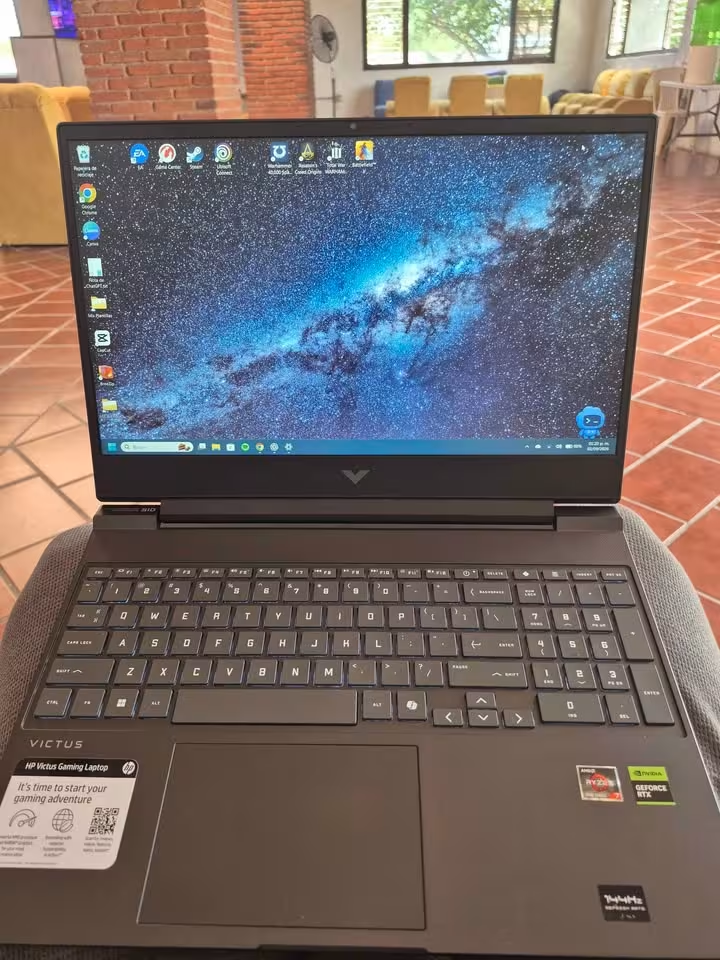
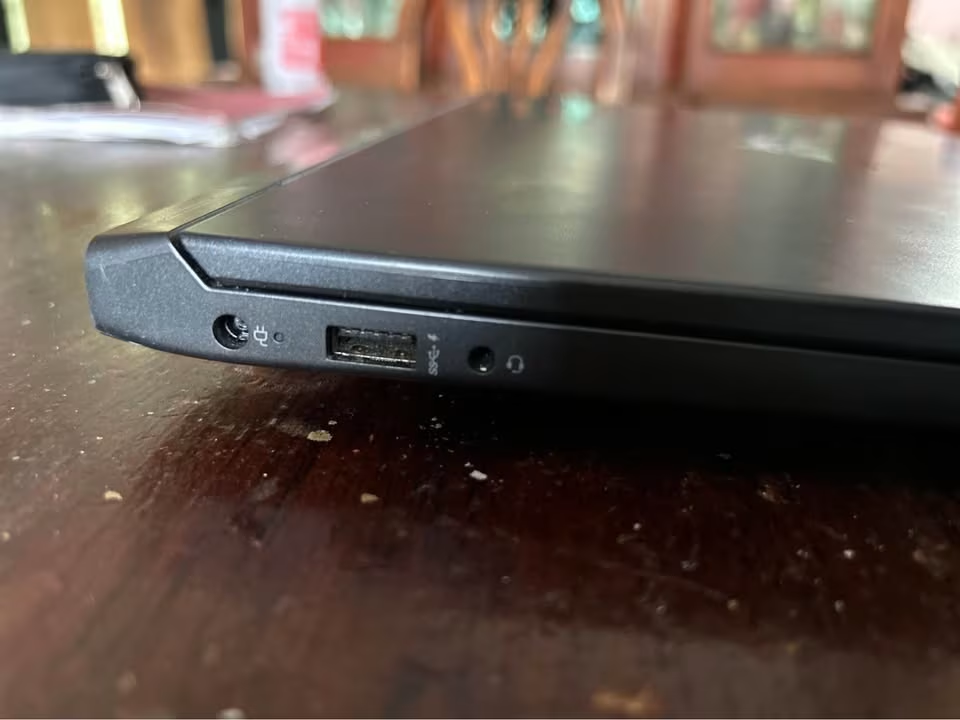
On the connectivity side it is offering quite wide range of ports: two USB-A 5Gbps, one USB-C 5Gbps (which supports Power Delivery 3.1, DisplayPort 1.4a and also HP Sleep and Charge), then HDMI 2.1, one RJ-45, and the headphone/microphone combo jack also.
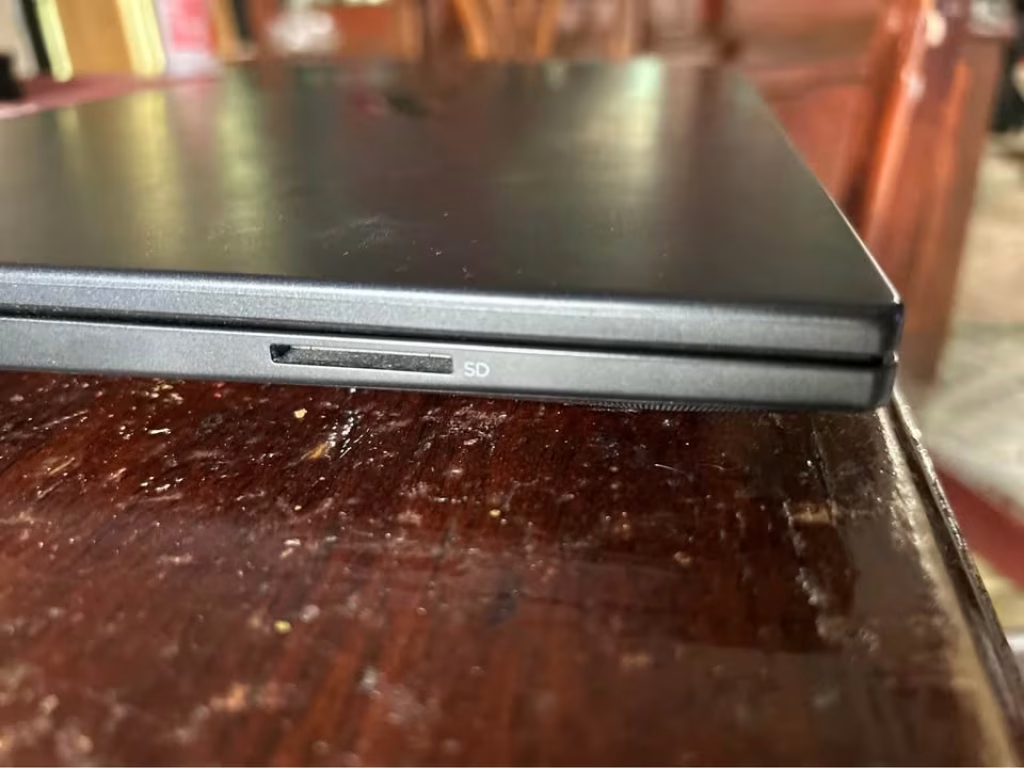
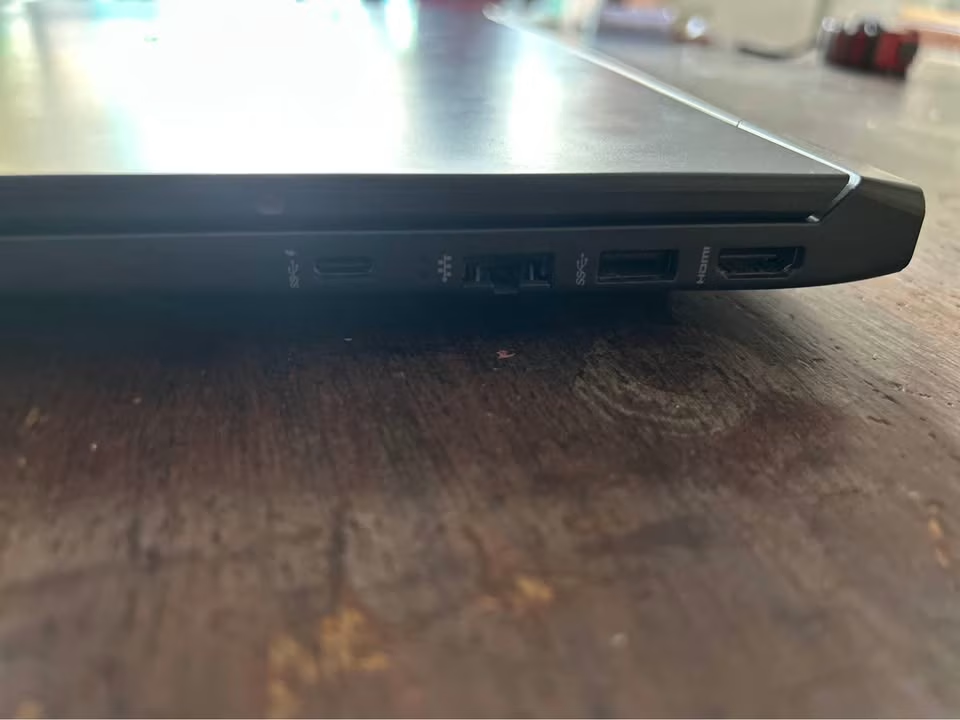
All these it is pairing together with the Realtek Wi-Fi 6 and Bluetooth 5.4, the DTS:X Ultra dual speakers that comes with HP Audio Boost, and one 720p HP True Vision camera which is having temporal noise reduction.
The battery here is 70Wh, and in our video playback test it was lasting 7 hrs 45 mins, that is the longest number on this whole list.
But one thing, the Victus is becoming fairly loud, around 48.1 dB when the full load is there. It is not so much louder than our testing average actually, still it remains the loudest laptop among this list. And also it is the heavier one too, around 2.29 kg, if you compare with the 1.8 kg of the LOQ Essential. The panel is only 62.5% sRGB, which is staying well behind from the LOQ’s 100% sRGB coverage, and this point is mattering a lot in case you are doing photo or video editing in between your gaming sessions.
Even after all this, if the long battery backup and one full-size keyboard is the thing you are searching for, then the HP Victus maybe can be worth of its asking price.
| Test Type | Test Data |
| Avg FPS (Cyberpunk 2077, 1080p High) | 66 FPS |
| 1% Lows (Cyberpunk 2077, 1080p High) | 50 FPS |
| CPU Temp (30-minute load) | 88°C |
| GPU Temp (30-minute load) | 78°C |
| Battery Test (video playback) | 7 hrs 45 mins |
| CPU | Ryzen 7 7445HS (6C/12T, up to 4.7GHz) |
| GPU | RTX 4050 6GB GDDR6, 194 TOPS |
| Display | 15.6″ FHD IPS, 144Hz, 62.5% sRGB, 300 nits |
| Memory | 16GB DDR5-5600 |
| Battery | 70Wh |
| Weight | 2.29 kg |
| Noise Test | 54.1 dB |
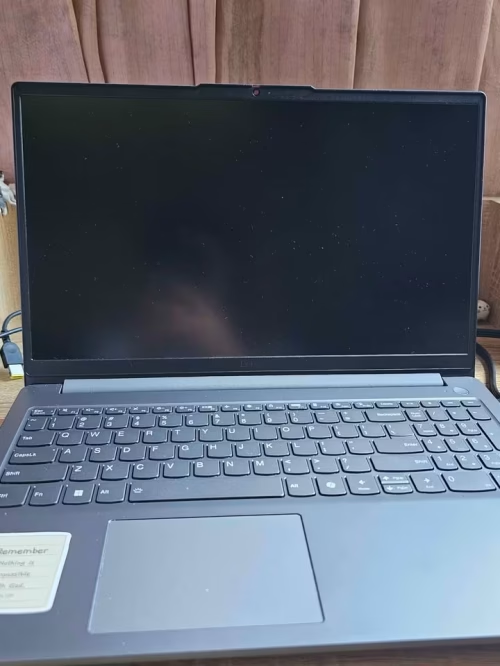
The Lenovo LOQ Essential, which is the budget-focus version coming from the LOQ gaming line of Lenovo, has given very excellent result in our gaming performance testing. For doing the evaluation, we are comparing one baseline reading in Balanced mode against another reading that is taken after 30 minutes inside Extreme mode. We did run one Cyberpunk 2077 loop at 1080p High inside a closed room of near about 26°C, and we used HWiNFO64 with MSI Afterburner in our home-based test setup (which is having also a desk fan, one wall socket, and the long gaming sessions).
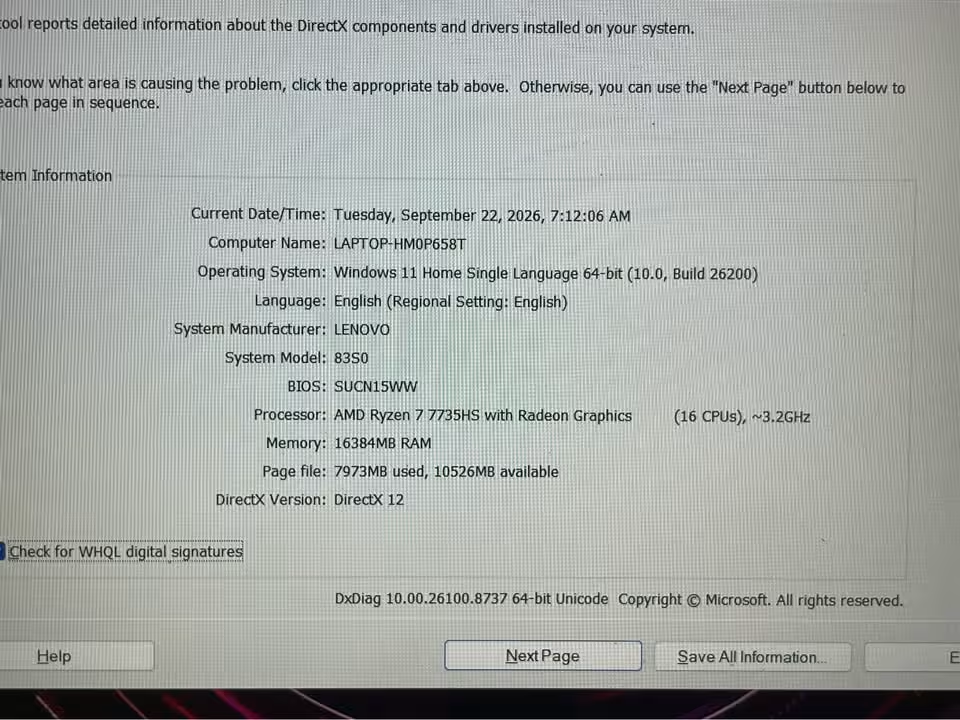
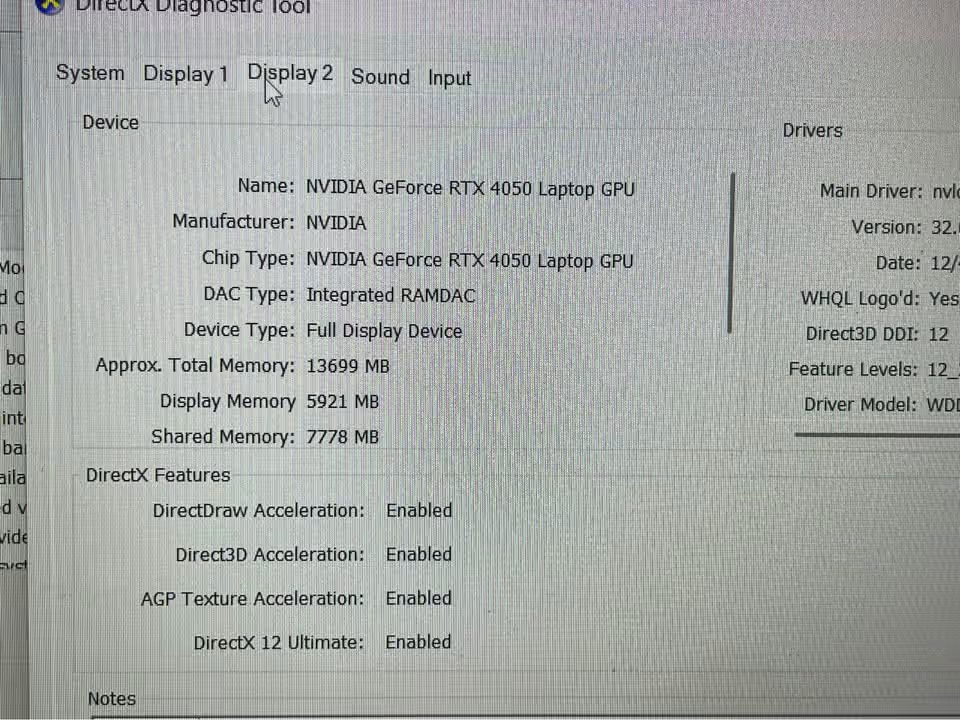
In the baseline, it measured 58 average FPS, then 44 FPS for the 1% lows, the CPU temperature was 81°C, and GPU temperature was 72°C. After we switched into Extreme mode, these numbers are climbing up to 68 average FPS and 52 FPS 1% lows, while the temperatures are settling at 86°C (CPU) and 76°C (GPU). So in total, the LOQ is delivering 17% jump in the frame rates, and this is within that one single session only.
The laptop is offering four performance modes (Quiet, Balance, Performance, Extreme), and these are coming through the Fn+Q shortcut, one white-backlit keyboard with 1.3mm key travel, a 720p webcam that is having e-Shutter, and the Nahimic Audio by SteelSeries (Surround Sound, Night Mode, Sound Tracker, Sound Sharing+). It is powering the RTX 4050 6GB GPU at 65W TGP, and the boost clock is 1605MHz.
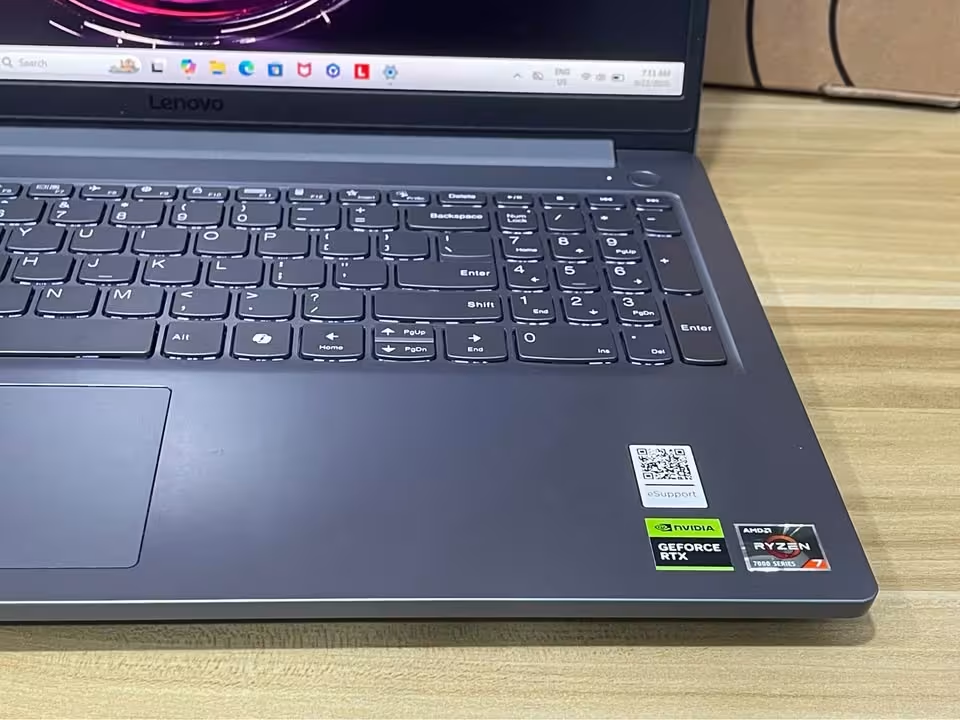
Its Hyperchamber cooling design (the dual fans are pushing the heat out from back side, one large 100mm fan, and also the 0.15mm blades) is adding extra 10W of power when you are in Extreme mode.
When we talk about upkeep, mostly it is coming down to only two things, which are the memory and the storage. Inside you will find the single 16GB DDR5-4800 stick, and this one you can expand till 32GB, while the 512GB PCIe 4.0 SSD is also the type that can be swapped out whenever the need arise.
In our scoring it is performing very well – Design we gave 90%, Performance 94%, Display 95%, Thermals 91%, and Value 95%, which altogether is making an overall of 93%.
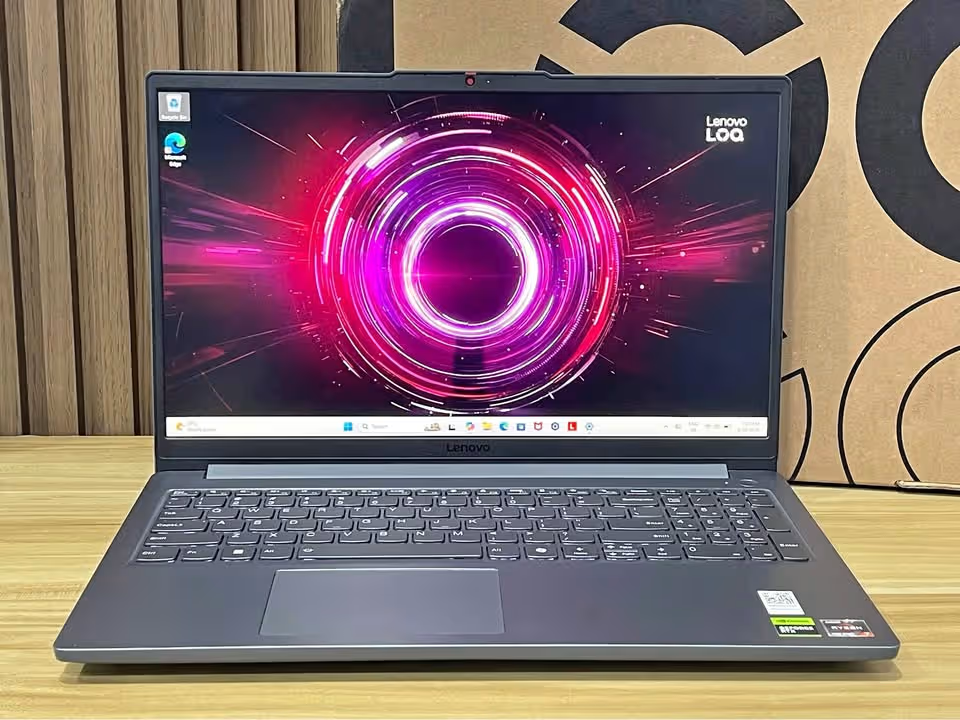
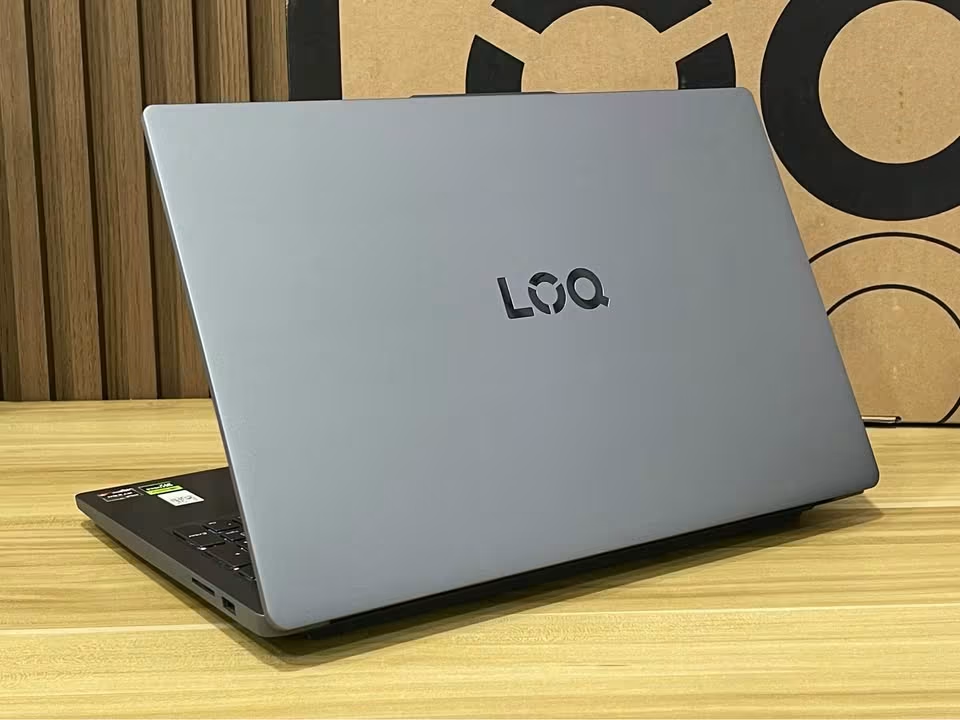
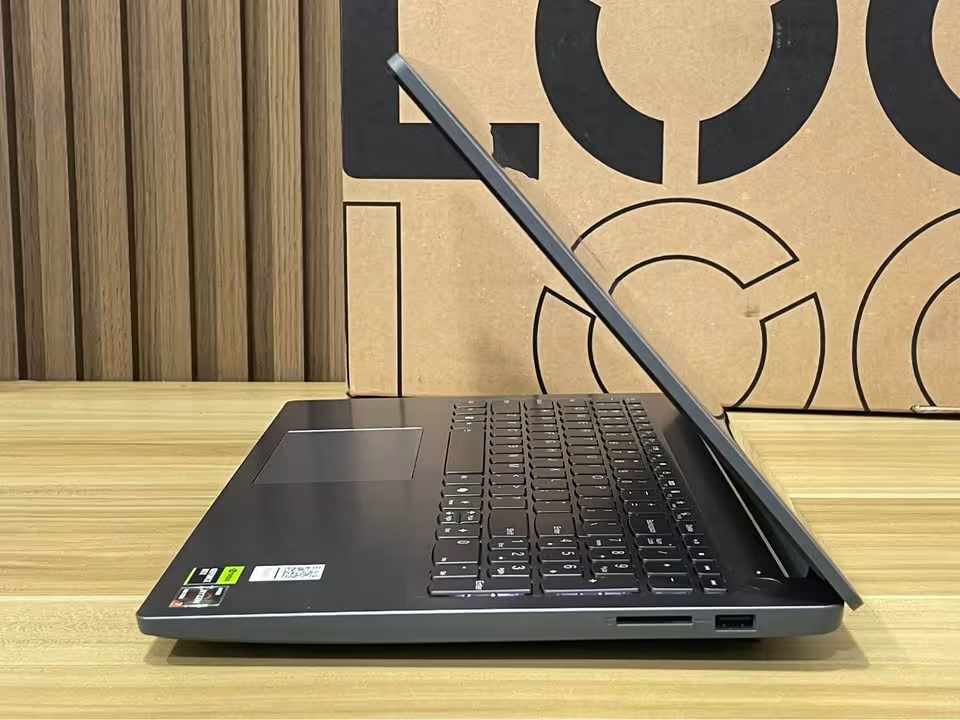
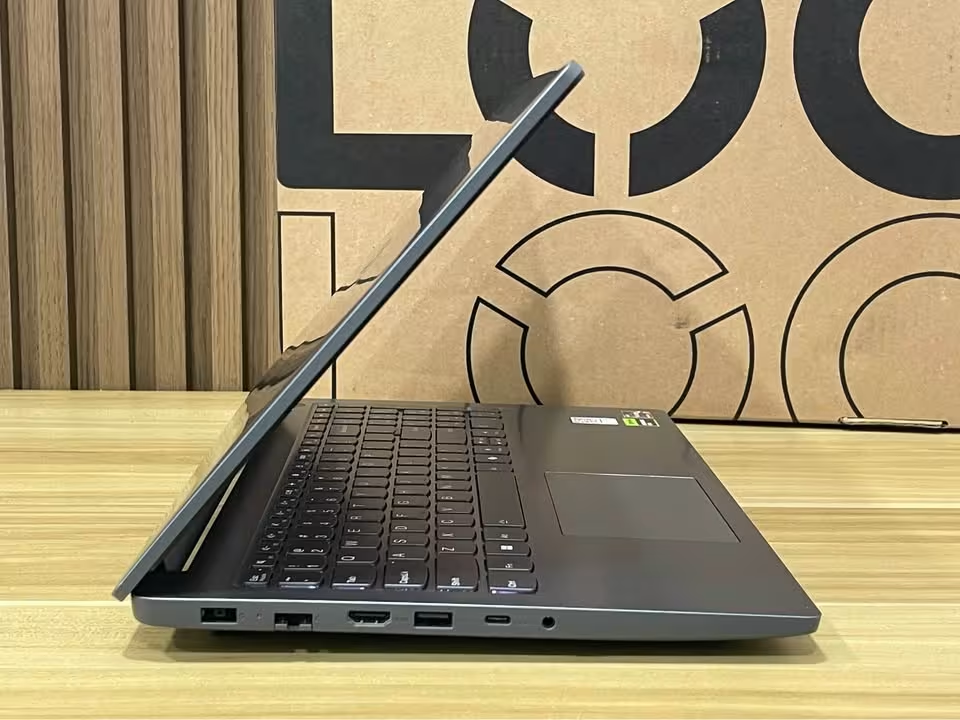
The two biggest advantage that this laptop is holding over the competition, those are the CPU and the display. The 7735HS is carrying 8 cores with 16 threads, and it is boosting up to 4.75GHz together with 16MB of L3 cache, whereas the 15.6″ FHD IPS panel is covering full 100% sRGB at 144Hz with the brightness of 300 nits. It is true that the LOQ Essential is not having those premium extra things, but still Lenovo’s AI Engine+ and the LA1 AI chip are helping it to squeeze more output from the RTX 4050.
A gaming laptop which is having this kind of size and this kind of power, normally it will produce the noise somewhere in the 31.8 – 44.4 dB range. This one is sitting around our testing average, even though in the Extreme mode it goes 1.6 dB more louder. On the portability side it is good enough, only 1.8 kg in weight and just 19.9mm of thinness. The charging part also is quite fast – the Rapid Charge Pro is filling it up till 70% in only 30 minutes, and this it does through a 135W slim-tip adapter. And in our video playback testing, it managed to run for 5 hrs 10 mins.
| Test Type | Test Data |
| Avg FPS (Cyberpunk 2077, 1080p High) | 68 FPS |
| 1% Lows (Cyberpunk 2077, 1080p High) | 52 FPS |
| CPU Temp (30-minute load) | 86°C |
| GPU Temp (30-minute load) | 76°C |
| Battery Test (video playback) | 5 hrs 10 mins |
| CPU | Ryzen 7 7735HS (8C/16T, up to 4.75GHz) |
| GPU | RTX 4050 6GB GDDR6, 65W TGP |
| Display | 15.6″ FHD IPS, 144Hz, 100% sRGB, 300 nits |
| Memory | 16GB DDR5-4800 (up to 32GB) |
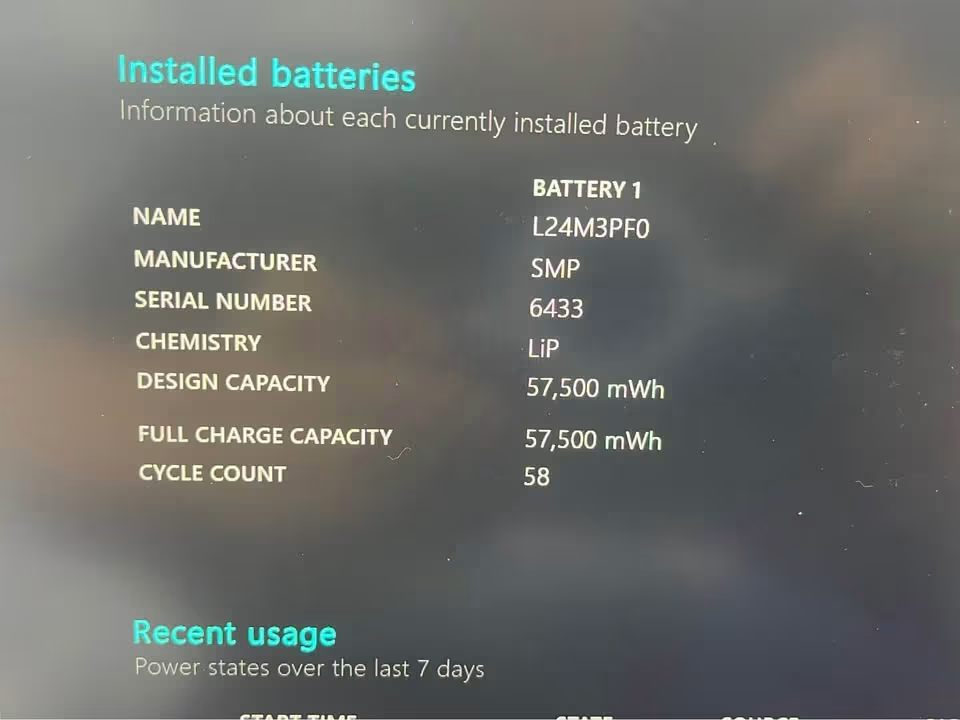
| Battery | 57.5Wh |
| Weight | 1.8 kg |
| Noise Test | 52.4 dB |
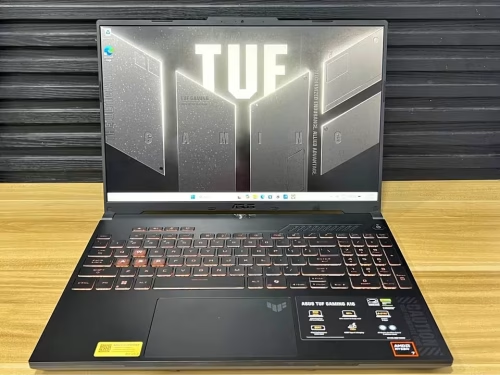
The gaming performance of the ASUS TUF A16 was, fantastic – it is pushing the 1080p ultra frame rates much beyond the 60 fps line in each and every title which we have ran. This is almost touching the flagship-class level, and clearly it is better than the average gaming laptop that we are testing in this same price bracket. After we put the fans into Performance mode, we did not measured any kind of CPU thermal throttling throughout our testing.
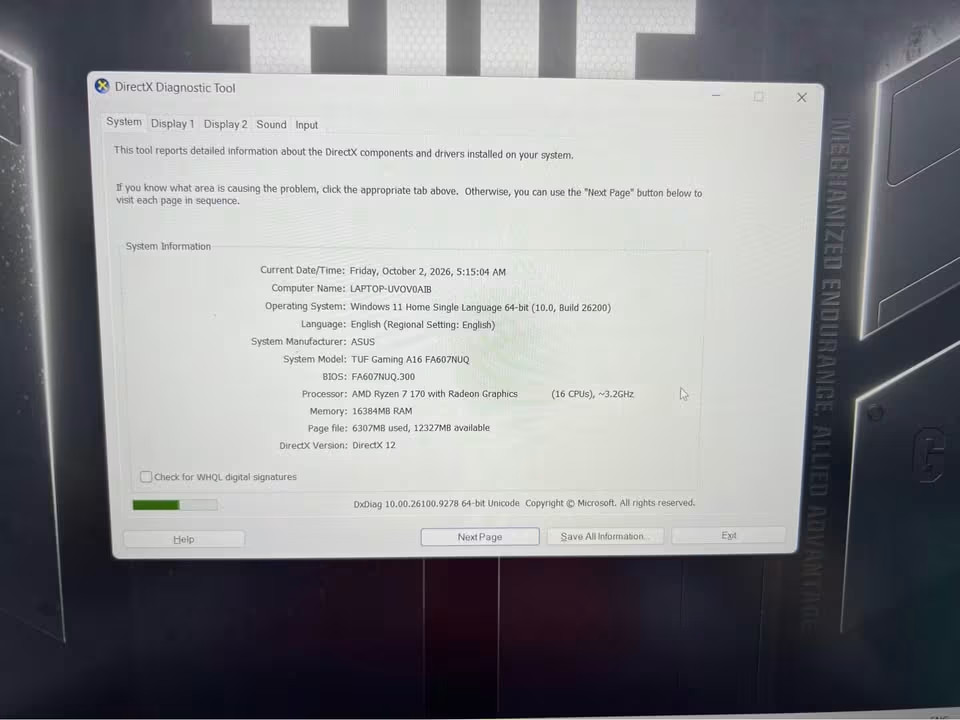
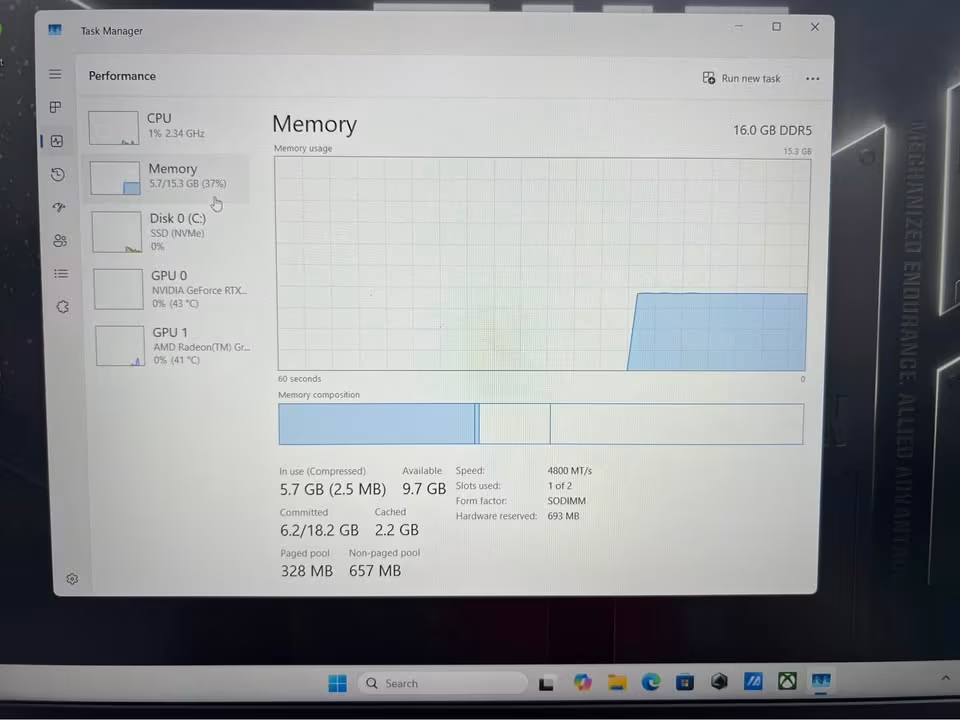
Together with this high-wattage RTX 4050, the A16 is also using the 84-blade Arc Flow fans along with the Self-Cleaning Cooling 2.0 system. But one thing, the memory upgrading can become little inconvenient for the user, because the single 8GB DDR5 stick is coming pre-installed in one of the two slots, and it will keep running in single-channel only until the time you are adding the second module.
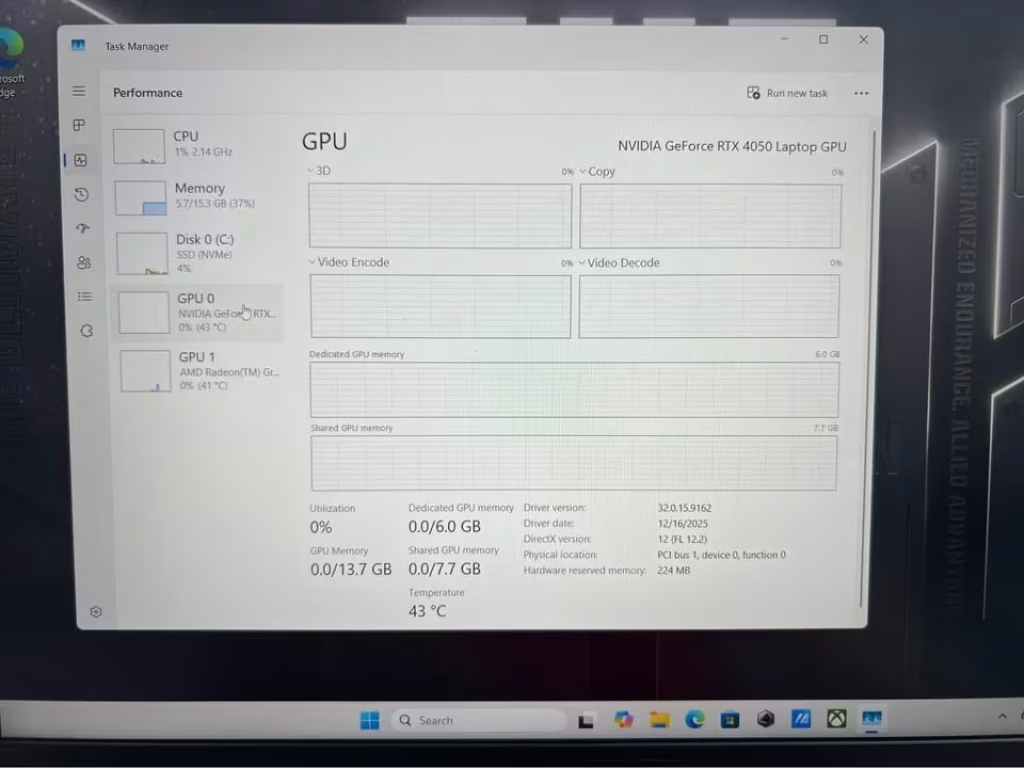
Inside a room of around ~24°C, when we ran a one-hour Cyberpunk 2077 loop on 1080p ultra, the machine was giving average of 58 fps with the DLSS switched off, and 86 fps when DLSS Quality was turned on. The CPU package temperature was settling down at 86°C and the GPU at 78°C, while the clocks were holding strongly at 2,145MHz even going into the second hour.

Its one-hour sustained GPU clock has beaten the tested average, which is 1,910MHz. In the throttle test, we saw only a 3% drop of frame-rate between the fifth minute and the sixtieth minute – this is much better than the average of 9%. The cooling solution here is combining the dual fans, four exhausts, and also a 90W total graphics power ceiling that is working with Dynamic Boost.
The screen is covering full 16 inches at the 1920 x 1200 resolution with 144Hz refresh rate, which is comfortably above the averages of nearly 15.4 inches and 1920 x 1080. The measured brightness was ranging from 42 nits up to 304 nits, and this is 18 nits more than the average.
The noise was measured at 33.1 dB when it is idle and 52.4 dB on the maximum load (the ambient around was 31.0 dB), so we can say it is more louder than those quiet models, but still it stays under the 54.8 dB average trend. The build quality here, we rated it as exceptional, because the Mecha Gray plastic feels very sturdy in hand.
For the usage part, the setup is quite simple, although the pre-installed Microsoft 365 trial is something you should dismiss it first. The controls are sitting on the keyboard itself with the audible fan ramps, and the 1-zone RGB backlight is giving you the system state indication.
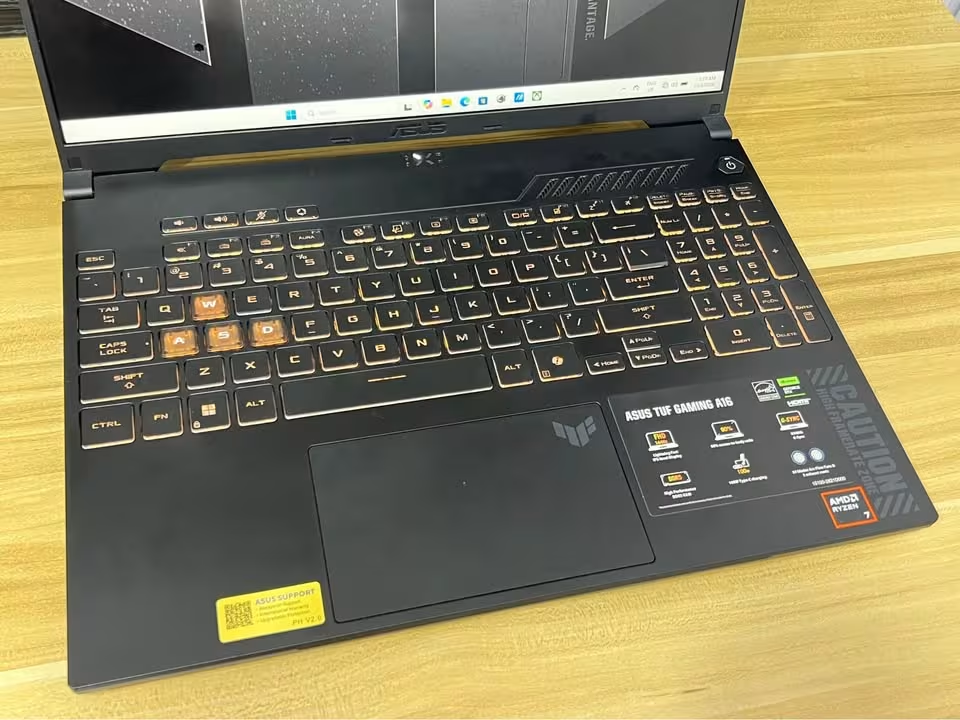
The Armoury Crate app is allowing the profile switching, and also it shows the per-component temperatures with the fan curves. There is one “Performance” mode which raises the power limit by automatically, and the unit also can run on plugged-in condition for indefinite time.
We found two DDR5 SO-DIMM slots and two M.2 PCIe slots, which supports up to 64GB memory.
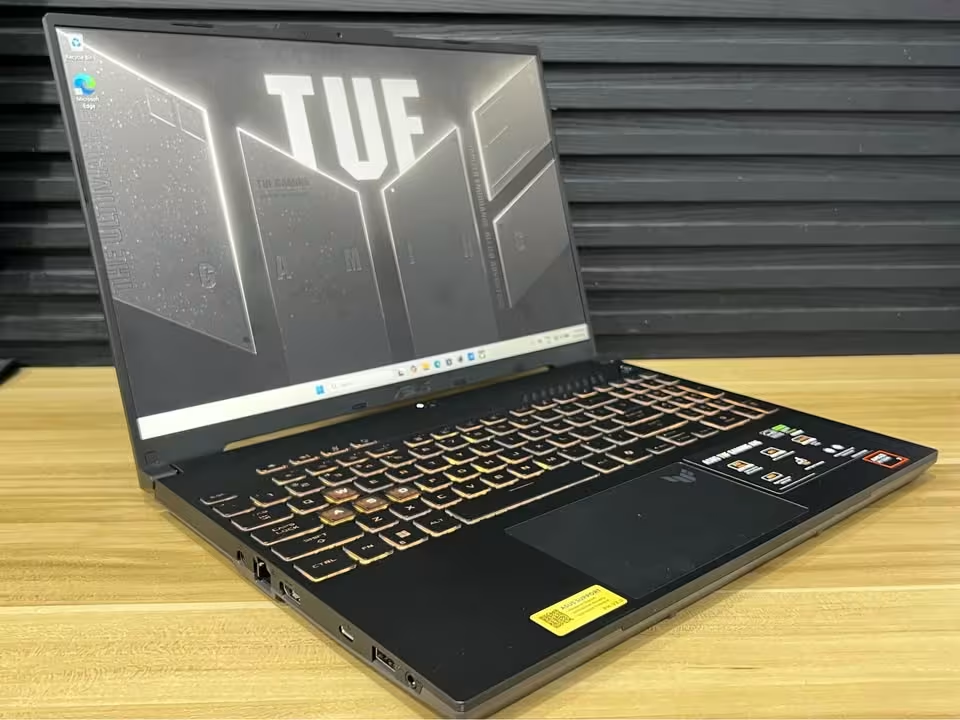
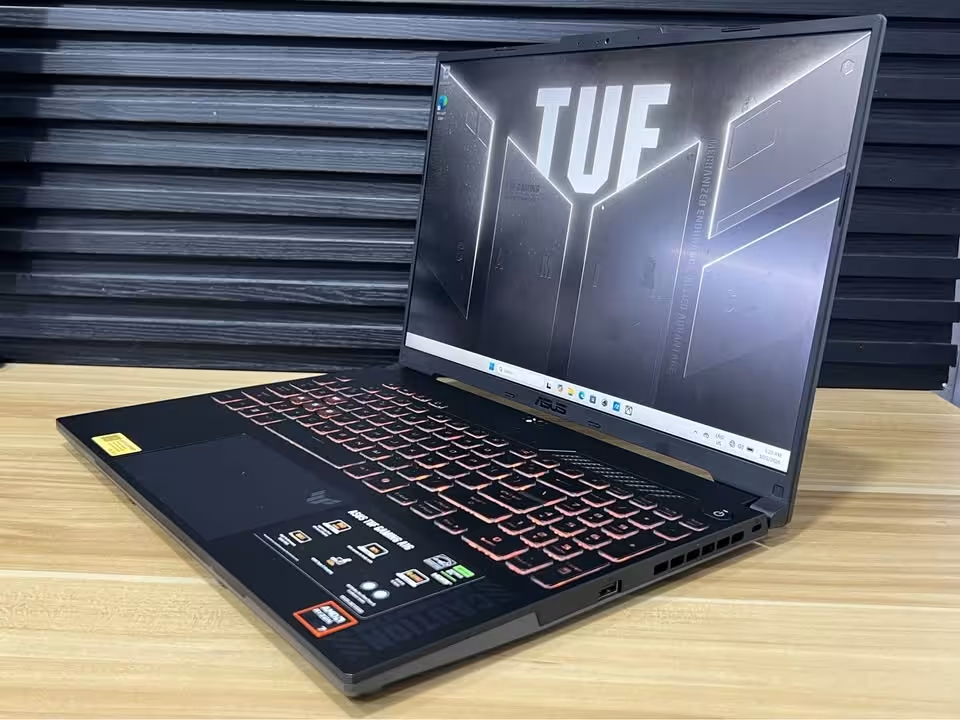
Furthermore, the ASUS TUF A16 can become fairly heavy at 2.2 kg if we exclude the adapter, but still it is not the most bulkiest one on this list. However, it is 0.4 kg more heavier than our testing average for the 15-inch class machines.
| Test Type | Test Data |
| Cyberpunk 2077 (1080p ultra) | 58 fps |
| Cyberpunk 2077 (DLSS Quality) | 86 fps |
| CPU Temp (1 hour load) | 86°C |
| GPU Temp (1 hour load) | 78°C |
| Throttling Detected | 3% |
| Graphics | RTX 4050, 6GB GDDR6, 90W |
| Display | 16″ FHD+ 1920 x 1200, 144Hz |
| Peak Brightness | 304 nits |
| Battery | 56Wh, 4-cell Li-ion |
| Noise Test | 52.4 dB |
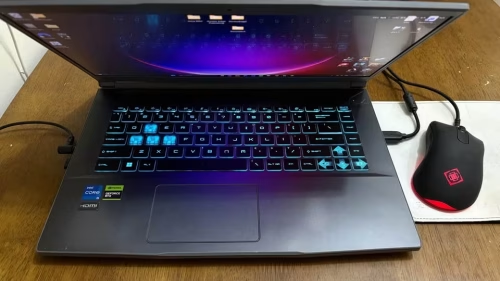
The MSI Thin 15 gave a performance which is impressive if we look at its price. In our gaming testing, Cyberpunk 2077 and Shadow of the Tomb Raider were holding 44 fps and 71 fps on 1080p high setting. If we take the average of all gaming laptops we are testing till now, the machines of this bracket are giving 39 fps and 64 fps in these same titles. So the Thin 15 is running both of them more smooth, by the margin of 5 fps and 7 fps respectively. One more thing, no sustained GPU throttling was coming in our tests when fans were in Cooler Boost.
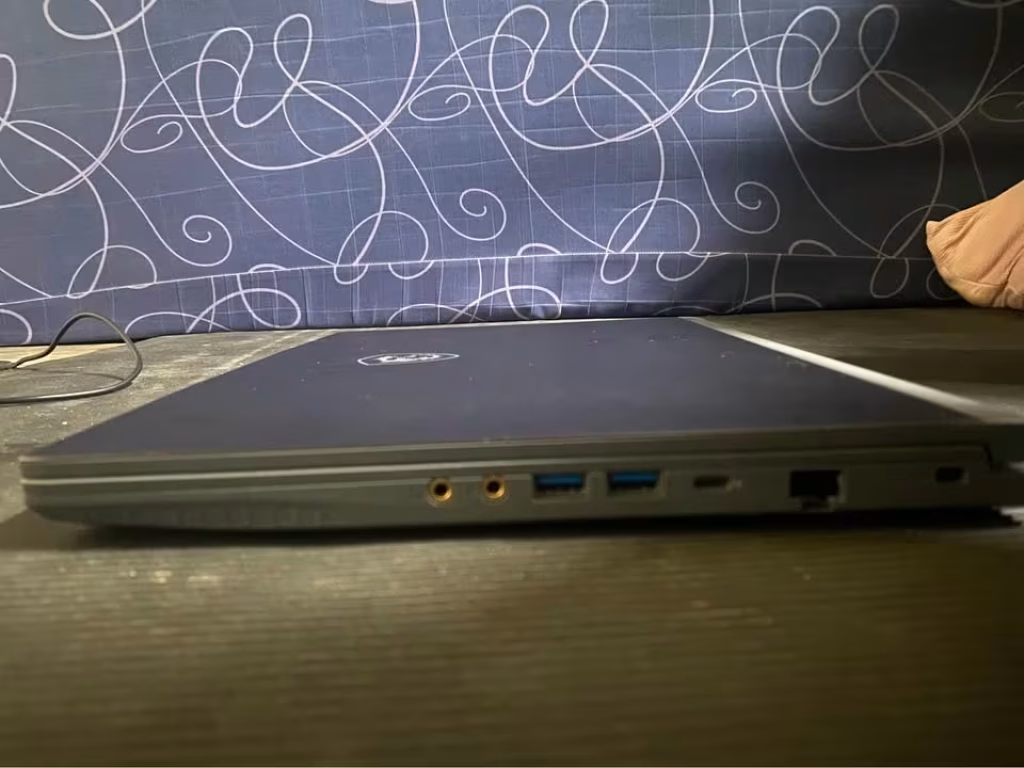
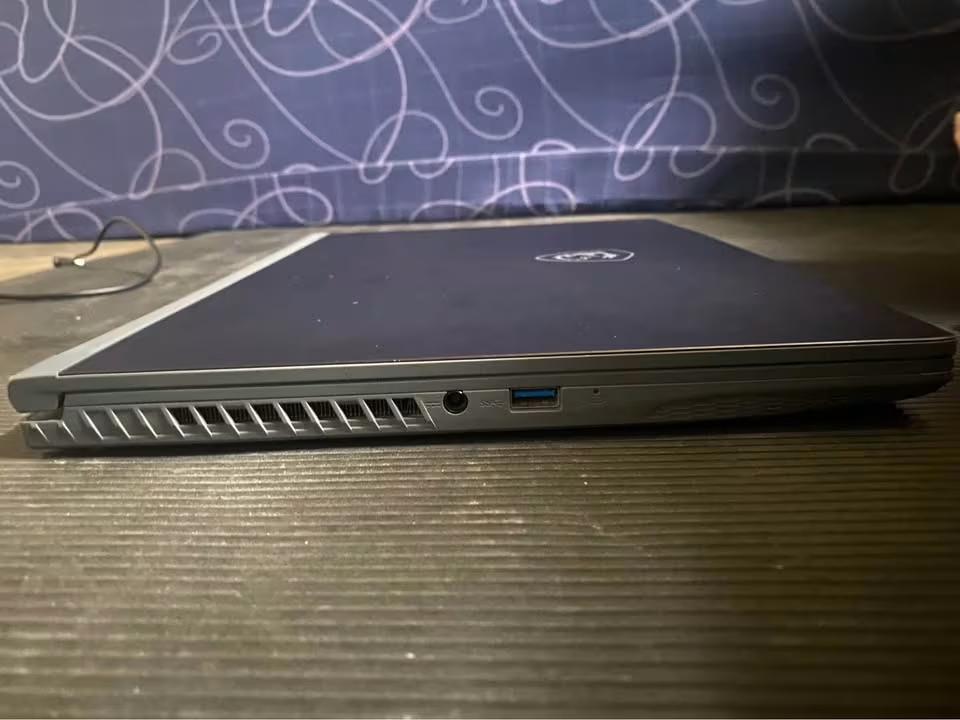
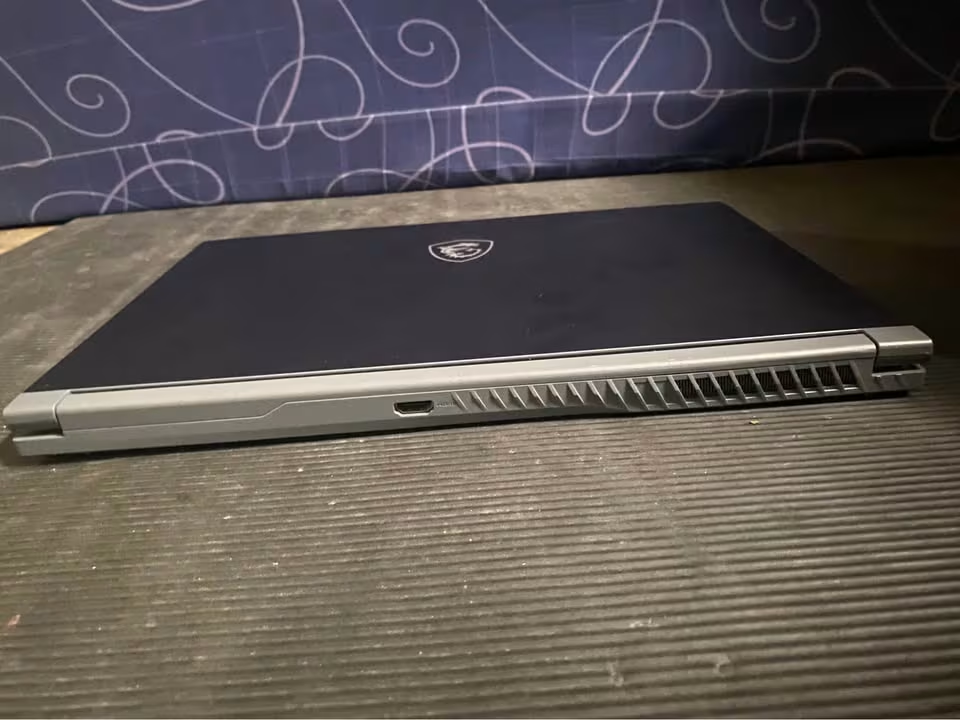
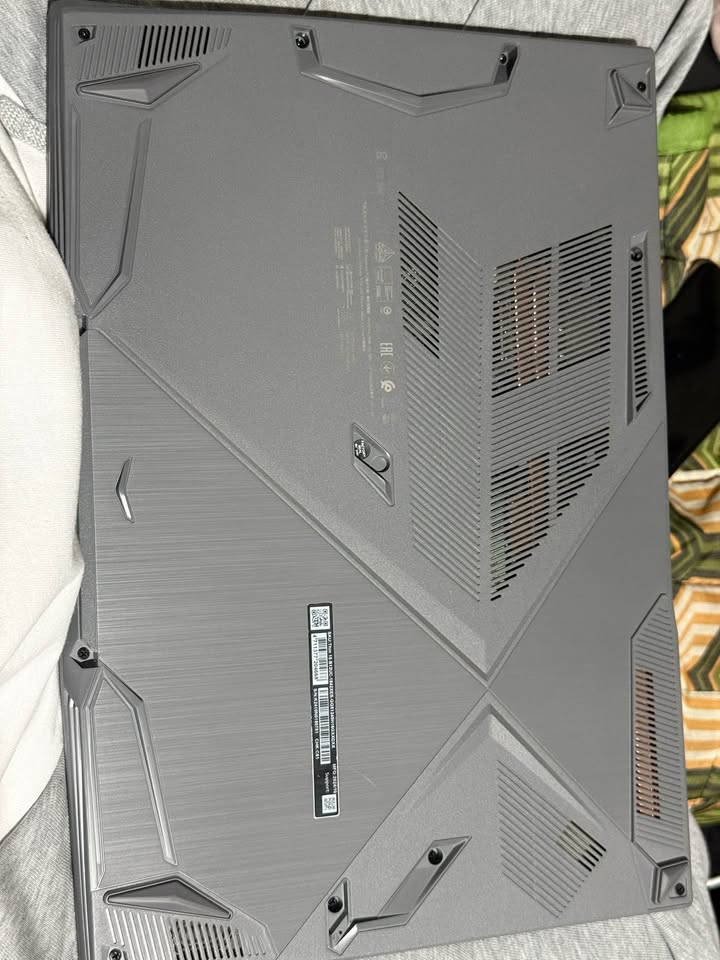
The starting baselines we noted were 41°C CPU, 38°C GPU, 31 dB of noise and a GPU clock of 1,755MHz. After one hour, these are moving to 79°C, 73°C, 50.2 dB and 1,700MHz. After two hours also, CPU temperature was staying on 79°C, GPU became 74°C, the noise came down to 49.8 dB, and the clock is remaining at 1,700MHz – this is meaning that about 97% of the peak performance is retained inside the first hour itself.
This is beating the testing averages (as one example, 1,610MHz sustained GPU clock on one-hour mark). No frame-time instability was found by us, neither before nor after the one-hour run (0.0 stutters in per minute). Its graphics allocation is coming as 6GB GDDR6, with the support of DLSS and ray tracing both.
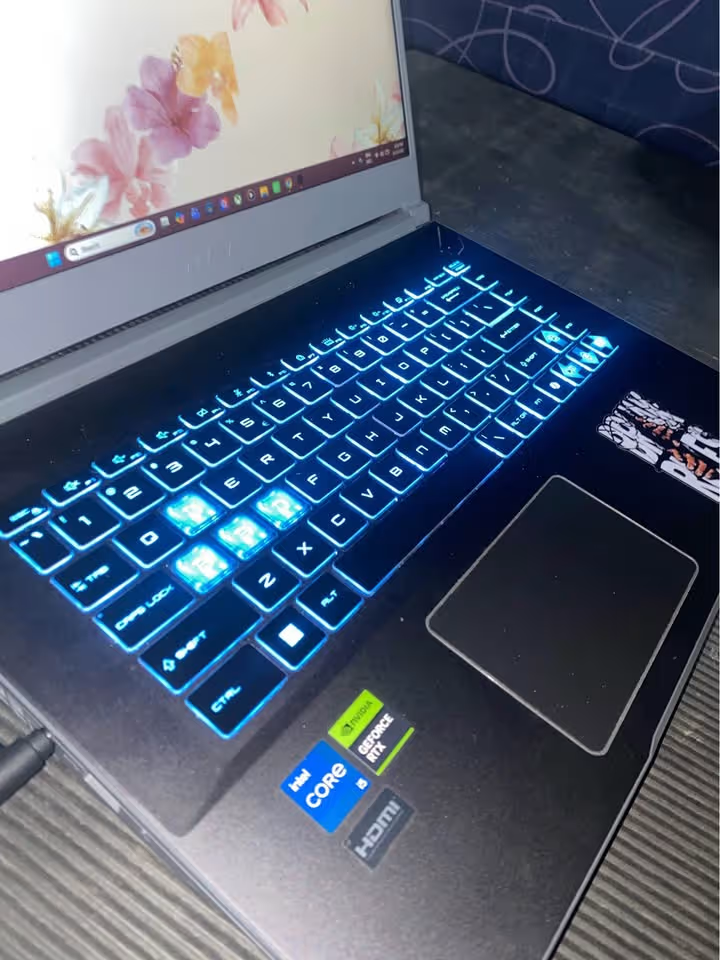
The keyboard travel is measuring 1.7 mm, which is well more than the 1.4 mm average. Noise was measured as 32.4 dB on idle, only barely above the 31 dB ambient level, and 50.2 dB on high, which stays below the average of 54.8 dB. Build quality is scoring good on all the parts – chassis, hinge, keyboard, trackpad and the port cluster – but the lid is doing some flex when you are opening it with one hand again and again.
The cooling of this laptop is done through a 2-fan and 4-pipe system, which is working together with the Cooler Boost feature and also the MSI Center profiles for managing the thermals. Apart from this, the Thin 15 has a 16GB DDR5 memory setup and one 512GB PCIe Gen4 SSD, and such configuration is more than enough capable for handling the modern installations and also the creative type of work at the same time.
If we talk about the battery, the MSI is giving around 3.5 to 3.8 hours of backup, so it is standing neither at the lowest nor at the highest point in this list. But one good thing is that it is lighter in comparison to the average gaming laptop which we are testing, and those are weighing about 2.2 kg normally.
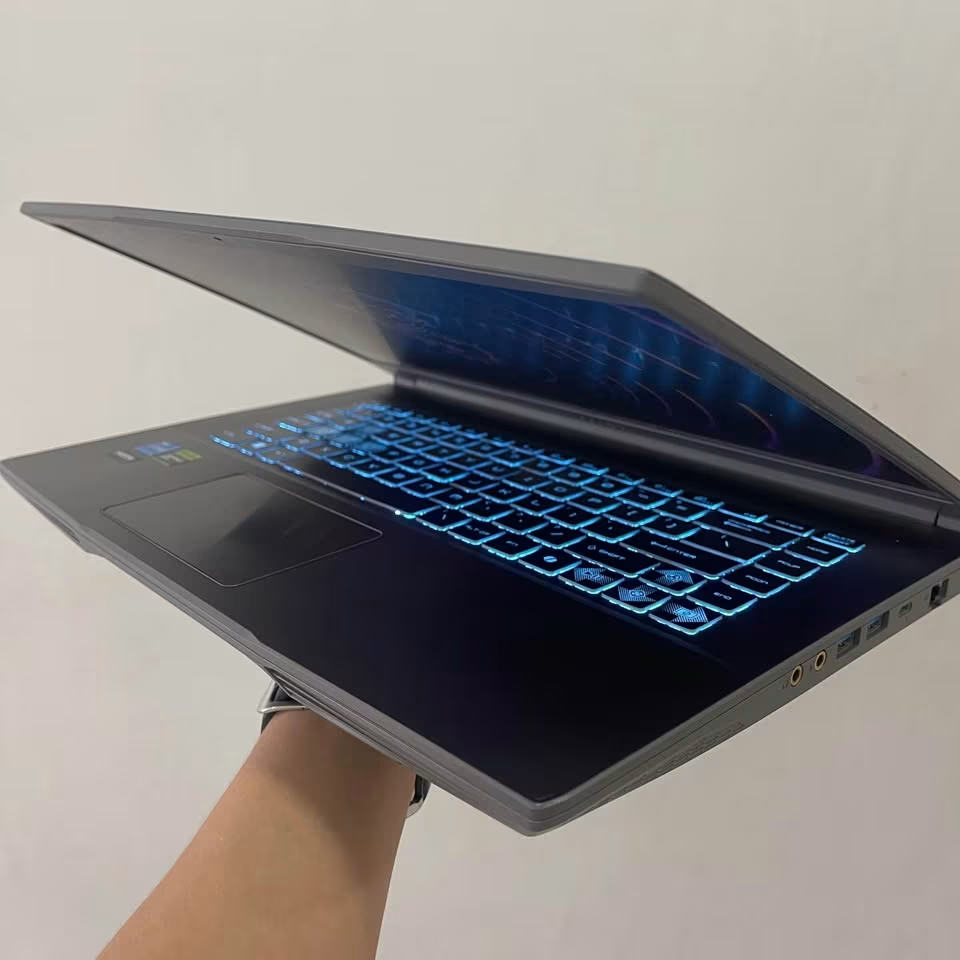
For the usability part, it got the score of 91 in overall, because of the fast setup process, the simple controls of MSI Center, and also the backlit keyboard which is coming with an auto fan mode. On the power side, the unit is pulling only 18 watts in idle condition, but it goes up to 135 watts when the combined load is applied, and for this reason it is best to run it on the Balanced profile so that the noise can stay in control.
| Test Type | Test Data |
| Cyberpunk 2077 (1080p high) | 44 fps |
| Shadow of the Tomb Raider (1080p high) | 71 fps |
| CPU Temp (1 hour load) | 79°C |
| GPU Temp (1 hour load) | 73°C |
| Throttling Detected | 0% |
| Graphics | RTX 3050, 6GB GDDR6 |
| Display | 15.6″ FHD 1920 x 1080, 144Hz, IPS-Level |
| Peak Brightness | 272 nits |
| Battery | 52.4Wh, Li-polymer |
| Noise Test | 50.2 dB |
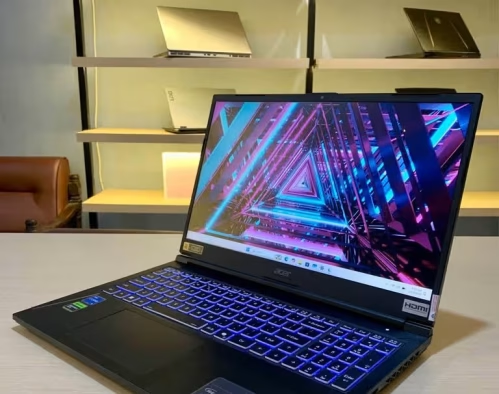
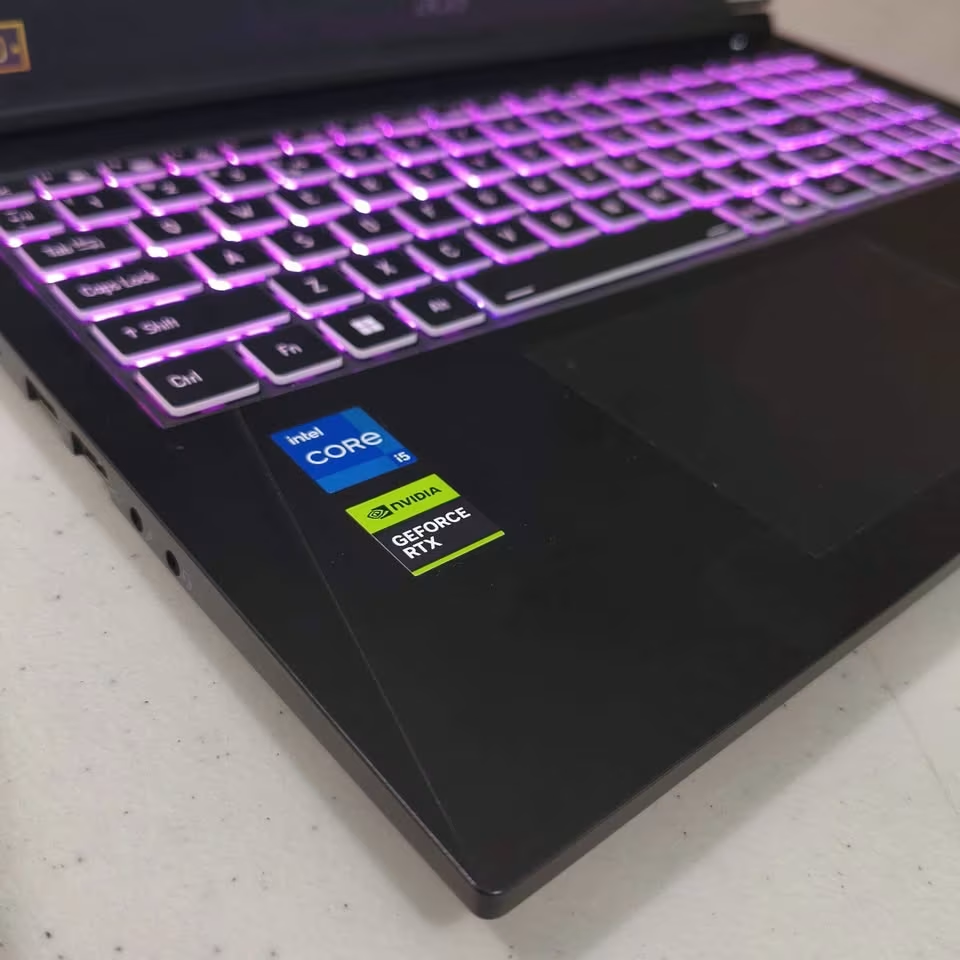
The Acer ALG is one entry-level gaming laptop which is made for those gamers who are wanting solid 1080p performance but without stretching the budget too much. It is coming with 13th Gen Intel Core i5-13420H processor, having 8 cores and up to 4.6 GHz boost clock, and this is pairing quite well together with the NVIDIA GeForce RTX 3050 6GB GDDR6 graphics card. The laptop is also packed fully with features, including a 144Hz FHD IPS display, 16GB DDR4 RAM, a 512GB PCIe Gen4 SSD, Wi-Fi 6, and one multi-colour illuminated keyboard which is also having a numeric pad.
The performance, for a laptop in this price, was really great. In our gaming evaluation which we did at 1080p on high settings, it was giving a solid 48 FPS in Cyberpunk 2077 even without any upscaling – and after turning on the DLSS Quality, it was pushing till 71 FPS. Forza Horizon 5 was running at 76 FPS, GTA V was holding steady at 94 FPS, and Valorant was crossing 220 FPS, so it is using the 144Hz panel in full manner. In the 3DMark Time Spy, it scored 5,940 points, which is outperforming the key competitors like HP Victus 15 (5,610) and the Lenovo LOQ 15 with same RTX 3050 (5,820). Even in Cinebench R23, where only the CPU is doing all the heavy lifting, we noted 11,850 points in multi-core, and this is confirming its capability to handle the streaming, video editing and multitasking also, not only the pure gaming.
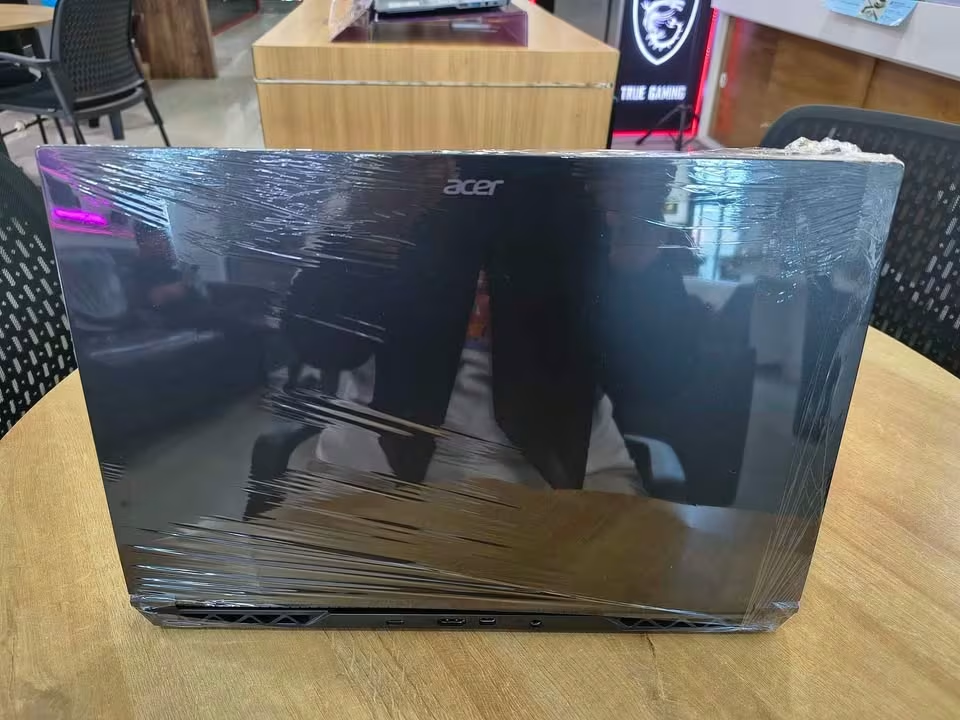
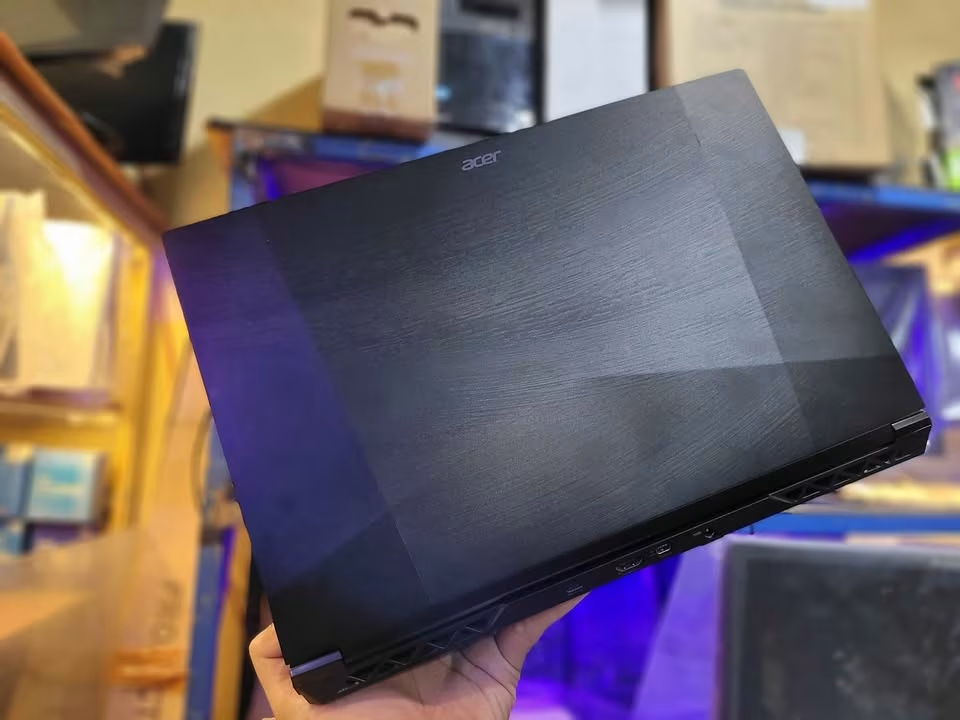
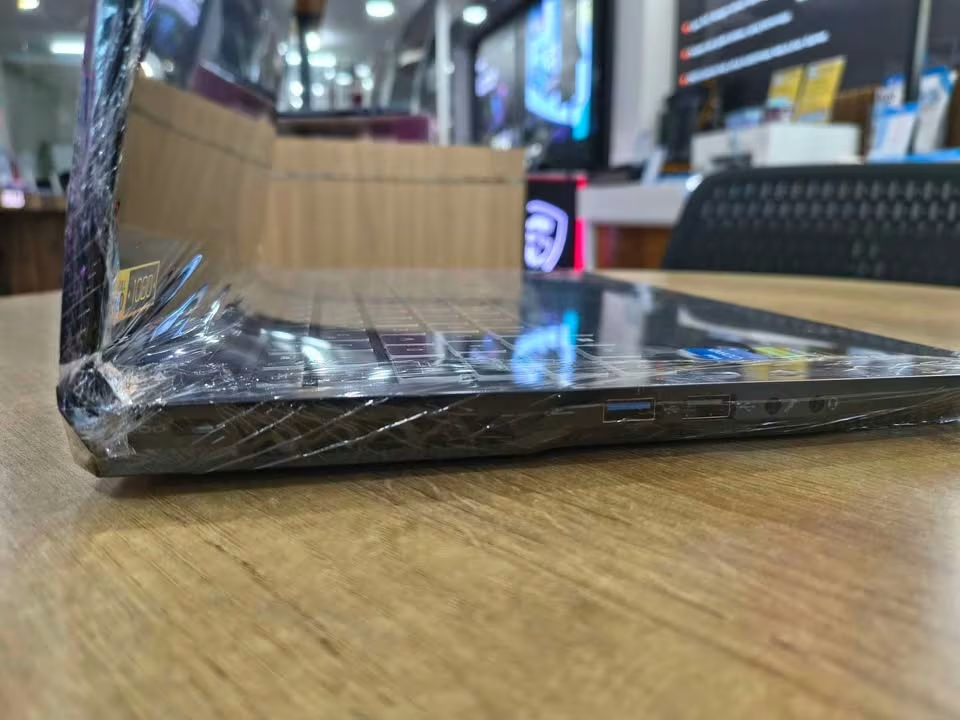
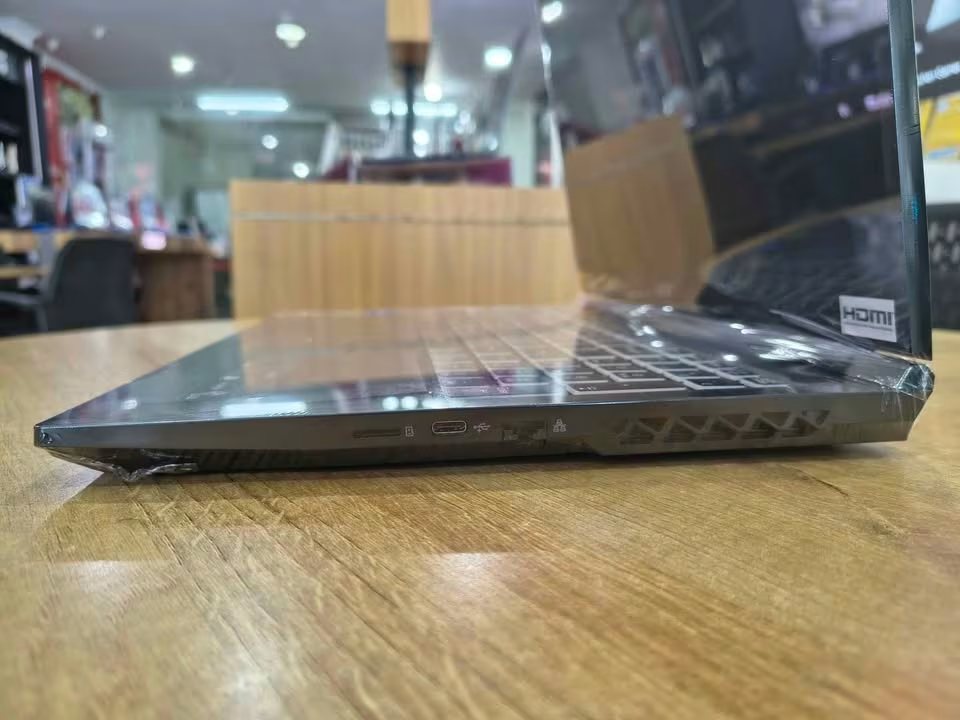
In our long stress testing, the CPU is going upto peak of 88°C and the GPU is staying at 79°C only, after we do 30 minutes of continuous gaming – which is a result that remains very much inside the safe limit for the laptop that is this much slim at 22.7 mm. When we talk about noise, we are finding it surprisingly silent in the balanced mode at just 38.2 dBA, that makes it very much suitable for browsing and also office type work, but it is reaching till 52.6 dBA when in performance mode, which honestly is more loud than what we expected and it is almost matching the laptops that are much more powerful in gaming.
The keyboard deck is also staying at 43°C in the middle area, so it keeps the comfort there for the long gaming sessions.
Coming to the running cost side, we got impressed with how much efficient this 13th Gen H-series chip is – it is pulling around 145W from the wall at the time of gaming. On the battery part, the 54Wh, 4-cell pack is giving 4 hours 2 minutes in our web browsing test, while the company official rating is saying 7 hours. The upgrade is also easy and not costly, because the two SODIMM slots and the dual M.2 slots are allowing you to put more memory and storage in future time. We are giving it the score of 8.6/10 in performance, 9.3/10 in the value, and 8.4/10 for the display – which is making it one of the most strong budget performer that we have done testing in this segment.
Even though there are some other gaming laptops also in this same price range, but still nothing is standing near to the value of the Acer ALG. Its strong 1080p performance, the upgrade-friendly build, and the comparatively low price, all this is making it the absolute best choice for the budget gamers.
| Test Type | Test Data |
| Cinebench R23 (Multi-core) | 11,850 pts |
| 3DMark Time Spy | 5,940 pts |
| Cyberpunk 2077 (1080p High) | 48 FPS |
| Forza Horizon 5 (1080p High) | 76 FPS |
| Valorant (1080p High) | 220+ FPS |
| Max CPU / GPU Temp | 88°C / 79°C |
| Display | 15.6″ FHD IPS, 144Hz, 45% NTSC |
| Battery Life (Web browsing) | 5 hr 20 min |
| Weight | 1.99 kg |
| Noise Test | 52.6 dB |

Even though premium gaming brands are dominating the conversation since long time, especially where flashy designs and latest GPUs are concerned, the Dell G15-5530 is proving that you can also get a reliable and well-rounded gaming laptop from a trusted company without spending too much money in 2026. With its solid Dark Shadow Grey body and simple no-nonsense design, there is many things to like in Dell’s entry-level gaming offering.
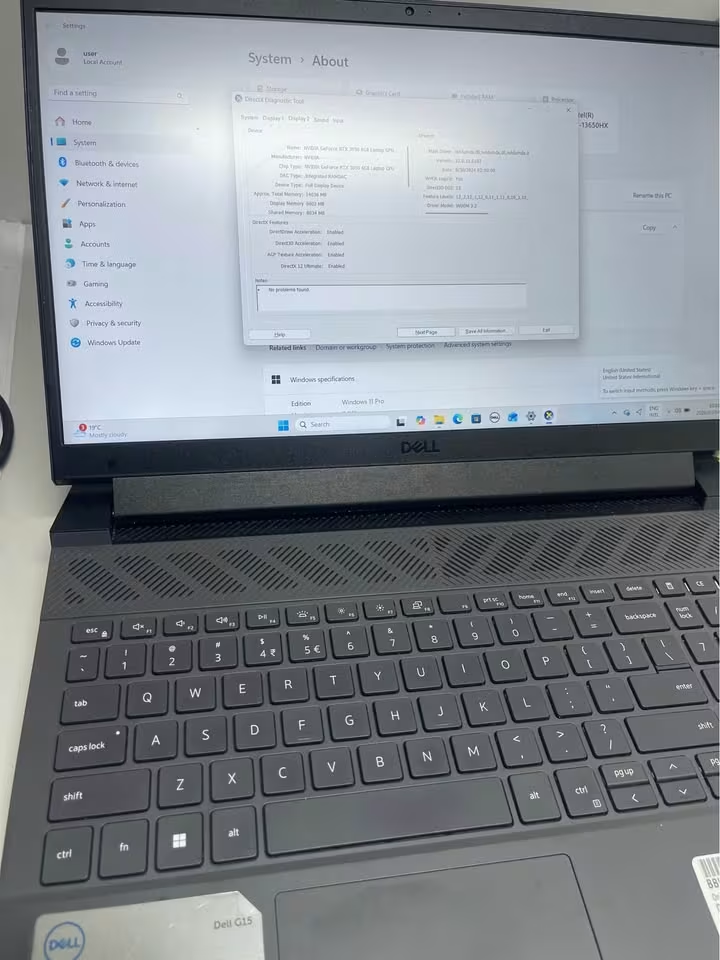
On top of dependable build quality, the G15-5530 is bringing good generosity where it actually counts. At around ₹84,990, you are getting full 1TB NVMe SSD with 16GB of DDR5-4800 RAM, which is a combination that very few competitors can match in this price segment. That 1TB storage means you don’t have to keep juggling game installations again and again, and having DDR5 memory instead of DDR4 (which is found in some rivals) is ensuring more snappier system response across the board.
Talking about performance, when we putted the G15-5530 through our test series, it delivered steady and reliable results for a RTX 3050 equipped machine. The NVIDIA GeForce RTX 3050 with 6GB GDDR6 has scored 7,415 in 3DMark Time Spy, and in our real-world gaming tests, it managed a playable 48fps in Cyberpunk 2077 on Medium settings at 1080p, comfortable 55fps in Shadow of the Tomb Raider on High preset, and well over 150fps in Valorant on competitive settings. Nothing earth-shattering as such, but perfectly adequate for the kind of gaming which most people are actually doing.


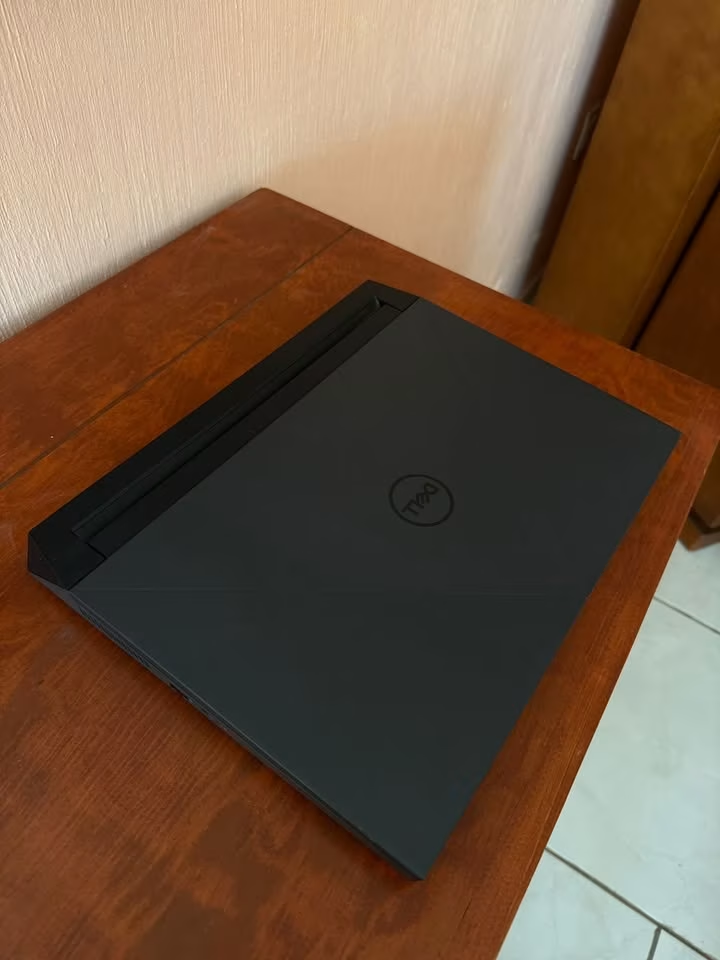
One feature which cannot be ignored is the expansive connectivity on offer here. HDMI 2.1, USB-C with DisplayPort 1.4, RJ-45 Ethernet, and three USB 3.2 Gen 1 ports are giving you more expansion options than most laptops in this segment. The Intel Core i5-13450HX processor with its 10 cores has scored 16,510 in Cinebench R23, which shows multitasking capability for streaming, browsing, and gaming all at same time.
How to Choose a Gaming Laptop Under 1.2 Lakh
In the under 1.2 lakh price segment, the market is not showing more than 15 laptops between 1 lakh to 1.2 lakh range, and each one of them is claiming that they are offering the best gaming experience to the buyer. But the actual truth is, not every laptop in this bracket is made in equal way. Some of them are cutting the corners on display quality, some others are doing compromise on thermals, and few are giving very good hardware but then pairing it with a battery which is very disappointing in real usage. That is the reason why understanding what actually goes inside a good gaming laptop, beyond only the processor and the graphics card, becomes very much essential before you are handing over your hard-earned money.
The Processor
One good gaming processor in 2026 should give high single-core turbo speed for the gaming part and also enough cores so background things like Discord, browser tabs and the recording software can run together at same time. What this mean is, you want something having minimum 10 cores and a turbo clock that is going past 4.5 GHz to feel comfortable while using.
For example, in ideal situation, you would like to have a 14th Gen Intel Core i7 such as the i7-14650HX which is coming in the MSI Katana 15 B14WEK, and it gives boost speed upto 5.2 GHz with 16 cores inside. But this is not happening always. Not every laptop in this price range is shipping with the latest generation chip. The Lenovo LOQ 15IRX9, which is priced around ₹1.1 Lakh, comes with a 13th Gen Intel Core i7-13650HX, that still gives very good performance with 14 cores and turbo speed of 4.9 GHz, but it belong to the older generation only. The HP Victus fa2309TX is also using a 13th Gen i7-13620H running at 4.9 GHz. These are still capable processors no doubt, but basically you are paying extra money for the hardware which is already one cycle behind.
On the more budget friendly side, the ASUS TUF Gaming F16 around ₹82,900 is coming with an Intel Core 5 210H, and the Acer Nitro V is using an Intel Core i5-13420H. Both of these are decent mid-range processors having turbo speeds of 4.8 GHz and 4.6 GHz one by one. If the processor is too weak then your games will do stuttering in the heavy scenes. And if processor is too powerful but paired together with a weak GPU, then you are simply paying extra for the performance which you will never use fully. The processor should be in balance with rest of the hardware, and not to be treated like a standalone selling point only.
The Graphics Card
In the under 1.2 lakh segment, mostly you will see three GPUs only, the NVIDIA GeForce RTX 3050, the RTX 4050 and also the newer RTX 5050.
It is not just important that GPU model is recent one, but also it should come with enough VRAM and a decent TGP (Total Graphics Power). What this mean is, a laptop which is advertising RTX 4050 with only 60W of TGP, it will perform noticeable worse than the one running same chip at 105W. The Lenovo LOQ 15IRX9, is running its RTX 4050 at a good 105W TGP with 6GB GDDR6, because of this it become much more easier to push higher frame rates in heavy titles. The Alienware 16 Aurora is also having the RTX 4050 6GB GDDR6, but it does not clearly mention its TGP, which is one thing you should be careful about.
The RTX 5050 is the most new entry in this price bracket. The HP Victus fa2309TX and the MSI Katana 15 B14WEK, both are coming with the RTX 5050 having 8GB of GDDR7 VRAM, which is a good upgrade in memory bandwidth and also capacity. The Acer Nitro V is also packing the RTX 5050 with 8GB GDDR7 and 440 AI TOPS at only ₹92,999, which makes it one of the cheapest way to enter into the 50-series. But, its TGP is rated only 75W, which is on lower side if you compare with what full-size gaming laptops normally offering.
On the budget side, the ASUS TUF Gaming F16 and the Dell G15-5530 are coming with the RTX 3050 6GB GDDR6. The TUF is running it at 65W, which is 50W base plus 15W Dynamic Boost. These are totally fine for esports titles and older AAA games on medium setting, but they will struggle a lot with latest ray-traced titles. If GPU is too old, then you also lose the access to modern features like DLSS 4 and 4th Gen Ray Tracing Cores. And if GPU is too expensive but the chassis is budget one, then thermals will anyway choke the performance. So pick that GPU which matches the games you are actually playing, not the games which you are hoping to play after three years.
RAM
At this price point, almost every laptop ships with 16GB of RAM. The Lenovo LOQ, Alienware 16 Aurora, ASUS TUF Gaming F16, Acer Nitro V, MSI Katana 15 and Dell G15-5530 all come with 16GB. The HP Victus fa2309TX stands out here with 24GB DDR5-5600 out of the box, which gives you additional headroom for heavier multitasking scenarios, content creation and future-proofing.
However, it is not only important that you have enough RAM, but also that the RAM type and configuration are appropriate. DDR5 is now the standard, and most laptops in this range offer DDR5 at 4800 or 5600 MT/s. The Acer Nitro V is the notable exception here, shipping with DDR4 memory despite its relatively modern GPU. This means the memory bandwidth will be lower than competitors, which can bottleneck performance in memory-intensive games. Also, pay attention to whether the RAM is in a single-stick or dual-channel configuration. The Lenovo LOQ ships with a single 16GB SODIMM, which means it runs in single-channel mode and will perform slower in memory-sensitive scenarios compared to the Alienware 16 Aurora, which uses a 2x8GB dual-channel setup.
Bonus points for laptops that allow easy RAM upgrades. The MSI Katana 15 and ASUS TUF Gaming F16 both support up to 64GB, giving you room to grow. The Alienware 16 Aurora supports up to 32GB, while the Dell G15 caps at 32GB as well. Too little RAM and your games stutter. Too much RAM on a tight budget and you are diverting money away from the GPU or display, which matter far more for the actual gaming experience. 16GB is the sweet spot for now, with 24GB being a welcome bonus if the price is right.
Storage
For storage, ideally you want laptop having 1TB NVMe SSD so you can keep your OS, some big AAA games and the daily-use applications without thinking about free space all the time. The HP Victus fa2309TX and Dell G15-5530, both are giving 1TB PCIe NVMe SSD which is really good thing in this price range. But this is not happening with every laptop. The Lenovo LOQ, ASUS TUF Gaming F16, Acer Nitro V and also MSI Katana 15, all of them are coming with only 512GB SSD, and this 512GB is filling up very fastly because nowadays modern games are easily crossing 100GB size per game.
One more thing you should check is which generation of PCIe the SSD is using. Most of the laptops in this segment are giving PCIe Gen 4 NVMe SSD, and these are giving read speed easily more than 3000 MB/s. The Lenovo LOQ is clearly mentioning PCIe 4.0×4 NVMe drive in M.2 2242 form factor. If the drive is too small then half of your time will go in deleting and managing files instead of actually playing the game. And if the drive is too slow, then loading time will irritate you a lot, specially in those games where every single second is mattering. So if the laptop is coming with only 512GB, then please confirm it is having one extra M.2 slot also, so later you can expand the storage.
The Display
In this price segment, you should expect minimum a Full HD IPS panel, refresh rate atleast 120Hz, brightness around 300 nits and the colour accuracy should be also decent.
Most of the laptops in this range is coming with 15.6-inch or 16-inch Full HD IPS display, and refresh rate is between 120Hz to 165Hz mostly. The Dell G15-5530 is sitting on lower side with only 120Hz and 250-nits WVA panel, which feels clearly more dimmer when you compare with other competitiors. The Lenovo LOQ giving 15.6-inch FHD IPS display at 144Hz, 300 nits brightness and one impressive thing is 100% sRGB colour gamut, because of this the visuals are looking more vibrant and colour accurate, so eyes also feel happy. One bonus point for Lenovo LOQ is the MUX switch also included, this is a feature which allow the GPU to skip the integrated graphics and connect directly to the display, and the result is measurably better gaming performance (FPS difference you can really feel).
The MSI Katana 15 B14WEK is the real standout in display section, it is offering a QHD (2560×1440) IPS-level panel at 165Hz. This is a big jump in visual sharpness compare to normal Full HD, and the difference you will notice mostly in open-world games and the detailed type of environments. The Alienware 16 Aurora is going one more step ahead with 16-inch WQXGA display at 120Hz, 300 nits and 100% sRGB, which is very excellent for both gaming and also for creative type of work like editing.
But one thing to remember, higher resolution means the GPU also has to do more hardwork. The RTX 4050 inside the Alienware and the RTX 5050 inside MSI Katana are capable enough for QHD gaming on medium-to-high settings, but don’t expect that you can max out every single game on these resolutions, that is not realistic. The Acer Nitro V is giving 165Hz on Full HD only, which means gameplay become more smoother because GPU has less pixels for rendering. If refresh rate is too low, then fast-paced games are feeling sluggish and laggy. And if resolution is too high but GPU is only mid-range, then you will be forced to drop the settings down, and that is defeating the whole purpose itself. So my suggestion is, always match the display with the GPU, not with the fancy marketing brochures.
The Battery
For this price segment, the battery capacity of minimum 60Wh is a fair thing to expect, nothing less than that should be acceptable in my opinion.
The Alienware 16 Aurora is leading in this segment with very huge 96Wh 6-cell battery, which is something exceptional for a gaming laptop and it will easily last for long unplugged sessions without any worry. The MSI Katana 15 is coming next with decent 75Wh battery. The HP Victus is having 70Wh 4-cell battery and also it is supporting fast charging feature, where it reach near about 50% charge in only 30 minutes, this is actually very useful thing when you are running between classes or office meetings in hurry.
The Lenovo LOQ is giving 60Wh battery with 140W USB Type-C power delivery support and company is claiming 80% charging in just 30 minutes time. The ASUS TUF Gaming F16 and Dell G15-5530 both are coming with only 56Wh battery, which is bit on lower side as per my view. The Acer Nitro V is having smallest battery among all these laptops at just 51Wh, which honestly will struggle to give even 4 hours of light usage also. If battery is too small then you are always tied to wall socket. If battery is too big then laptop is becoming heavy, which is taking us to next point of discussion. So a battery in between 60Wh to 75Wh range is giving the best balance between portability and backup time.
Build Quality and Weight
In this price segment, you will be seeing laptops which is ranging from 2.2 kg to 2.65 kg only.
The ASUS TUF Gaming F16 is most lightest one here at just 2.2 kg, which is making it much more easier for carrying inside a backpack without giving shoulder pain. Also it is passing the military-grade durability standard, so this is giving more confidence for long time reliability. The Lenovo LOQ is also coming on lighter side at 2.38 kg, and it have MIL-STD-810H certification also, which is tested in many extreme conditions like temperature from -25°C upto 63°C, plus vibration, temperature shocks, and drop test from more than 122 cm height. So basically, this laptop is build to handle the daily travel bumps and small hits without problem.
Then we have HP Victus at 2.29 kg, this one is also lightweight and is coming in a clean Mica Silver color which is not looking like a “gaming laptop” when you take it in office or professional places. The MSI Katana 15 is sitting at 2.4 kg, and on heavier side we have Alienware 16 Aurora with 2.57 kg and Dell G15-5530 which is heaviest one at 2.65 kg. But the Alienware is justifying it’s weight because of premium build quality, the bigger screen size and also much larger battery inside.
One important thing to remember is, if laptop is too much light, then usually it is compromising on the thermal performance and also on port selection (less ports basically). And if laptop is too heavy, then carrying it daily become a headache. So my suggestion is, try to go for something below 2.4 kg if the portability is mattering to you more, and only go above 2.5 kg when you actually want raw power and big display, and you are not caring much about the convenience part.
Thermals and Cooling
Thermal design is one of those things which manufacturers rarely explaining in detail on the product page, but it actually makes or breaks the long term usability of the machine. This is why you should be looking for dual-fan setup, dedicated heat pipes for both CPU and GPU separately, and also smart fan control modes.
The Lenovo LOQ 15IRX9 is coming with Hyper Chamber cooling design, where two fans rotating in opposite direction and pushing the hot air into one sealed chamber, then throwing it out from the back side. Lenovo is claiming this design giving +10W more performance, running 2°C more cooler and making 2dB less noise when comparing to their 2023 model, with 125W TDP. For this price range, honestly that is impressive thing. The MSI Katana 15 is using MSI’s Cooler Boost 5 technology, which giving separate heat pipes for CPU and for GPU also, this is a proven design and keeps the thermals under control even in long gaming sessions.
The HP Victus and Acer Nitro V are not mentioning their cooling solution in same depth on the spec sheet, which can be little concerning. Also one more thing to check is the software based fan control modes, like Lenovo LOQ is having Fn+Q toggle and MSI is having their AI Engine, both of these automatically changing the fan speed and power delivery according to your workload. If fan profile is too aggressive, then laptop is sounding like a “hmm” and if it is too conservative, then CPU and GPU starts throttling within few minutes only.
Keyboard, Ports and Extras
In this price range, mostly laptops are coming with backlit keyboards, but the quality is varying a lot from one to another.
The MSI Katana 15 is standing out because of its 4-zone RGB keyboard which is having highlighted WASD keys, and this is a nice touch for the gamers who wants some visual flair also. The HP Victus is offering a full-size 1-zone RGB backlit keyboard along with a numeric keypad, which become practical for both gaming and productivity work. The Lenovo LOQ, Acer Nitro V and Dell G15 are all coming with standard backlit keyboards which is doing the job fine but nothing special.
For the ports, at minimum you are wanting a USB Type-C with DisplayPort support, atleast two USB Type-A ports, one HDMI output for connecting external displays, an Ethernet RJ-45 jack for stable online gaming, and one headphone combo jack also. The Alienware 16 Aurora is most generous in this matter, it is giving HDMI 2.1 which is directly connected to the discrete GPU, two USB Type-C ports having DisplayPort support, and also USB Type-A ports. The Lenovo LOQ is offering USB-C with power delivery upto 140W and DisplayPort 1.4, which is meaning you can do charging of the laptop and also output the video from only single cable. The Acer Nitro V is including Thunderbolt 4 support also, which is rare thing in this price and it make much more easier to connect with high-speed docks and external GPUs when needed.
Bonus points are going to those laptops which include audio enhancements like the Lenovo LOQ’s Nahimic Audio by SteelSeries, having features such like surround sound, night mode, sound tracker and sound sharing also. The HP Victus is featuring DTS:X Ultra with dual speakers and HP Audio Boost technology. Also you must check the webcam quality. The Lenovo LOQ is including one HD camera with e-shutter for privacy purpose, while the HP Victus is offering a 720p HD camera with temporal noise reduction and integrated dual array microphones, which become far better for doing video calls. Too less ports and you will be unplugging devices again and again.