We have checked everything from raw processing benchmark numbers to display accuracy, battery backup, build feel, thermal handling, keyboard typing experience and overall value for the money, to find out which model will suit which type of user (and also whether a MacBook Pro is still a better fit for you or not). After this, I have translated all this technical jargon and picked my top 6 models, and made one easy-to-follow guide on the best MacBook Pro alternatives in India below!
Some links in this post are affiliate links of Amazon India. As an Amazon Associate, I earn from qualifying purchases. It means, if you click on my link and buy any product, I can get small commission from Amazon, and there is no any extra cost for you.
Quck Comparison table of top Windows laptop like macbook pro
| Laptop Name | Overall Score | Processor | RAM | AI (NPU TOPS) | Display | Audio | Battery |
| Microsoft Surface Laptop 7th Ed. | 9.33 | Qualcomm Snapdragon X Elite (12-Core) | 16GB LPDDR5x | Up to 45 TOPS | 13.8″ PixelSense LCD, 120Hz | 2W Stereo Speakers, Dolby Atmos | Up to 14 hrs (54Wh) |
| Lenovo Yoga Slim 9 | 9.68 | Intel Core Ultra 7 258V | 32GB LPDDR5x | Up to 47 TOPS | 14″ 4K WQUXGA OLED, 750 nits | 4x Stereo Speakers, Dolby Atmos | Up to 11 hrs (75Wh) |
| ASUS Zenbook S 16 | 9.47 | AMD Ryzen AI 9 465 | 32GB LPDDR5X | Up to 50 TOPS | 16″ 3K OLED, 120Hz, 1000 nits HDR | Harman Kardon-certified Speakers | Up to 25+ hrs (83Wh) |
| HP OmniBook Ultra | 9.35 | AMD Ryzen AI 9 HX 375 | 32GB LPDDR5X | Up to 55 TOPS | 14″ 2.2K IPS, 400 nits, Anti-Glare | DTS:X Ultra, Quad Speakers | Up to 16.5 hrs (68Wh) |
| Samsung Galaxy Book6 Pro | 9.79 | Intel Core Ultra 7 (Series 3) 356H | 32GB LPDDR5 | Up to 50 TOPS | 14″ WQXGA+ Dynamic AMOLED 2X, 120Hz | Dolby Atmos Stereo Speakers | Up to 30 hrs (67.18Wh) |
| Lenovo Yoga Slim 7 | 9.32 | Qualcomm Snapdragon X Elite X1E | 32GB LPDDR5x | Up to 45 TOPS | 14″ 3K OLED, 90Hz, 1000 nits | 4x Stereo Speakers, Dolby Atmos | Up to 21 hrs (70Wh) |
How We Test
For showing the quality of performance, we are running a standard set of benchmarks on every laptop, like Cinebench R24 for the multi-core and single-core CPU score, PCMark 10 for daily productivity work, and 3DMark for GPU heavy tasks. More the score, more better the performance is. Also, these individual benchmarks are helping you to pick the right laptop as per your needs. But the thing is, not all manufacturers are quoting the same specs, instead they are showing different strong points: like NPU performance in TOPS for the AI workloads, or peak display brightness in nits for using outside in sunlight.
Some Windows laptops (but not so many) are also able to match the MacBook Pro’s colour-accurate display for the professional creative works. These are the panels which are covering 100% of the DCI-P3 colour gamut, which is a standard mostly used in film and photography industry. For testing the display performance of a laptop, we are using a calibrated colorimeter to measure the peak brightness, colour accuracy (Delta-E), contrast ratio and the gamut coverage, and we keep the laptop inside a controlled, light-sealed room. After setting the display on maximum brightness, we check how correctly the panel is reproducing the reference colours, by using one separate colour-calibration tool.
We are also doing a continuous video-loop battery test at 50% brightness with the Wi-Fi turned on, and we note down how much time the laptop is lasting before it shuts down by itself.
One more thing, we test the fan noise levels also, both on idle condition and under full load running continuously, from the distance of 30cm.
Top 6 Windows Laptops alternatives to macbook Pro
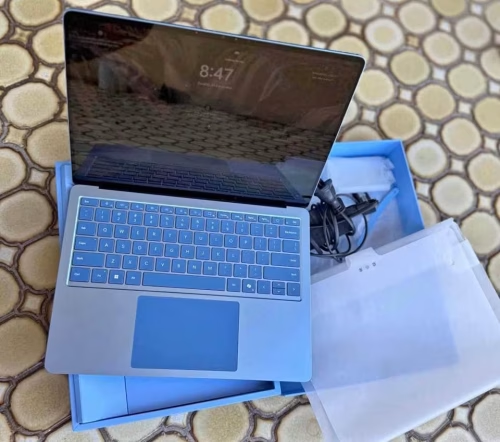
Who is wanting a Windows laptop which feels cheap when compared with their MacBook? Honestly speaking, nobody. So credit must goes to Microsoft for solving this issue, by the Surface Laptop 7th Edition. From the moment you are opening it, this model is made to feel premium, and it comes in two variants. The standard 13.8-inch one (which we are reviewing here) is having a compact footprint that is rivalling a MacBook Air, and it is available in four colours, namely Platinum, Black, Sapphire, or Dune.
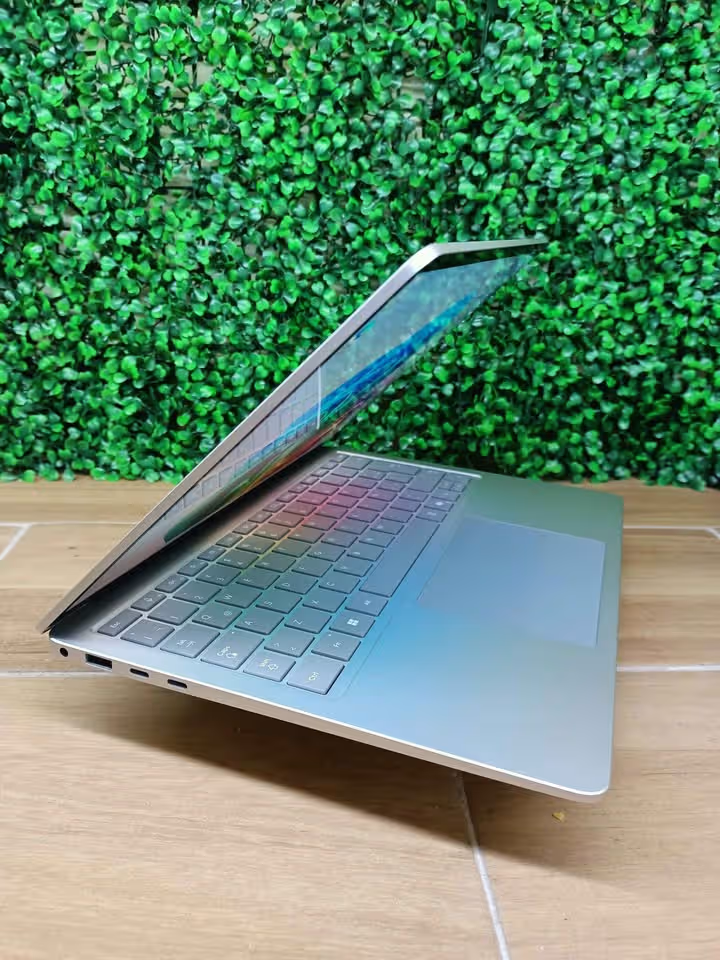

Then there is also the 15-inch variant, which is using the same architecture only, but it has bigger display and one larger battery, so it can be used like a desktop replacement also. This is the ultimate way how a Windows laptop can feel like a true MacBook Pro competitor.
Coming inside, the hardware is built around one main chip only: the Qualcomm Snapdragon X Elite, which is having 12 cores. There is 16GB LPDDR5x RAM and 1TB SSD for the storage part, and any replacement or upgrade is handled through Microsoft’s service programme itself. The Snapdragon chip is made for efficiency, and it is giving up to 14 hours of battery life, which is the longest on any Surface till now.
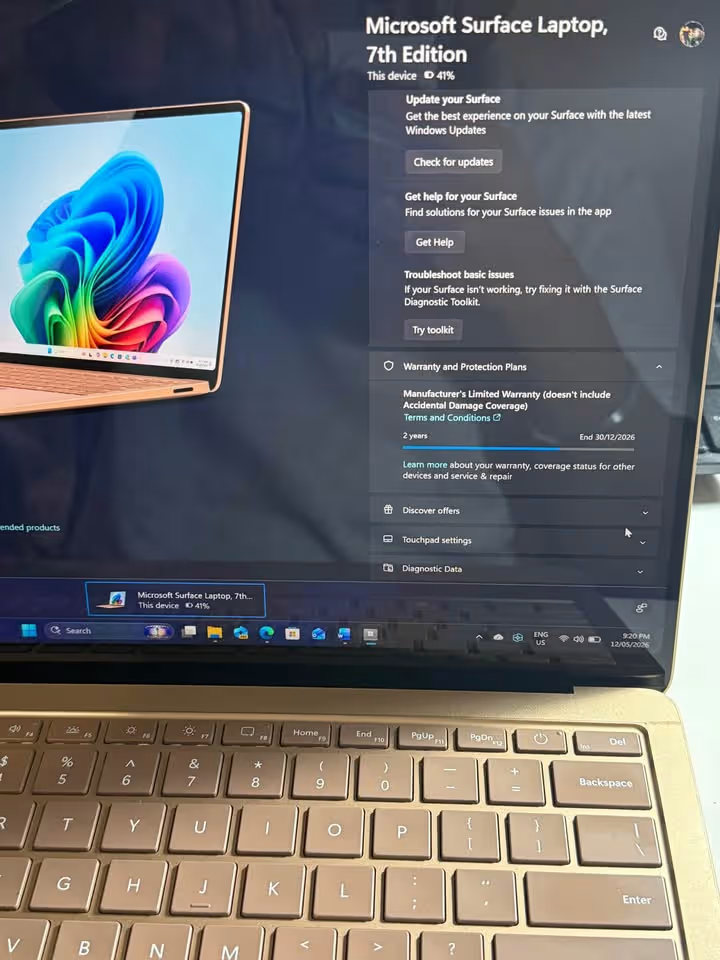
The Microsoft Surface Laptop is being controlled by the PixelSense touchscreen and also the precision trackpad, and both of them are excellent in use. If you are turning to the display part, which is a 2304 x 1536 LCD panel, you are getting a sharp and colour-accurate picture also. This is making the laptop little less vivid when compared with the Samsung Galaxy Book6 Pro, because that one is having an OLED panel with the wider colour coverage, but still the Surface display is very much good for the document work and also light photo editing, as per our testing.
If you are having a Microsoft 365 subscription, then you can connect the Surface Laptop with your cloud ecosystem and do the work seamlessly across all your devices, including using the Copilot AI features for search, summarisation, and also the new Recall feature, by which you can find anything you have seen on the screen by using natural language only.
The performance was good during our tests: our Cinebench multi-core run was giving competitive scores, although the Snapdragon chip was taking little moment to ramp up for the sustained all-core performance. This laptop was also impressively silent under the load, and the fan noise was barely registering from our 30cm measurement point itself.
If you are mainly wanting a beautifully built daily driver which is having strong AI features along with a touchscreen, then the Microsoft Surface Laptop 7th Edition is one neat MacBook Pro alternative which will be fitting into your workflow nicely.
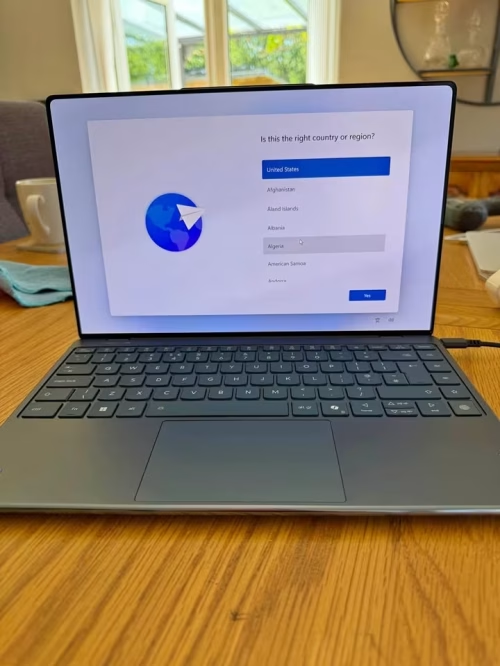
If you are searching the most premium Windows laptop kind of experience, then Lenovo Yoga Slim 9 is having a breathtaking display, and it also give a refined performance with very beautiful crafting.
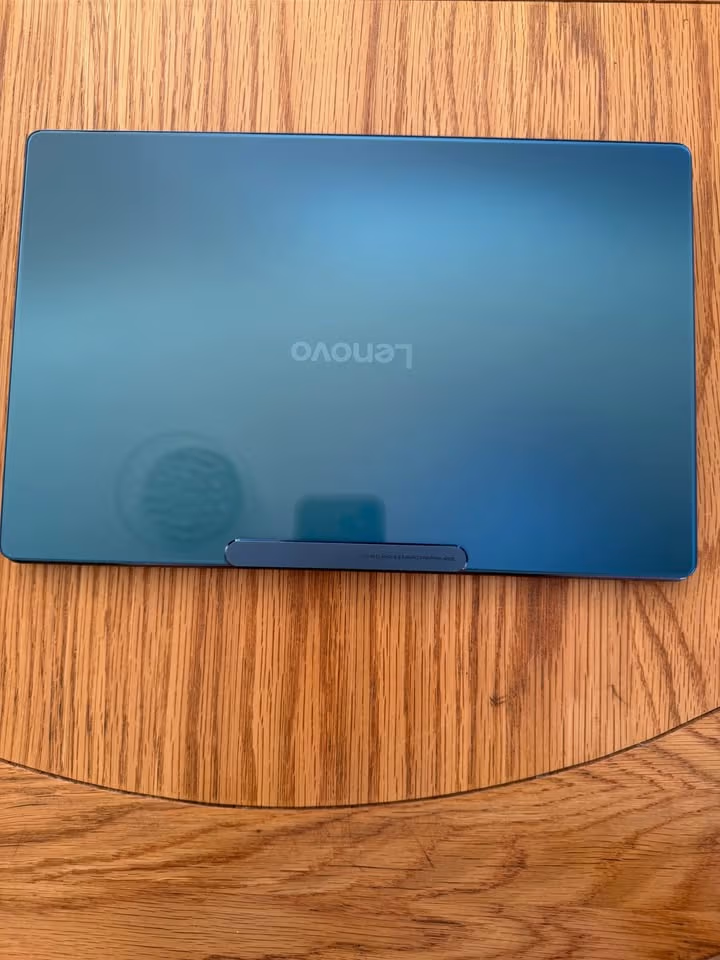
The Yoga Slim 9 is slim and elegant in look, body is made from aluminium and on the top there is a 2.5D impact-resistant glass also, which make it stylish enough that you can show off, but not too heavy to carry, just 1.23kg only. This laptop is mainly designed for the demanding creative workflows, and Lenovo is also offering the Yoga Slim 7 as one more affordable option for lighter type of work.
Inside the laptop there is multiple features which make it different from others — one under-display camera with AI fine-tuning that always keep you perfect in the frame, then a 4K WQUXGA OLED panel of 3840×2400 resolution which take care of each and every pixel in your creative work, and also four noise-cancelling microphones so that your calls become crystal clear.
The Yoga Slim 9 can be control using the backlit keyboard, which is having a oil-and-water resistant coating on it. Multiple power modes are also given to choose, and one intelligent mode also there which detects what kind of workload is running and accordingly adjust the performance by using the Intel Core Ultra 7 258V processor. If you want one laptop which can respond for more creative demands than only daily browsing, then you may think about Lenovo Yoga Slim 9 instead of the Yoga Slim 7.
There is one gorgeous display in which you can lose yourself, also a sleep mode that smartly handle the power during idle time, and the 75Wh battery is giving up to 11 hours of real-world usage, so you can finish your creative projects before the day is ending.
We tested the Yoga Slim 9 by running our sustained workload benchmark, and we found that the Intel Core Ultra 7 258V is delivering smooth and consistent performance with very less throttling. This is exceptionally refined kind of result, efficiency is almost comparable with the MacBook Pro M4, and much better than the previous-generation Yoga Slim 9 also.
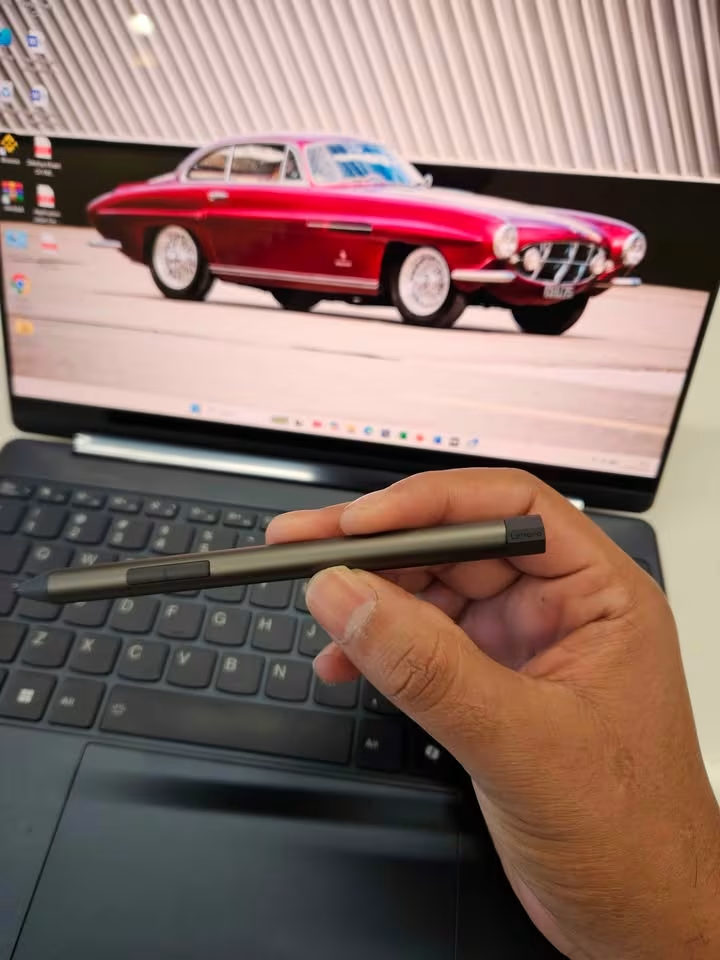
If you are wanting the most premium and visually stunning Windows laptop experience, and you are not so much bothered about wide port selection or aggressive pricing, then Lenovo Yoga Slim 9 is one outstanding choice for you.
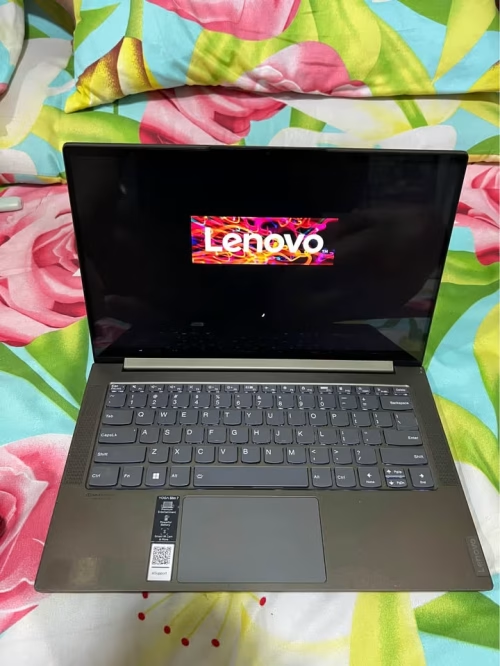
Whenever any manufacturer is putting a Snapdragon chip together with an OLED panel in this price range, it is worth to pay some attention. In my opinion, the Lenovo Yoga Slim 7 is maybe the most attractive value option from all of them: it is very light at only 1.28kg, the body is made from full aluminium, and it is coming with a really nice 14-inch 3K OLED display. The new thing in this generation is the Snapdragon X Elite processor, which is having a dedicated NPU rated at 45 TOPS.
This NPU is handling the on-device AI tasks, which are becoming more and more important for the features like Windows Recall and Copilot+, and it gives smooth multitasking without much effort. Inside the chassis there is 32GB of fast LPDDR5x RAM and also a 1TB NVMe SSD; this kind of storage setup is never feeling tight for daily usage.
Beside this, there are four studio-grade speakers which are tuned with Dolby Atmos, one FHD IR camera with smart presence detection, and a backlit keyboard with 1.5mm key travel. This mix of premium features, plus the military-grade durability certificate, is making the Yoga Slim 7 more polished compared to many competitors in same price segment. If you leave it running on battery, this laptop will easily go through a full working day, because it is sipping power very efficiently on the Snapdragon architecture.
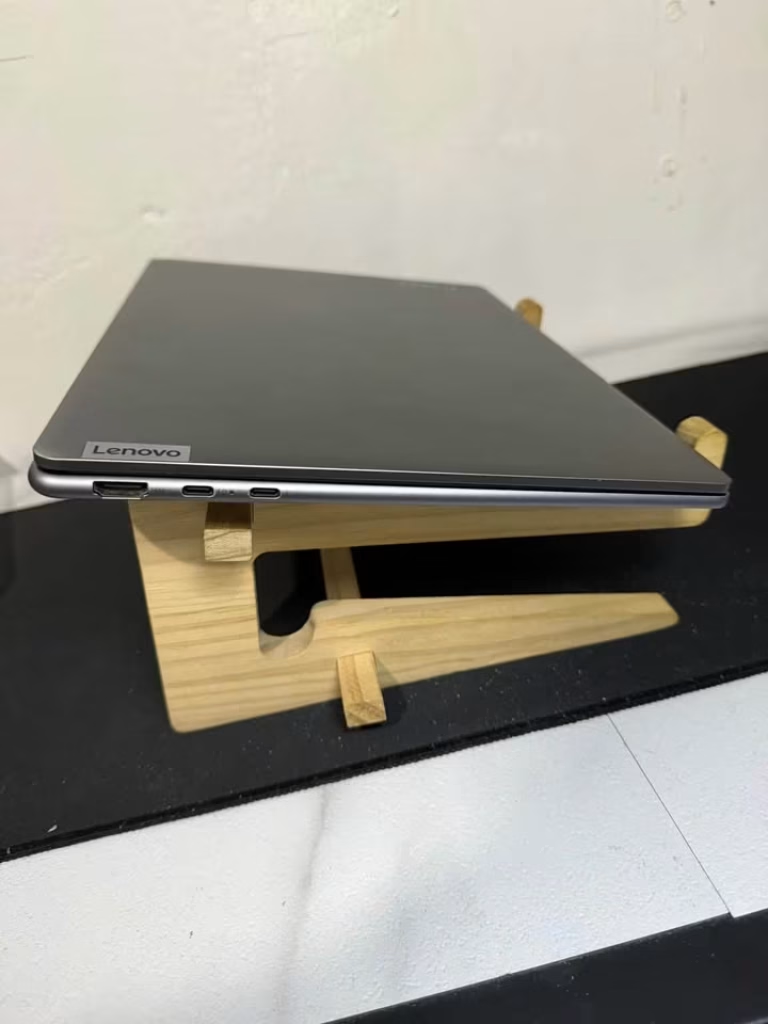

Like other Yoga products, this one is also a Copilot+ PC, so you are able to use the on-device AI features, or you can interact with Microsoft Copilot directly by pressing the dedicated key.
When we put the Lenovo Yoga Slim 7 through our testing, we noticed that it was handling the sustained multi-core workloads with very impressive efficiency, staying cool and silent the whole time: this is better than the older Yoga Slim models, and one of the best thermal performances which we have seen from an ultrabook at this price point.
As a portable device, it is also excellent: 1.28kg only, and just 12.9mm in thickness, which is making it more lighter than the MacBook Pro 14-inch. The 70Wh battery was giving strong endurance in our tests, and the rapid-charge feature was pushing the battery to almost three hours of usage from only 15 minutes of charging.
The full combination of quality display, Snapdragon efficiency, and aggressive pricing is making this one the best value MacBook Pro alternative, only the sometimes Snapdragon app compatibility issue can be one thing that may hold back some peoples.
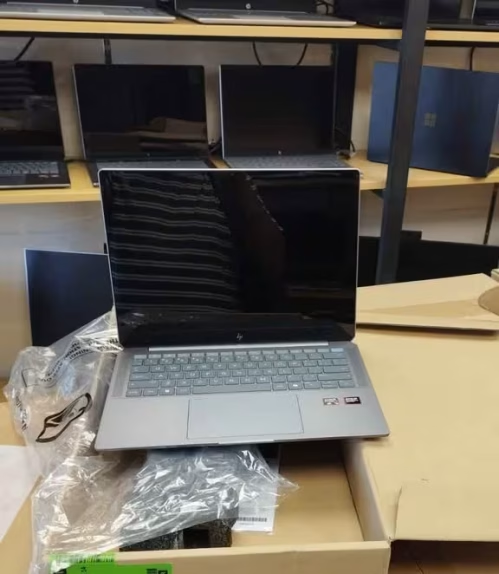
If there is one problem we are facing with most of ultrabooks which we test, it is that they are not making to fit your own professional need. The HP OmniBook Ultra is fixing that issue, and it has many AI-powered features which you can use, every one of them is made for doing specific job.
The 9MP IR AI camera, for the example, is having temporal noise reduction which is designed for keeping you look sharp in any kind of lighting condition. The AMD Ryzen AI 9 HX 375 is giving you one dedicated NPU rated at 55 TOPS, which is highest in our roundup, so it can handle the on-device AI workloads without making battery drain. And then, the quad-speaker setup which is tuned with DTS:X Ultra is delivering rich audio that fills the room. The 1TB SSD is offering fast PCIe Gen4 performance and should be handling even the demanding creative workflows very easily.
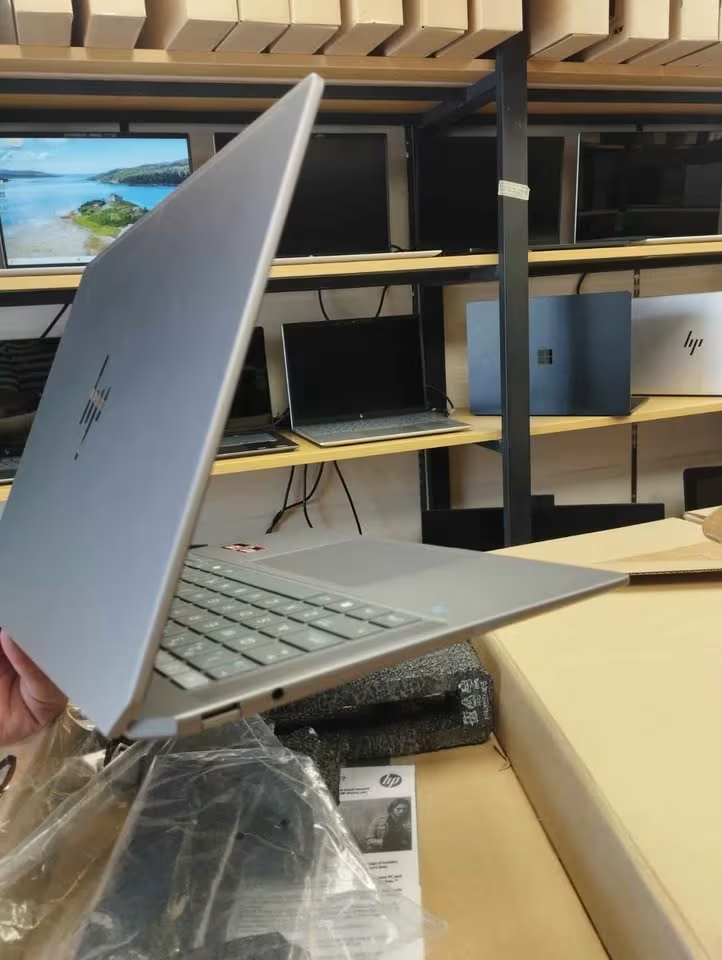
Built like one premium business machine, the compact HP OmniBook Ultra is looking the part. You can simply open the lid and let AMD processor do its work — which is using one combination of CPU, GPU, and NPU cores for detecting workload types and adjusting the performance in automatic way.
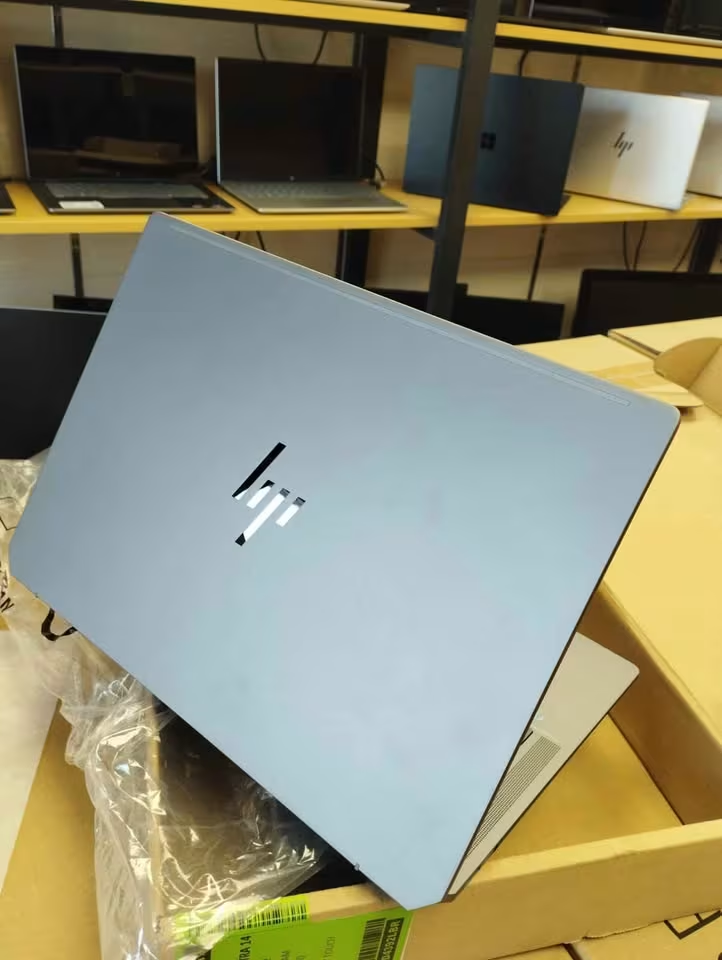
But it is only by connecting this laptop to your workflow and by using AI features that you are really getting the main benefits from it. Here, you will be finding lot of smart capabilities. Poly Camera Pro is letting you fine-tune your video presence, and pushing your webcam quality up to studio level. Smart Noise Cancellation is filtering out the background distractions at the time when you are on calls. The fingerprint reader is giving instant biometric login. Windows Studio Effects is adding background blur and auto-framing in automatic manner. The Copilot key is giving one-touch access for AI assistance, again it is taking the prompts from context which you set in app. And lastly, HP AI Companion is monitoring system performance and suggesting some optimisations while you are doing work.
It is one shame thing that display is topping out at only 400 nits, and this laptop is not matching the OLED vibrancy of ASUS Zenbook S 16, and also not of Lenovo Yoga Slim 9.
Performance is also good. Although the chassis is running little bit warmer under sustained load when we compare with Snapdragon-powered alternatives, still the HP OmniBook Ultra is delivering excellent benchmark scores, which are competitive with MacBook Pro M5 in the multi-threaded workloads.
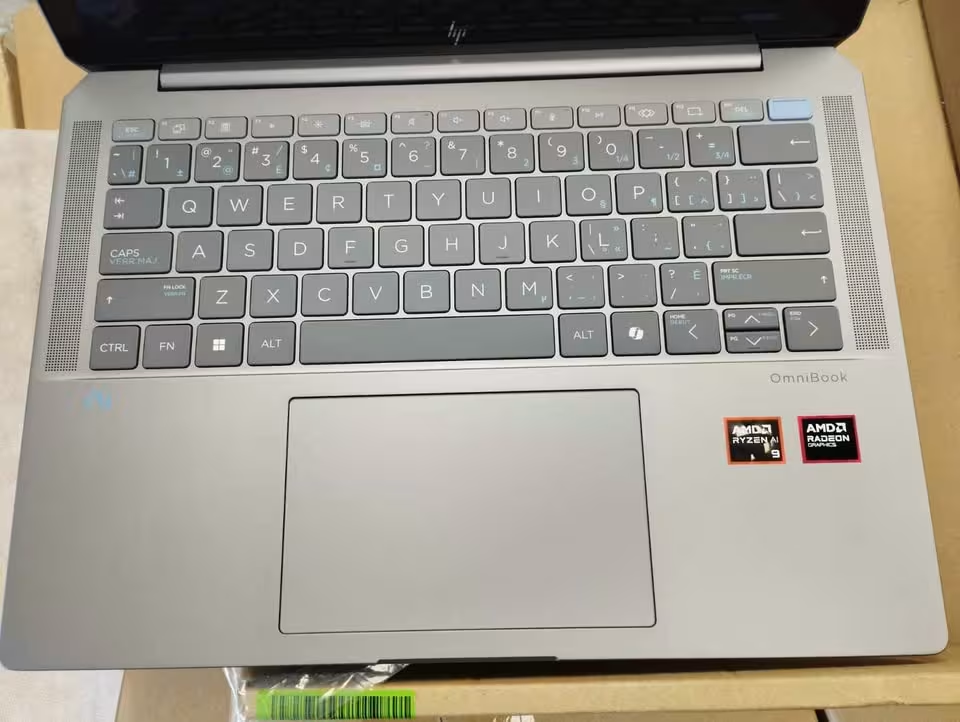
A productivity powerhouse only, the HP OmniBook Ultra is one great choice if you are wanting highest NPU performance and best webcam in business, with one processor which can handle the serious creative work.
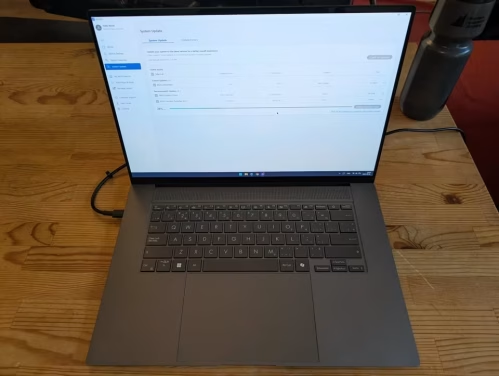
The ASUS Zenbook S 16 is called like this because it is made for pushing the limit of what thin-and-light laptop can give, and to redefine the premium ultrabook segment fully.
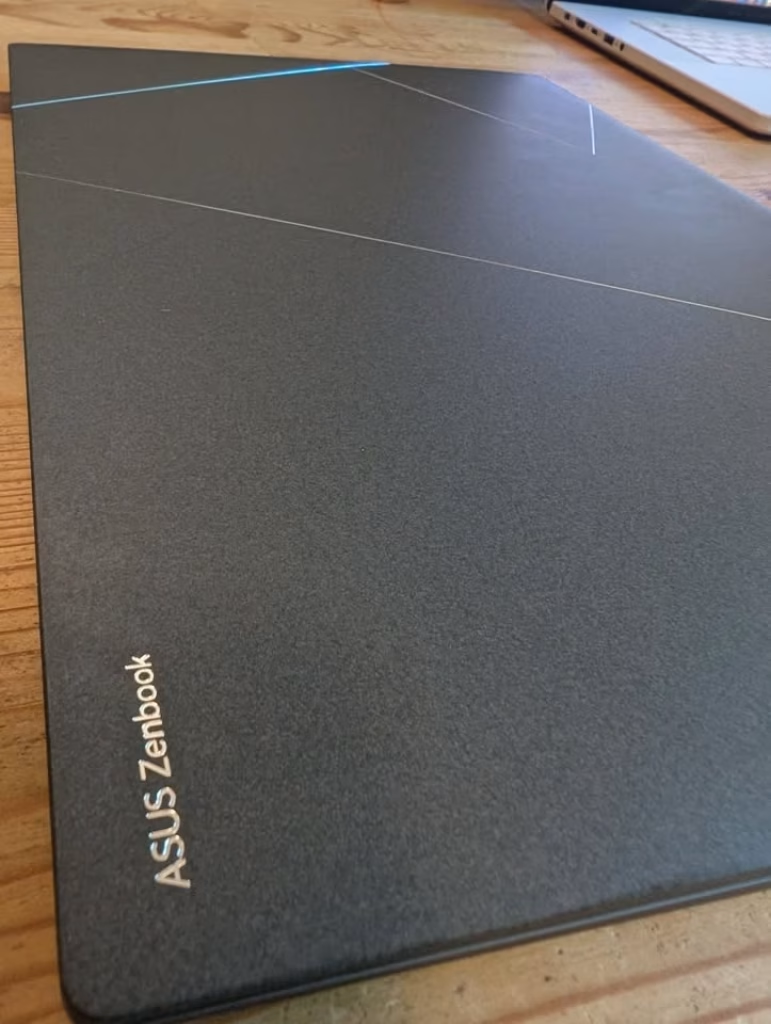
It is a eye-catching choice. The Zenbook S 16 is covered in Ceraluminum which is a high-tech ceramic type material that is ultra light, shock resistant, no smudge, and also wear resistant, and it comes in a unique Scandinavian White colour; on top of the performance machine itself there is a 16-inch 3K OLED display, which makes it into a proper creative workstation.
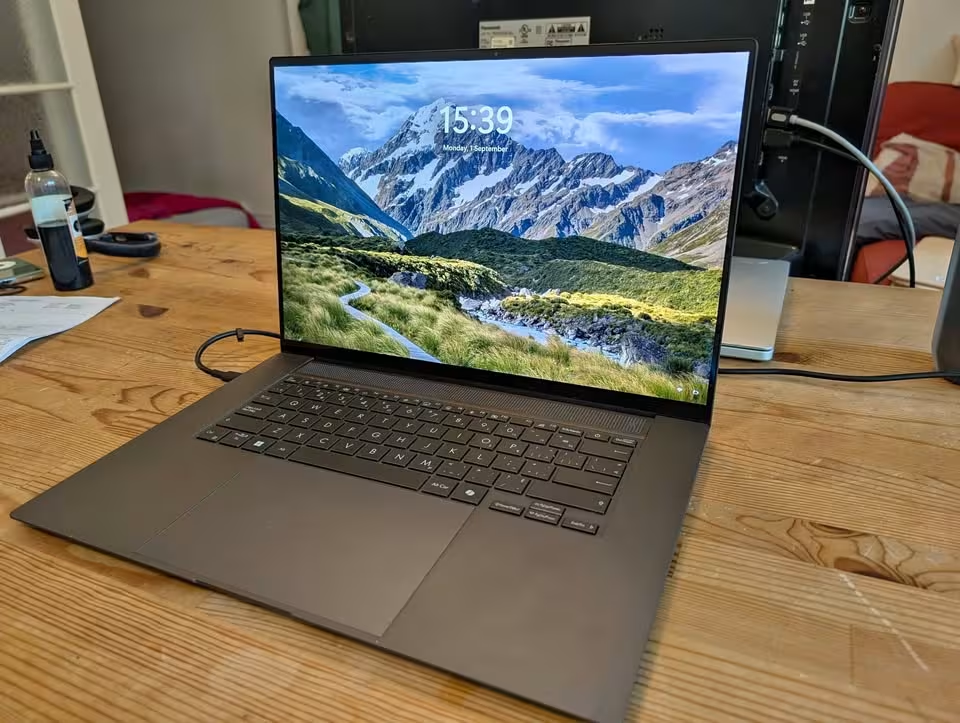
This laptop also comes with the AMD Ryzen AI 9 465 processor along with integrated AMD Radeon graphics, and one AMD XDNA NPU which is rated at 50 TOPS for the AI workloads. The 32GB LPDDR5x RAM and the 1TB NVMe SSD are told to handle every type of work from video editing to the software development and also multitasking very easily, and they can be trusted upon. ASUS is saying the SSD will give consistent performance for many years, although because the RAM is soldered, you cannot upgrade it later on. This is not the discrete GPU setup which you will find in gaming laptops here, but integrated graphics that ASUS is assuring are more than enough for creative professionals.
Along with the basic controls for the power management and one performance mode switch, the Zenbook S 16 is a smart laptop which connects with WiFi 7 and also works with latest Bluetooth 5.4 peripherals; the settings is allowing you to fine tune the display colour profile, and also assigning different power modes for different usage situations, in case you switch between creative work and the daily browsing.
Additionally, there is also a much wider port selection compared to most ultrabooks, including USB4, HDMI 2.1, and one SD card reader, plus the ability of connecting multiple external displays, which we are finding especially useful, since the laptop will show its full creative potential only when it is paired with a colour-accurate monitor. The system is also showing the current battery status and the estimated remaining time, and if you are wanting to control the laptop using AI features, it is a full Copilot+ PC.
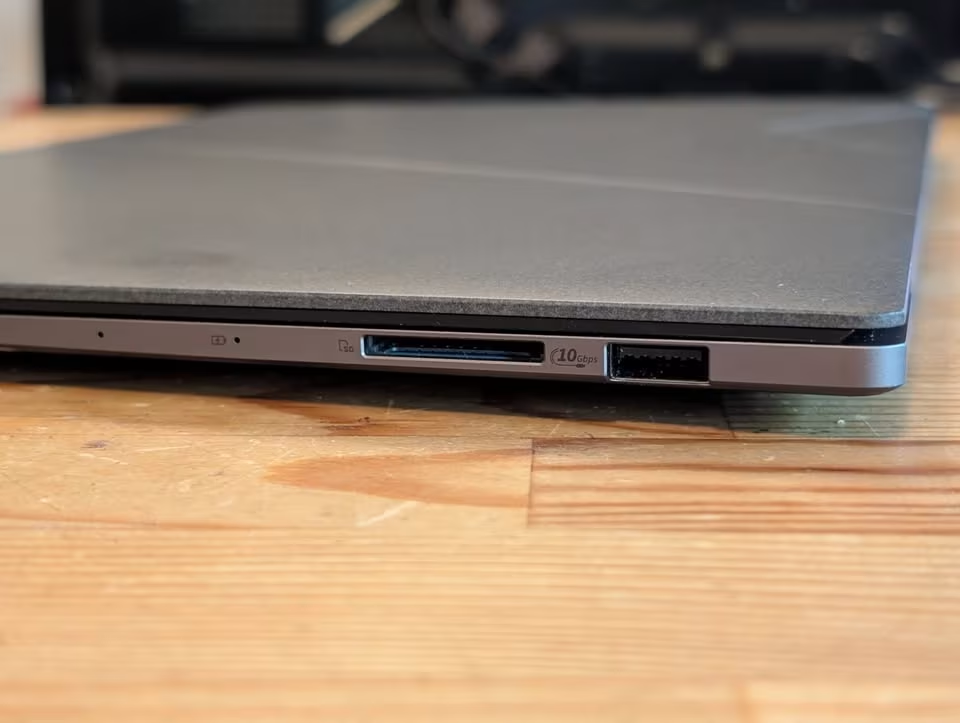
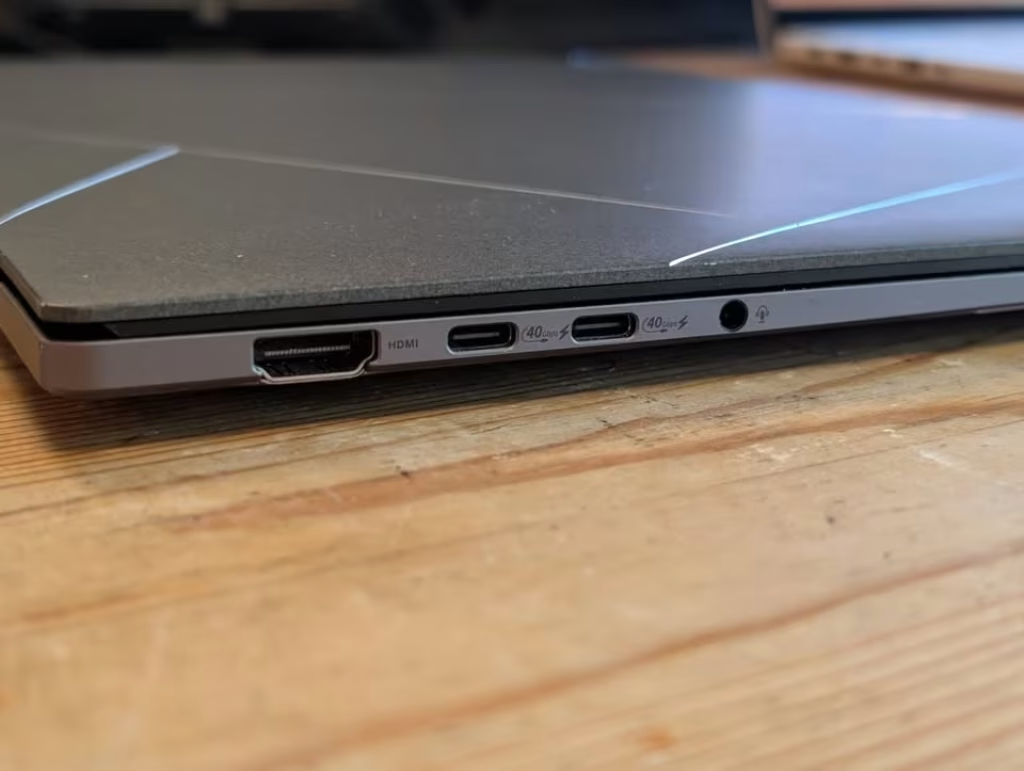
While using the Zenbook S 16 like our daily driver for one week, we found the laptop to be remarkably capable and we had to go to our desktop much less often. When we were running our standard benchmarks, ASUS’s eye-catching candidate also performed very nicely with it finishing our Cinebench multi-core test with scores competitive to the MacBook Pro M4 Pro, which is quite impressive thing. The battery life of the Zenbook S 16 is also comparatively strong in all usage cases, with the 83Wh cell giving more than 20 hours of video playback in our testing. If you are wanting a laptop that genuinely looks and feels different from each other thing, this is a stunning way for doing so.
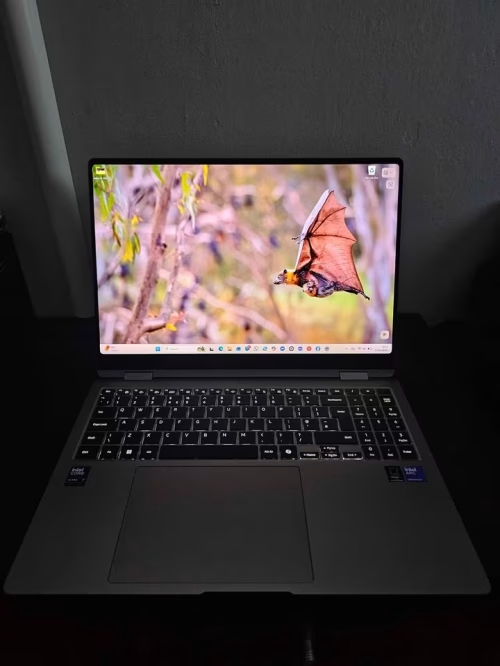
If there is one thing where MacBook Pro is always winning from long time, that is the battery life. But Samsung Galaxy Book6 Pro is fixing this problem now, and giving a huge 30 hours of claimed battery backup which is even putting Apple’s best one behind.
Talking about the display, it is a 14-inch WQXGA+ (2880 x 1800) Dynamic AMOLED 2X panel which comes with anti-reflective coating and 500 nits of peak brightness. The 120Hz refresh rate is giving very smooth scrolling experience when you do reading of documents or watching of media. And the anti-reflective layer means you can actually do your work outside without making your eyes tired from the mirror-like reflection. Samsung’s display making experience is clearly showing in every single pixel of it.
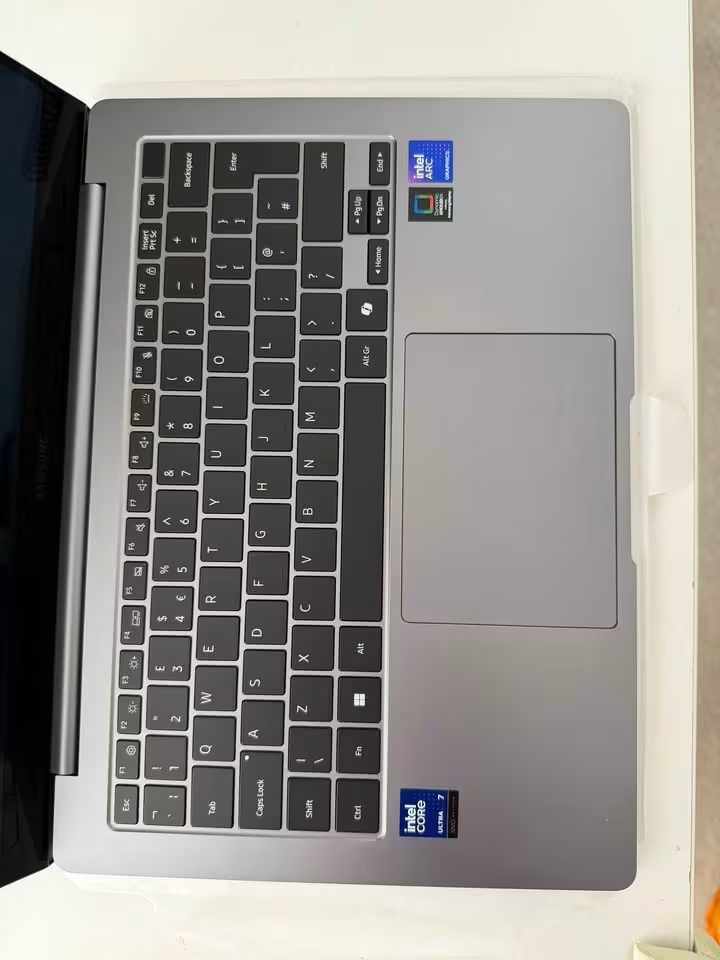
The laptop is built like a premium ultrabook and the slim Galaxy Book6 Pro is looking really nice. You just have to switch it on and let the Intel Core Ultra 7 (Series 3) processor do the work, which is using a mix of performance, efficiency and low-power cores for handling the workloads and adjusting the power consumption by itself automatically.
But the real fun is starting when you go and explore the AI features of this machine. Over here, you are getting up to 50 TOPS of NPU performance. Note Assist is helping for summarising the meeting recordings. Live Translate is removing the language problems during video calls. Photo Remaster is using on-device AI for making old or low quality pictures better. AI Select is allowing you to grab and do interaction with the content showing on the screen. The new cooling system which is redesigned, keeps everything fully silent, even when you are doing heavy creative work for long time. And one more thing, Studio Mode is making your video calls better with background blur, auto-framing, and also lighting correction.
It is sad that there is no dedicated GPU inside, and also the laptop is not supporting more than 32GB RAM for the people who really need more memory.
Performance side is also good. Although the integrated Intel graphics is not going to win any gaming benchmarks, the Galaxy Book6 Pro was handling our productivity tests very easily, and the responsiveness is comparable to a MacBook Pro for daily type of work.
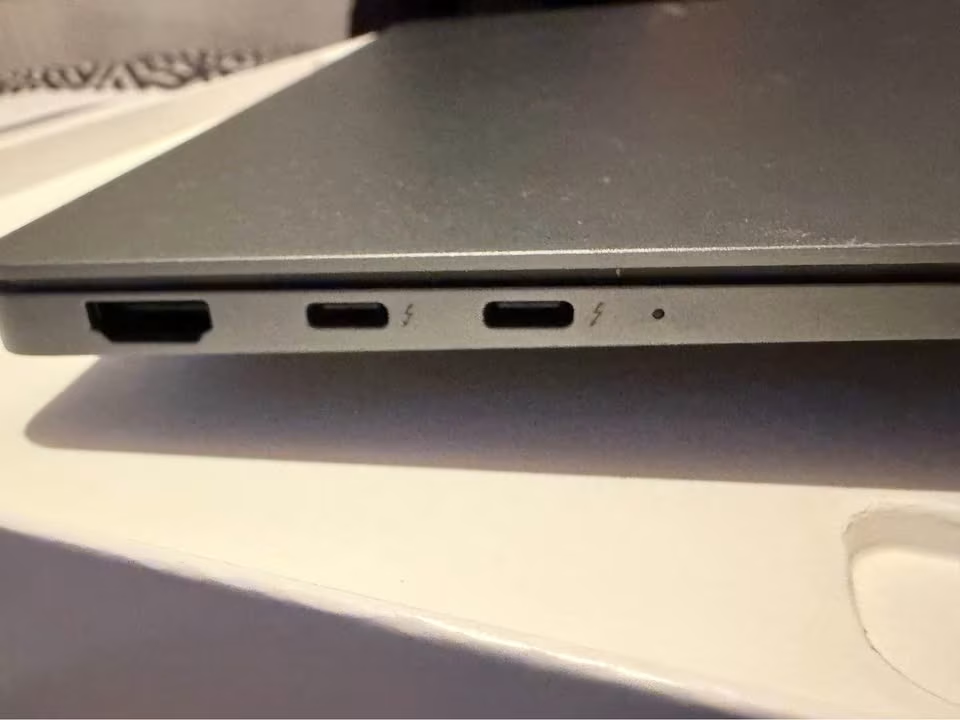
Being a productivity powerhouse only, the Samsung Galaxy Book6 Pro is a great pick if you are wanting extraordinary battery life and the best display in a Windows ultrabook, that too without carrying the bulk.
Test Data
| Lenovo Yoga Slim 7 | HP OmniBook Ultra | Microsoft Surface Laptop (7th Ed.) | ASUS Zenbook S 16 | Lenovo Yoga Slim 9 | Samsung Galaxy Book6 Pro | |
| Weight | 1.28 kg | 1.57 kg | 1.22 kg | 1.50 kg | 1.23 kg | 1.24 kg |
| Display Resolution | 2880 x 1200 | 2240 x 1400 | 2304 x 1536 | 2880 x 1800 | 3840 x 2400 | 2880 x 1800 |
| Peak Brightness | 1000 nits | 400 nits | – | 1000 nits | 750 nits | 500 nits |
| NPU (TOPS) | 45 | 55 | – | 50 | 47 | 50 |
| Battery Capacity | 70 Wh | 68 Wh | 54 Wh | 83 Wh | 75 Wh | 67.18 Wh |
| Claimed Battery Life | Up to 21 hrs | Up to 16.5 hrs | Up to 14 hrs | Up to 25+ hrs | Up to 11 hrs | Up to 30 hrs |
| Thickness | 12.9 mm | 16 mm | 18 mm | 13 mm | 14.5 mm | 11.6 mm |
Full Specs
| Lenovo Yoga Slim 7 | HP OmniBook Ultra | Microsoft Surface Laptop (7th Ed.) | ASUS Zenbook S 16 | Lenovo Yoga Slim 9 | Samsung Galaxy Book6 Pro | |
| Processor | Snapdragon X Elite X1E-78-100 | AMD Ryzen AI 9 HX 375 | Snapdragon X Elite (12 Core) | AMD Ryzen AI 9 465 | Intel Core Ultra 7 258V | Intel Core Ultra 7 (Series 3) 356H |
| Cores / Threads | 12C | 12C / 24T | 12C | 10C / 20T | 8C / 8T | 16C |
| Max Clock Speed | 3.4 GHz | 5.1 GHz | 3.4 GHz | 5.0 GHz | 4.8 GHz | 4.7 GHz |
| RAM | 32 GB LPDDR5x | 32 GB LPDDR5x | 16 GB LPDDR5x | 32 GB LPDDR5x | 32 GB LPDDR5x | 32 GB LPDDR5 |
| Storage | 1 TB NVMe SSD | 1 TB NVMe SSD | 1 TB SSD | 1 TB NVMe SSD | 1 TB NVMe SSD | 1 TB SSD |
| Display Size | 14″ | 14″ | 13.8″ | 16″ | 14″ | 14″ |
| Display Type | 3K OLED | 2.2K IPS | PixelSense LCD | 3K OLED | 4K OLED | Dynamic AMOLED 2X |
| Refresh Rate | 90 Hz | – | Up to 120 Hz | 120 Hz | – | 120 Hz |
| Colour Gamut | 100% DCI-P3 | 100% sRGB | – | 100% DCI-P3 | 100% DCI-P3 | – |
| Touchscreen | Yes | Yes | Yes | Yes | Yes | – |
| Graphics | Qualcomm Adreno (Integrated) | AMD Radeon 880M | Integrated | AMD Radeon (Integrated) | Intel Arc 140V | Intel Graphics (Integrated) |
| NPU | 45 TOPS | 55 TOPS | – | 50 TOPS | 47 TOPS | 50 TOPS |
| Wi-Fi | Wi-Fi 7 (802.11be) | Wi-Fi 7 (802.11be) | Wi-Fi 7 | Wi-Fi 7 (802.11be) | Wi-Fi 7 (802.11be) | – |
| Bluetooth | 5.4 | 5.4 | 5.4 | 5.4 | 5.4 | – |
| USB-C Ports | 3x USB4 | 2x Thunderbolt 4 | 2x USB-C 4 | 2x USB4 | 2x USB-C | – |
| USB-A Ports | – | 1x USB-A 10Gbps | – | 1x USB 3.2 Gen 2 | – | – |
| HDMI | – | – | 1x HDMI | 1x HDMI 2.1 | – | – |
| Webcam | FHD 1080p + IR | 9MP IR AI Camera | FHD IR | FHD + IR | Under-display + AI | – |
| Speakers | 4x Dolby Atmos | Quad DTS:X Ultra | Dolby Atmos | – | 4x Dolby Atmos | Dolby Atmos Stereo |
| Keyboard | Backlit, 1.5mm travel | Full-size, Backlit | Backlit | Backlit Chiclet + Copilot key | Backlit, coated | – |
| Biometrics | IR Face Recognition | Fingerprint + IR | Face Recognition | IR Windows Hello | – | – |
| MIL-STD-810H | Yes | – | – | – | Yes | – |
| Battery | 70 Wh Li-Po | 68 Wh Li-Ion | 54 Wh Li-Ion | 83 Wh Li-Ion | 75 Wh Li-Po | 67.18 Wh Li-Ion |
| Weight | 1.28 kg | 1.57 kg | 1.22 kg | 1.50 kg | 1.23 kg | 1.24 kg |
| Dimensions (L×W×T) | 32.5 × 22.5 × 1.3 cm | 31.5 × 22.8 × 1.6 cm | 30.1 × 22 × 1.8 cm | 35.4 × 24.3 × 1.3 cm | 31.2 × 20.3 × 1.5 cm | 31.4 × 22.1 × 1.2 cm |
| OS | Windows 11 Home | Windows 11 Home | Windows 11 Home | Windows 11 Home | Windows 11 Home | Windows 11 Home |
| Copilot+ PC | Yes | Yes | Yes | Yes | Yes | Yes |
| Included Software | MS Office 2021, Xbox GamePass 3M | MS Office 2024, M365 Basic 1Y, Xbox GamePass 3M | – | M365 Basic 1Y, Office 2024 | Office 2024, Lenovo AI Now, Xbox GamePass 3M | – |
| Warranty | 1 Year Onsite + 1 Year ADP | Limited | – | – | 1 Year Onsite + 1 Year ADP | – |
FAQs
Yes, and in 2026 the gap is never been so small before. The new Windows ultrabooks, like ASUS Zenbook S 16 and Samsung Galaxy Book6 Pro, now matching or even going beyond MacBook Pro in display quality, battery backup, and build material also. Where Windows laptops is taking the lead is the flexibility part: touchscreen, stylus support, more variety of ports, and also you can choose between integrated or discrete graphics depend on your workload. If you are heavily depend on macOS-only softwares like Final Cut Pro or Logic Pro, then only this is the main reason to stay with Apple; for rest of the things, Windows is giving very strong answer now.
The Intel and AMD (x86) processors is usually offering more broader software compatibility, and they are best option for running the legacy Windows applications, specialised creative softwares or even the games on one single machine, also for emulating the older environments too. A Snapdragon (ARM) laptop is more for maximising the battery life, or for handling the everyday productivity and the modern AI-powered tasks; but you cannot run every x86 application natively on it. Both type are not usually made for heavy gaming if there is no discrete GPU.
The Intel’s Core Ultra and AMD’s Ryzen AI processors are doing very good job in handling the demanding workloads, and mostly you can use them for all kind of creative tasks like the video editing or 3D rendering. They will also do decent job for running the AI features, but the battery life can take some hit when load is sustained for long time. But if your work is having mix of legacy and modern workflows, then they can be the ideal one for you.
The gap between the Windows ultrabooks and the MacBook Pro has became very narrow now. A premium Windows laptop is mostly heavier to justify inside the Apple ecosystem, but with the comparable displays, the similar battery life, AI-powered features, and competitive processing power, they are usually performing well in only one or two areas where the MacBook is falling short: the touchscreen support, the port variety, and software flexibility. With one ARM-based Windows laptop, like the Surface Laptop or the Yoga Slim 7, you are getting the similar architectural efficiency like Apple Silicon. With a x86 machine, like the Zenbook S 16 or the Galaxy Book6 Pro, you may need to manage the thermals more actively, but you are getting full software compatibility and, in some cases, the superior raw multi-threaded performance also.