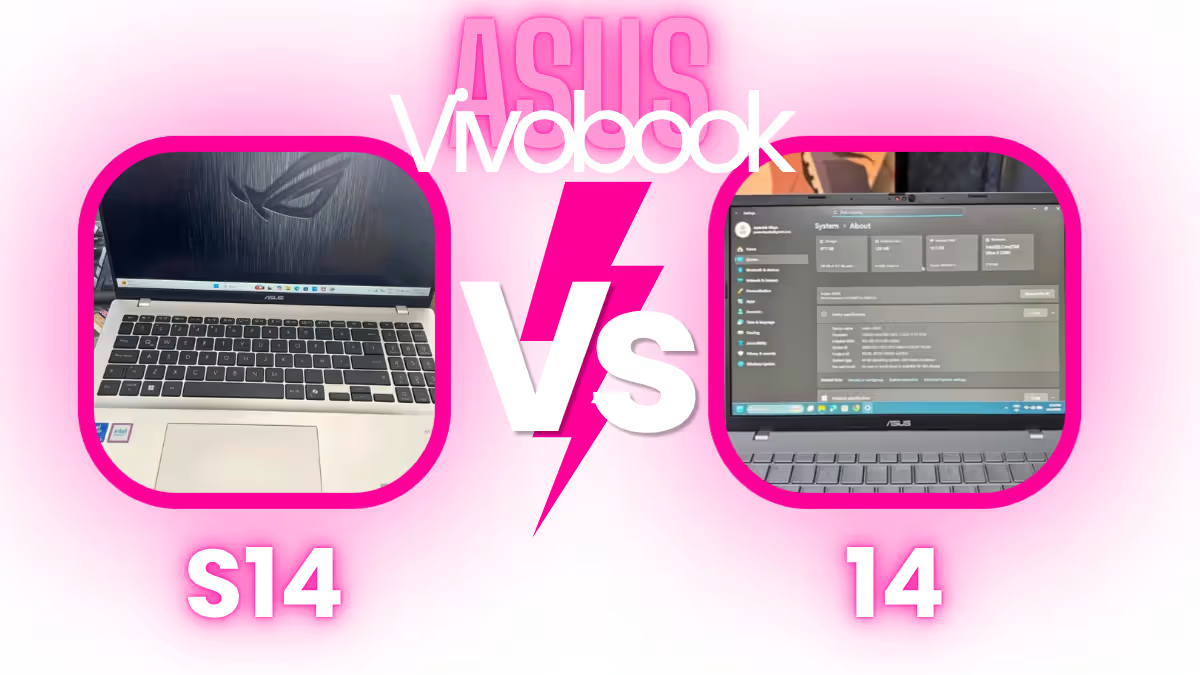
For a quality ASUS ultrabook which is going beyond the budget picks like the VivoBook Go or the VivoBook Flip, maybe you are interested to check out the ASUS Vivobook S14 vs. Vivobook 14.
Both of these are two from the most capable 14-inch laptops of ASUS, and the two models are featuring the Intel Core Ultra 5 225H processor which has AI capabilities inside.
In this guide I will give you a rundown about what is the same and what is the different between these two models.
So let us get started!
Some links in this post are affiliate links of Amazon India. As an Amazon Associate, I earn from qualifying purchases. It means, if you click on my link and buy any product, I can get small commission from Amazon, and there is no any extra cost for you.
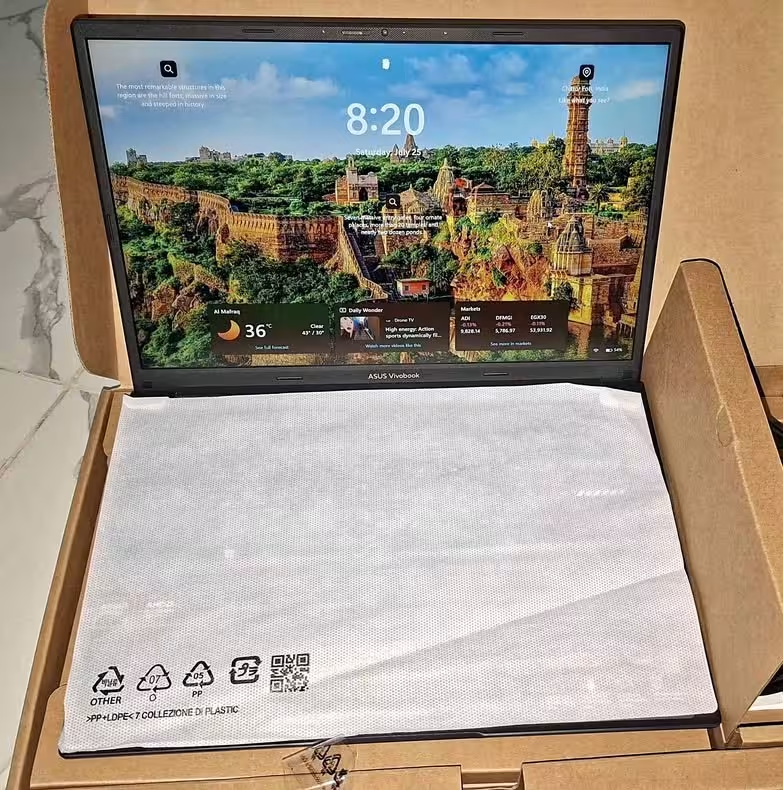

Design
First of the things, let us talk on the overall design of both these two laptops. The two machines are 14-inch ultraportables and they are complete with all the bells and whistles you want.
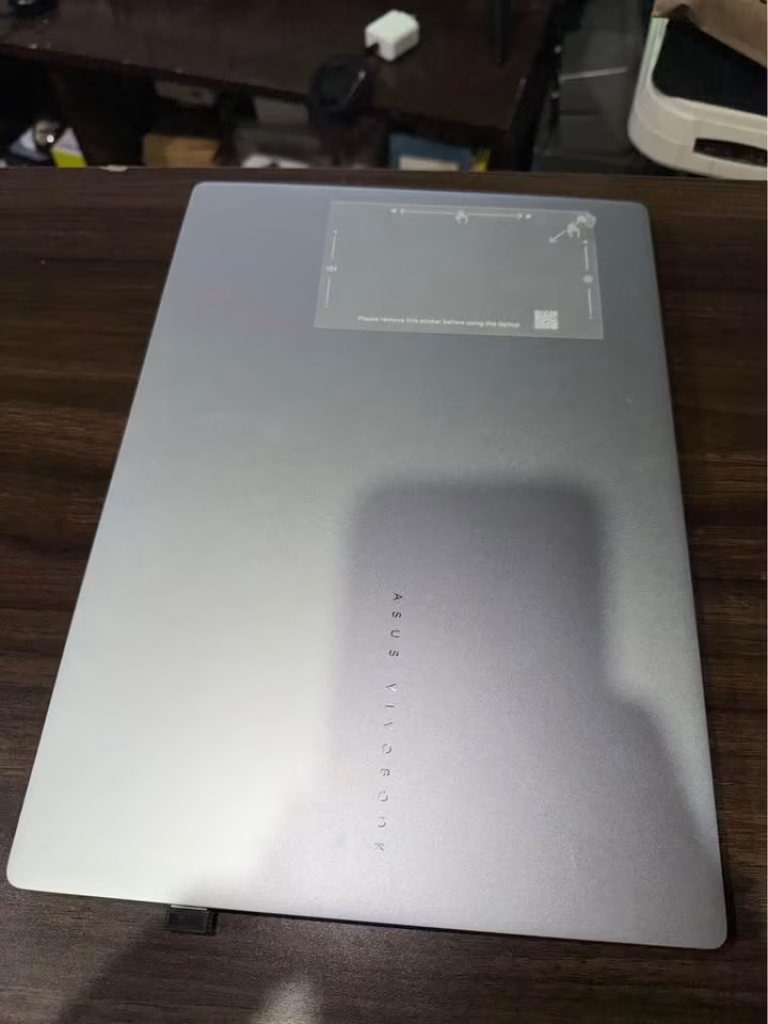
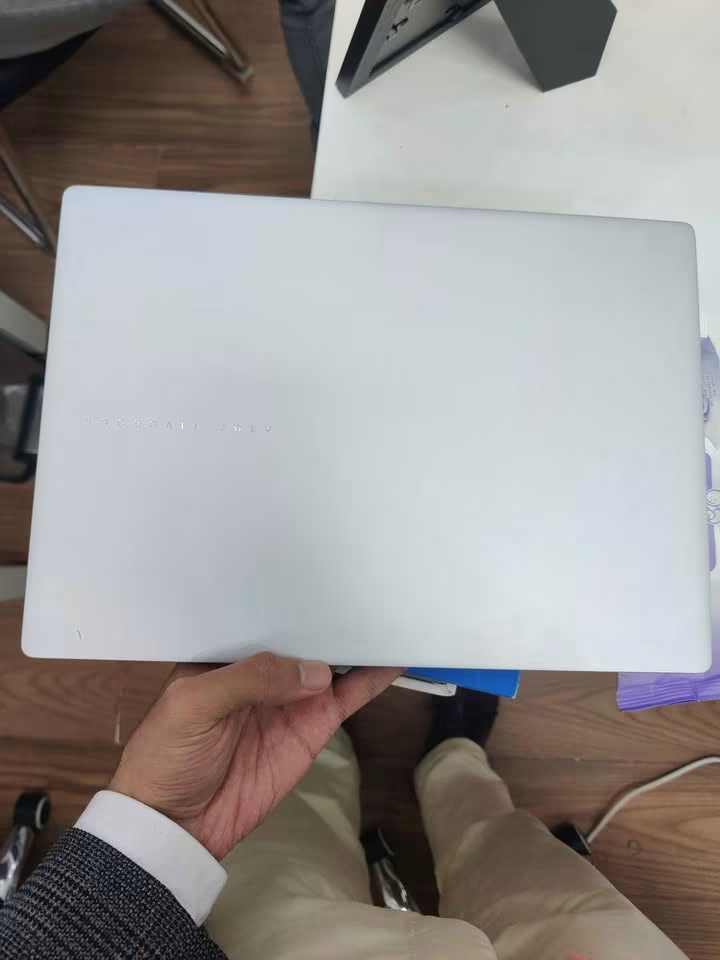
Both the ASUS Vivobook S14 & ASUS Vivobook 14 are including:
#1. Intel Core Ultra 5 225H Processor
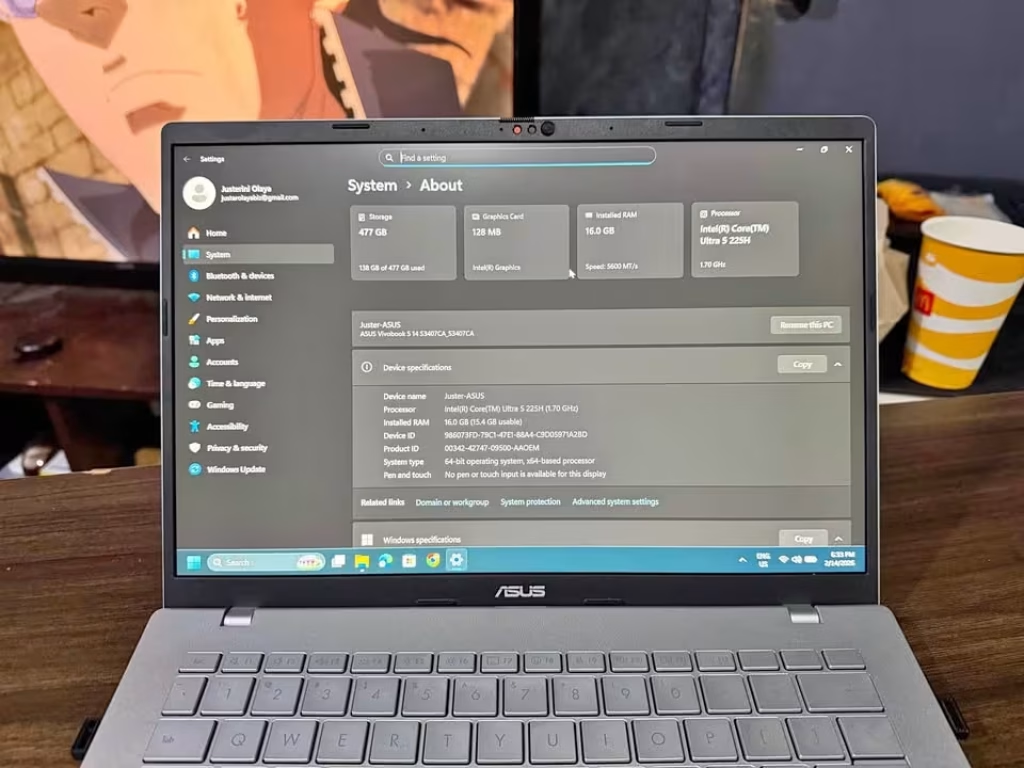
These both laptops are packing the Intel Core Ultra 5 225H processor, and this one is allowing you for handling the demanding workloads very easily. Under the hood, the processor is running on a base clock of 1.7 GHz (18MB Cache, up to 4.9 GHz, 14 cores, 14 Threads), but also you will get the access to full AI acceleration through the built-in NPU.
But keep in the mind, the processor is powerful one, still you will be limited little bit by the integrated Intel graphics when it comes for heavy creative or the gaming tasks.
#2. Intel AI Boost NPU
The Intel AI Boost NPU is also getting used on both the Vivobook S14 and the Vivobook 14.
So what is this Intel AI Boost NPU?
Intel AI Boost NPU is one dedicated neural processing unit which is designed for the accelerated AI tasks and also for the improved performance when running the on-device AI workloads.
The NPU is doing the offloading of AI tasks away from the CPU, so because of this it becomes more efficient for the background AI operations to be running without the draining of overall system performance.
The first benefit is the faster AI-powered features, like the noise cancellation, background blur, and the smart search.
The second benefit is the improved battery life, because the AI tasks are running on this dedicated low-power NPU instead of taxing the CPU or the GPU.
This combination of the two different processing paths is helping for handling of more tasks at the same time, and it is giving a result of more responsive experience if you compare it with the traditional CPU-only AI processing.
#3. FHD+ Display
The Vivobook S14 and the Vivobook 14, both of them are featuring a 14-inch FHD+ (1920 x 1200) IPS display which is having a 16:10 aspect ratio. This taller aspect ratio is giving you more of vertical screen space for the longer documents, and also the comfort of one more natural reading experience.
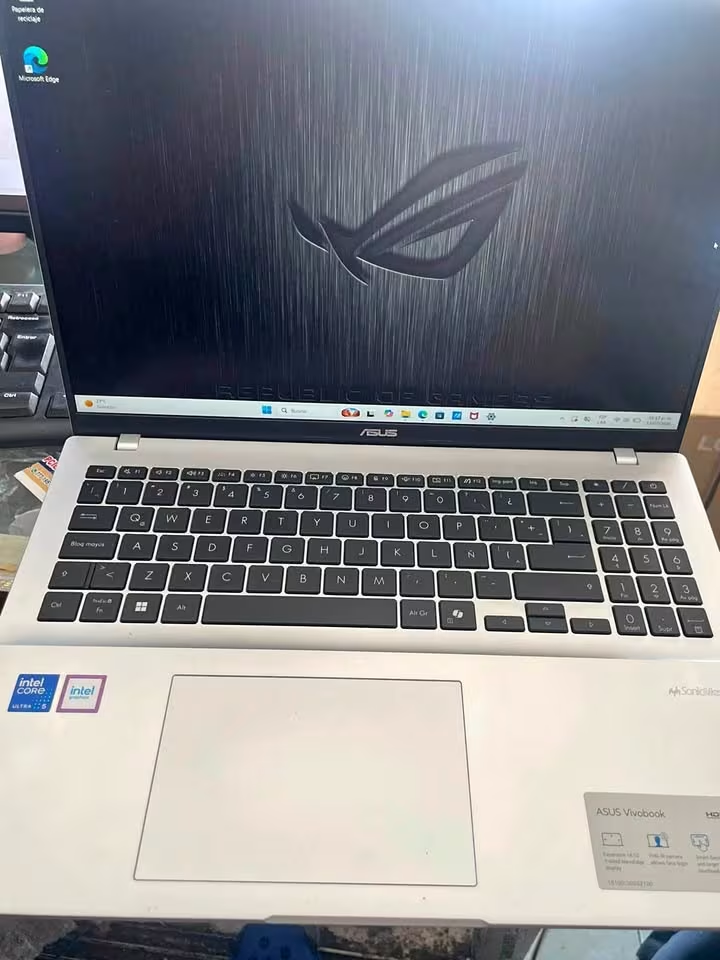
If you want the laptops which are having higher refresh rate displays, then check out the ASUS Vivobook Pro 15 OLED or the ASUS Zenbook 14 OLED.
#4. Software & OS
Both of these laptops are shipping with the same software bundle, and it is coming pre-installed out of the box on the each machine.
Software is including:
- Windows 11 Home
- Microsoft 365 Basic with 100GB Cloud Storage (1 Year)
- Office Home 2024 with the lifetime validity
Size & Dimensions
The ASUS Vivobook S14 is having a length of 31.5 cm, a width of 22.3 cm, and it is very thin with only 1.59 cm. Its weights 1.40 kilograms.
On the other side, the ASUS Vivobook 14 is also 31.5 cm long and 22.3 cm wide, but it is a bit more thick at 1.79 cm, and its weight is 1.46 kilograms.
| ASUS Vivobook S14 Size |
|---|
| Length: 31.5 cm |
| Width: 22.3 cm |
| Thickness: 1.59 cm |
| Weight: 1.40 kg |
| ASUS Vivobook 14 Size |
|---|
| Length: 31.5 cm |
| Width: 22.3 cm |
| Thickness: 1.79 cm |
| Weight: 1.46 kg |
How they are comparing?
When we are looking closely, the specifications are almost the same between both. But the Vivobook S14 is having small advantage, because it is slightly more thinner and around 60 grams lighter if we compare with the Vivobook 14.
Ports & Connectivity
In the table which is given below, we have documented all the ports and the connectivity options that are coming with each model at the time of the purchase.
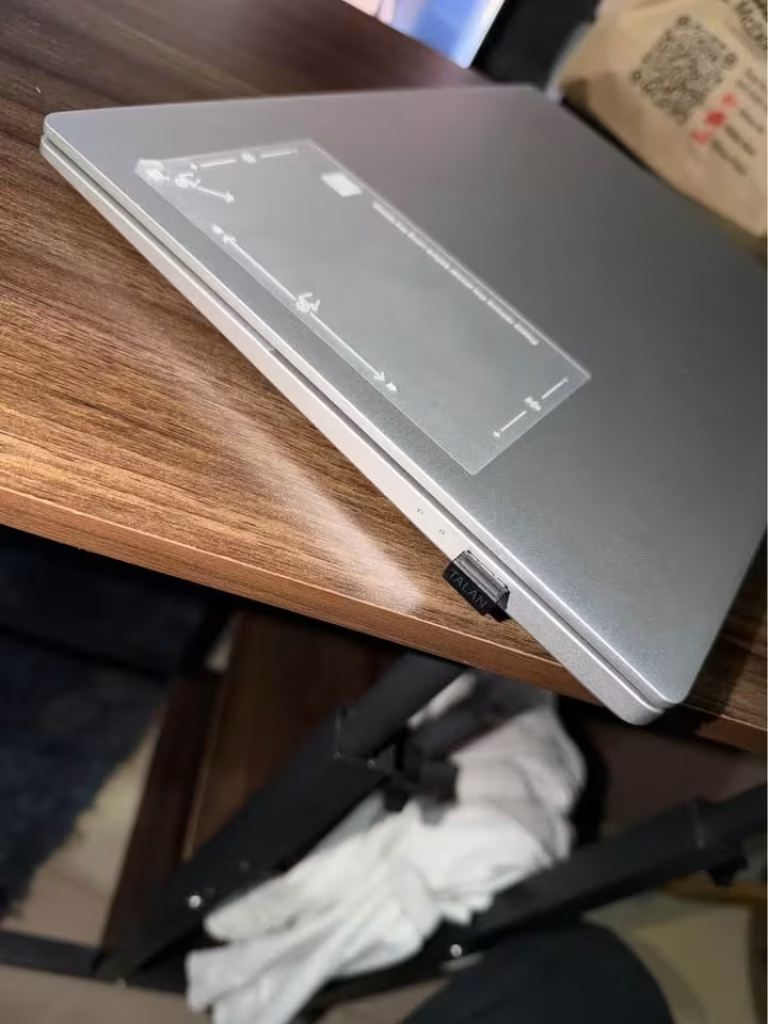
One thing to keep in mind, depending on when you are buying each model and from which retailer, the exact port configuration can be varying. For this comparison, we are taking the ASUS Vivobook S14 (S3407CA-LY060WS) and the ASUS Vivobook 14 (X1407CA-LY1581WS).

| Port | Vivobook S14 | Vivobook 14 |
| USB 3.2 Type-C | 2 | 2 |
| USB 3.2 Type-A | 2 | 2 |
| HDMI | 1 (HDMI 1.4) | 1 (HDMI 1.4) |
| 3.5mm Audio Jack | 1 | 1 |
Both the Vivobook S14 and the Vivobook 14 are having the exact same set of ports, only the layout on each side is little bit different, but in the end the connectivity is basically same. Here is exactly what you are getting:
- USB Type-C ports: Two USB 3.2 Gen 1 Type-C ports, and they are supporting display output and also power delivery, so you can use them for charging or for connecting the external monitors.
- USB Type-A ports: Two USB 3.2 Gen 1 Type-A ports, which are used for the traditional peripherals like the mouse, keyboard, or one external drive.
- HDMI 1.4 port: One full-size HDMI port, meant for connecting to an external monitor or the TV.
- 3.5mm Audio Combo Jack: A standard audio jack for the headphones, or a headset which is having one integrated microphone inside.
Display
Now, apart from the ports and the connectivity, let us talk little about the display panel. Even though both the laptops are using the same FHD+ IPS panel technology, still there are few design differences, mostly in the display bezels and also in the screen-to-body ratio. Other than the difference in color, the screen-to-body ratio is also somewhat different between them. The Vivobook S14 is giving an 87% screen-to-body ratio, while the Vivobook 14 is coming at 82.5%, together with its three-sided NanoEdge display design.
Performance
The following laptop performance comparisons are made in such a way to show how the ASUS Vivobook S14 vs. Vivobook 14 is standing for different use cases and against many types of workloads. Here we are looking into three different usage scenarios, which are including the everyday productivity, the multitasking, and also the on-the-go portability.
ASUS Vivobook S14 Processor
Intel Core Ultra 5 225H
ASUS Vivobook 14 Processor
Intel Core Ultra 5 225H
For the each usage scenario which we are considering, the specifications are like below:
- Processor – Intel Core Ultra 5 225H (14 cores, 14 threads)
- Memory – 16 GB DDR5 RAM
- Storage – SSD (PCIe 4.0 NVMe)
- Graphics – Integrated Intel Graphics
Each one of the above mentioned hardware specs was being evaluated through our testing criterias. The base configuration of the both laptops is sharing the same processor and also the same RAM. But for our storage tests, the Vivobook 14 is going ahead because of its 1 TB drive, if we compare it to the only 512 GB which is present on the Vivobook S14.
It is not a very big surprise, but still the Vivobook S14 and the Vivobook 14 both are performing exceptionally well during the time of our everyday productivity tests.
ASUS Vivobook S14 — Everyday Use
| Use Case | Rating |
| Web Browsing & Office | Excellent |
| Multitasking | Excellent |
| Light Content Creation | Good |
Honestly speaking, you cannot ask much more from the performance which Vivobook S14 is giving. Across all the board, the S14 was showing effectively smooth numbers, and it is handling web browsing, office applications, and also the light multitasking without breaking any sweat.
On the more heavier workloads, the S14 did showed some thermal throttling during the extended loads, but not so much that it becomes noticeable after our tests are being finished, and also not enough that it really impacts the performance average on the overall basis. Because of the excellent everyday performance, I am guessing that it was little bit of an anomaly that the performance is dipping only on the extended stress tests.
ASUS Vivobook 14 — Everyday Use
| Use Case | Rating |
| Web Browsing & Office | Excellent |
| Multitasking | Excellent |
| Light Content Creation | Good |
Coming to the Vivobook 14, the performance here was also nearly the identical across all board. Same like the S14, the Vivobook 14 is handling the everyday tasks between the good to excellent range on all the workload types. Again, there is not too much to say over here. The Vivobook 14 is just doing a fantastic job in handling all kinds of tasks for all kinds of users, according to what our evaluation is showing.
Usability
When we talk about the usability, there are a lot of similarities in between the Vivobook S14 and the Vivobook 14.
ASUS Vivobook S14
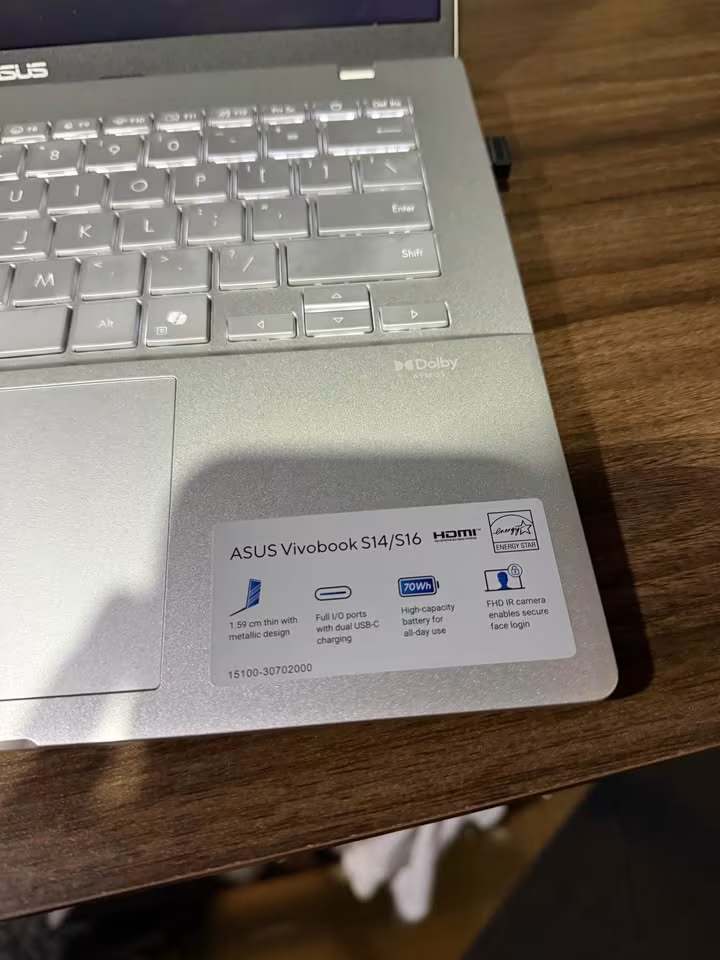
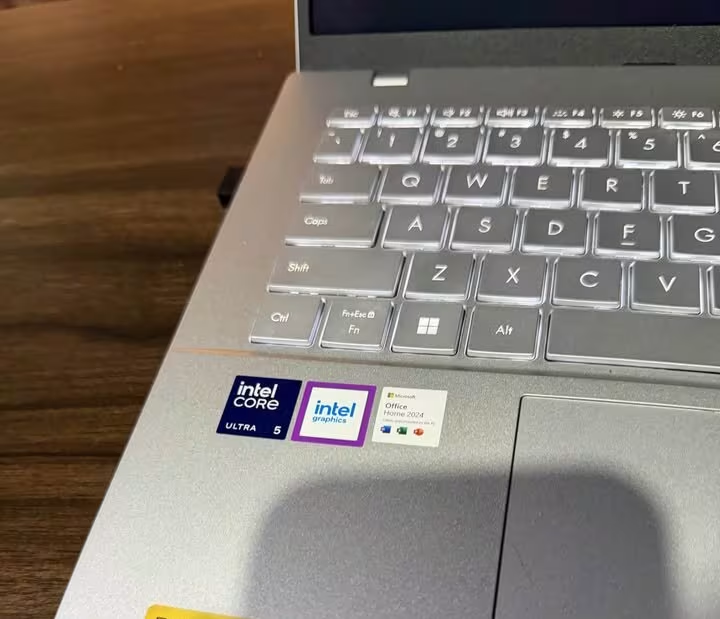
- Backlit Keyboard: Yes (with Copilot key)
- Webcam: FHD with privacy shutter
- Storage Capacity: 512 GB SSD
ASUS Vivobook 14
- Backlit Keyboard: Yes (with Copilot key)
- Webcam: FHD with IR (Windows Hello)
- Storage Capacity: 1 TB SSD
The biggest difference from the above listed points has to be the storage capacity, where the ASUS Vivobook 14 is having a 95% larger SSD if we compare it with the S14.
The ASUS Vivobook 14 laptop is coming ready to use straight from the box, but even then it is very easy for getting started. The setup is clicking easily into the place by following these below steps:
- Open the lid and then press the power button.
- Follow the Windows 11 initial setup wizard which appears.
- Connect with your Wi-Fi network and then sign in using your Microsoft account.
- Activate the Microsoft 365 Basic by redeeming the included license key.
The setup for the ASUS Vivobook S14 is basically same like the process of the Vivobook 14.
With any one of these two laptops, you can use the Copilot key by just simply pressing that dedicated key which is on the keyboard. Once the Copilot is launched, you can take it along on-the-go for doing the AI-assisted tasks.
Portability
Now lets talk about portability. There are some factors which comes when we discuss about portability:
- Weight: Both of these laptops are staying between 1.40–1.46 kg, so they are pretty much similar if we talk about the heaviness. The Vivobook S14 is little bit lighter with 1.40 kg, and on other side the Vivobook 14 is coming at 1.46 kg.
- Thickness: The Vivobook S14 is the more slim one between these two with only 1.59 cm, while the Vivobook 14 is measuring 1.79 cm in thickness.
- Battery: Here is the part where things become interesting — the Vivobook S14 is carrying a much bigger 70 Wh battery, but the Vivobook 14 is only coming with a smaller 42 Wh cell.
- Build: Both of the laptops are having a sleek looking design, where the Vivobook S14 is showing a premium metallic finish and the Vivobook 14 is giving a thin-and-light type body.
So all in all, there are some notable differences which we can talk about in the portability side. I will personally give the edge to the Vivobook S14 because of its more lighter weight, more thin profile, and the much bigger battery also.
Is it a good value?
Ok, so now let us talk about the value — which one is the best? The ASUS Vivobook S14 or the ASUS Vivobook 14?
Even though the prices can go up and down time to time, the Vivobook S14 is mostly a little bit cheaper than the Vivobook 14, coming at ₹80,990 when we compare it to ₹84,650.
The SSD on the Vivobook 14 is 512 GB more bigger (1 TB vs. 512 GB), which is not a small thing actually. For some peoples this can be the feature which pushes the Vivobook 14 on the top in the value side, but some other peoples may not care so much about it.
On the other side, the Vivobook S14 is offering a much bigger 70 Wh battery if we compare with the 42 Wh one on the Vivobook 14, and we also did notice a meaningful difference in the overall battery backup.
Specifications
Here is a quick side-by-side comparison of the ASUS Vivobook S14 vs. Vivobook 14.
| Specification | Vivobook S14 | Vivobook 14 |
| Type | Ultrabook | Thin & Light |
| Manufacturer | ASUS | ASUS |
| Model | S3407CA-LY060WS | X1407CA-LY1581WS |
| Processor | Intel Core Ultra 5 225H | Intel Core Ultra 5 225H |
| RAM | 16 GB DDR5 | 16 GB DDR5 |
| Storage | 512 GB PCIe 4.0 SSD | 1 TB PCIe 4.0 SSD |
| Display | 14″ FHD+ (1920 x 1200) | 14″ FHD+ (1920 x 1200) |
| Refresh Rate | 60 Hz | 60 Hz |
| Brightness | 300 nits | 300 nits |
| Screen-to-Body Ratio | 87% | 82.5% |
| Graphics | Integrated Intel Graphics | Integrated Intel Graphics |
| NPU | Intel AI Boost (up to 13 TOPS) | Intel AI Boost (up to 13 TOPS) |
| Battery | 70 Wh Li-ion | 42 Wh Li-ion |
| Weight | 1.40 kg | 1.46 kg |
| Thickness | 1.59 cm | 1.79 cm |
| Colour | Cool Silver | Platinum Gold |
| OS | Windows 11 Home | Windows 11 Home |
| Wi-Fi | Wi-Fi 6 | Wi-Fi 6E |
| MIL-STD 810H | No | Yes |
| Warranty | Standard | Standard |
The Differences
#1. Storage
The SSD inside the ASUS Vivobook 14 can holding up to 1 TB, but the ASUS Vivobook S14 only goes maximum till 512 GB. So if you want keep more files and softwares, the Vivobook 14 give you more room for that.
#2. Battery
There is one big difference in the battery capacity between Vivobook S14 and Vivobook 14, even though it not really affecting the daily usage that much. The Vivobook S14 carry a much bigger 70 Wh battery, while the Vivobook 14 having only 42 Wh, and because of this the S14 maybe last longer on some situations. But the real backup time is always depend on how heavy you use the laptop.
#3. Build & Design
The Vivobook S14 come with a premium metallic body in Cool Silver colour, and the Vivobook 14 go for a thin-and-light type build in Platinum Gold. The S14 is also more slim at 1.59 cm when compare to 1.79 cm, and lighter also at 1.40 kg against 1.46 kg. One more thing, the Vivobook 14 is having the MIL-STD 810H military-grade durability rating, which the S14 not getting.
#4. Screen-to-Body Ratio
The Vivobook S14 is giving a higher screen-to-body ratio around 87%, but the Vivobook 14 only sit at 82.5%. This mean the S14 fitting more screen inside the same body size, so you get thinner bezels and more immersive kind of viewing feel.
#5. Wireless Connectivity
The Vivobook 14 is supporting Wi-Fi 6E, while the Vivobook S14 only coming with the normal Wi-Fi 6. The Wi-Fi 6E is opening the 6 GHz band, which mean less crowded and maybe faster wireless connection, but the actual benefit will depend on your router and the network setup you have.